
Raply.AI
Raply.AI: AI-powered Chrome extension for improved email writing, replying, and summarizing.
AI-powered Chrome extensionemail communicationmultilingual support
Introduction
What is Raply.AI? Raply.AI is an AI-powered Chrome extension that transforms the way you write, reply, and summarize emails. It offers a range of features to enhance your email communication, including multilingual support, email composition with tones and styles, one-click smart email replies, and automatic email summarization. With Raply.AI, you can save time, compose professional emails effortlessly, and improve your overall email productivity.
Key Features
Multilingual support for composing, summarizing, and replying to emails in any language
Effortless email composition using tones and styles with customizable templates
One-click smart email replies for context-aware and relevant responses
Automatic email summarization to quickly understand the main points of lengthy emails
Seamless integration with popular email platforms like Outlook and Gmail
Privacy-focused with strict data access policies and state-of-the-art encryption
Frequently Asked Questions
What is Raply.AI?
How to use Raply.AI?
Is Raply.AI compatible with multiple email platforms?
Can I compose emails in any language using Raply.AI?
Is my email content and personal information secure with Raply.AI?
How does Raply.AI help save time in email communication?
Can Raply.AI be used by businesses operating globally?
Similar Tools

Plagiarism Remover
Eliminate plagiarism in your text with this free AI tool. Enhance your writing by rephrasing content effortlessly. Try it now!

Parafrasear Textos
Enhance the quality of your text with our online tool for paraphrasing. Improve readability and make your content stand out.
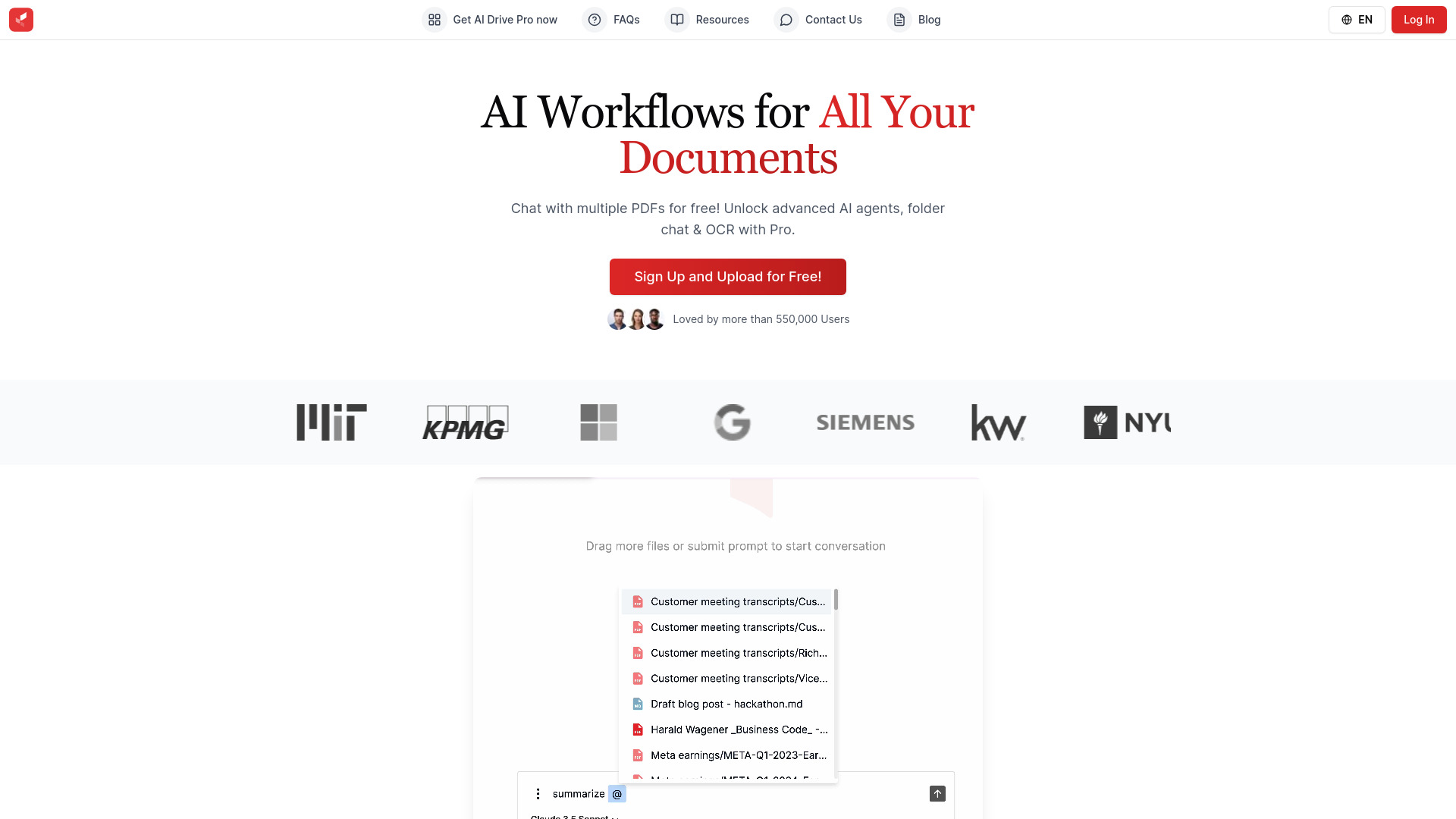
AI Drive
Experience the convenience of AI Drive, the app that utilizes artificial intelligence to enhance your driving experience. Say goodbye to manual control!
Use Cases
- Enhance professional communication by crafting well-structured and professional emails
- Save time by generating quick and context-aware email replies
- Efficiently address customer concerns and increase satisfaction
- Improve HR communication by providing consistent and prompt responses to employee inquiries
- Increase email productivity for project managers and sales teams
- Facilitate multilingual communication for businesses operating globally
How to Use
How to Use Raply.AI? Using Raply.AI is simple and user-friendly. Follow these steps to leverage its powerful features: 1. Install the Raply.AI Chrome extension from the Chrome Web Store. 2. Open your email platform (like Outlook or Gmail). 3. Compose an email in the language of your choice and select desired tones and styles. 4. Choose from customizable templates for various situations to save time. 5. To generate context-aware replies, click on the 'Smart Reply' option and select the most appropriate response. 6. If you receive lengthy emails, Raply.AI can automatically create concise summaries to help you understand the main points quickly and take action. Enjoy the enhanced email experience with Raply.AI!