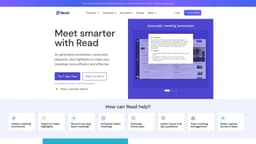
Read
Read improves meeting wellness with scheduling, analytics, summaries, and recommendations.
automated meeting reportstranscriptsmeeting notes
Introduction
Read is a platform that improves meeting wellness in a hybrid world by offering better scheduling, real-time analytics, meeting summaries, transcription, video playback, automated recommendations, and more. It helps identify and eliminate unnecessary meeting hours.
Key Features
The core features of Read include automatic meeting summaries, transcription augmented with reactions, video playback with AI highlights, instant meeting summaries, AI video highlights, recording and playback of meetings, better meeting scheduling, generating transcripts, managing team meetings, and AI-powered recaps.
Frequently Asked Questions
What is Read?
How to use Read?
What does Read offer to improve meeting wellness?
How can Read help in meeting management?
What are the core features of Read?
What are some use cases of Read?
Similar Tools

Plagiarism Remover
Eliminate plagiarism in your text with this free AI tool. Enhance your writing by rephrasing content effortlessly. Try it now!

Parafrasear Textos
Enhance the quality of your text with our online tool for paraphrasing. Improve readability and make your content stand out.
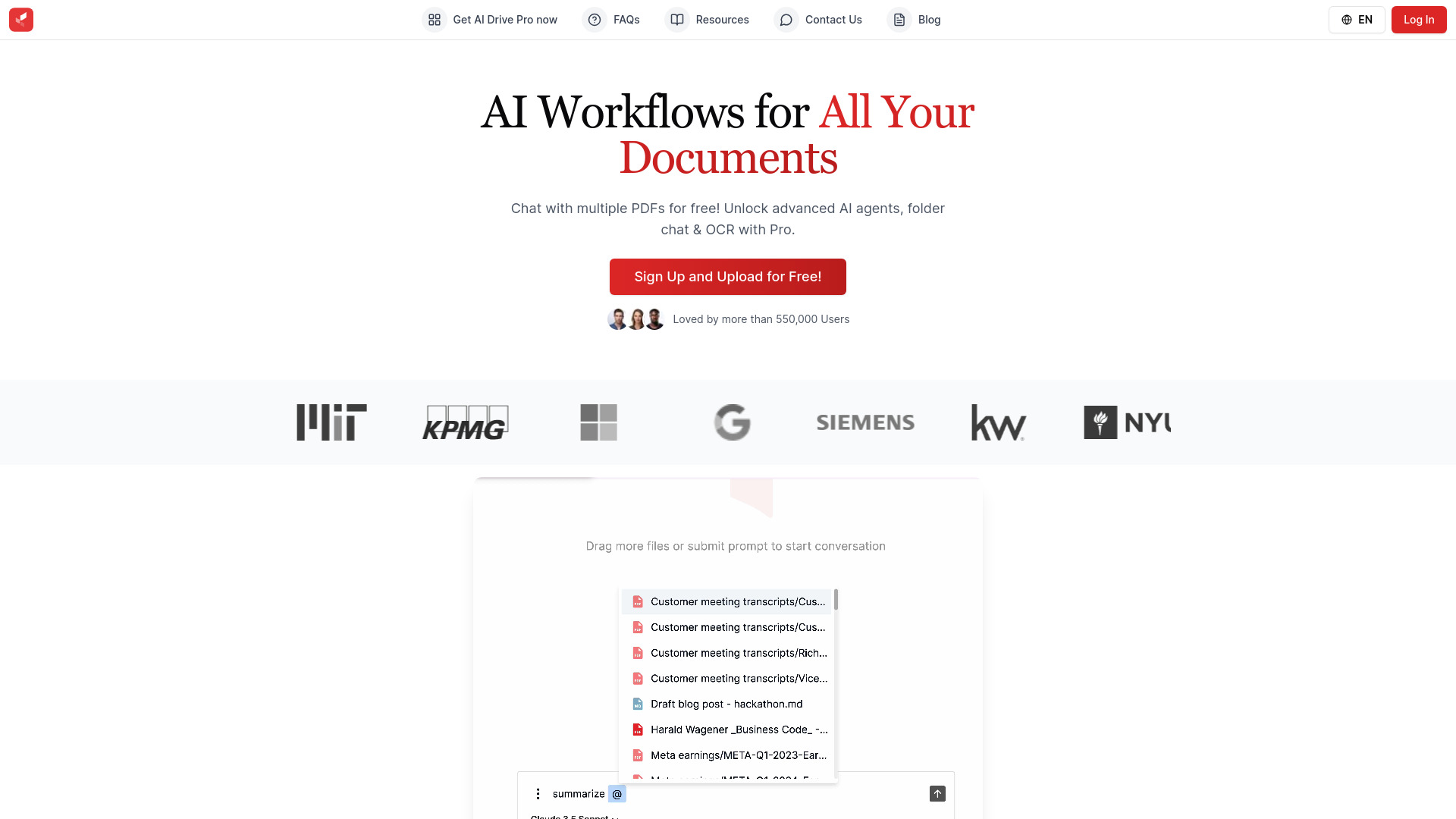
AI Drive
Experience the convenience of AI Drive, the app that utilizes artificial intelligence to enhance your driving experience. Say goodbye to manual control!
Use Cases
- Read can be used in various scenarios such as education, engineering, presentations, recruiting, and sales. It helps in making meetings more efficient and effective by providing AI-generated summaries, transcripts, playback, and highlights.
How to Use
To use Read, you need to connect your calendar and choose which meetings the platform should automatically join. Read joins the meetings as a participant, takes notes, and provides a meeting recap with a summary, transcript, playback, and more. You can share the recap with others via email, calendar, or by copying the link.