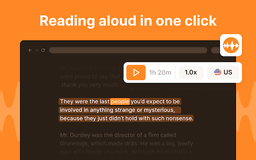
Read to Me Chrome Extension - Chrome Extension
Chrome extension for text to speech
Introduction
What stands out?
Frequently Asked Questions
What is Read to Me Chrome Extension?
How to use Read to Me Chrome Extension?
Is Read to Me free to use?
Can I customize the voice in Read to Me?
Reviews & Feedback
Share your experience with the community
User Comments (0)
No reviews yet. Be the first to share your thoughts!
Statistics
Similar Tools
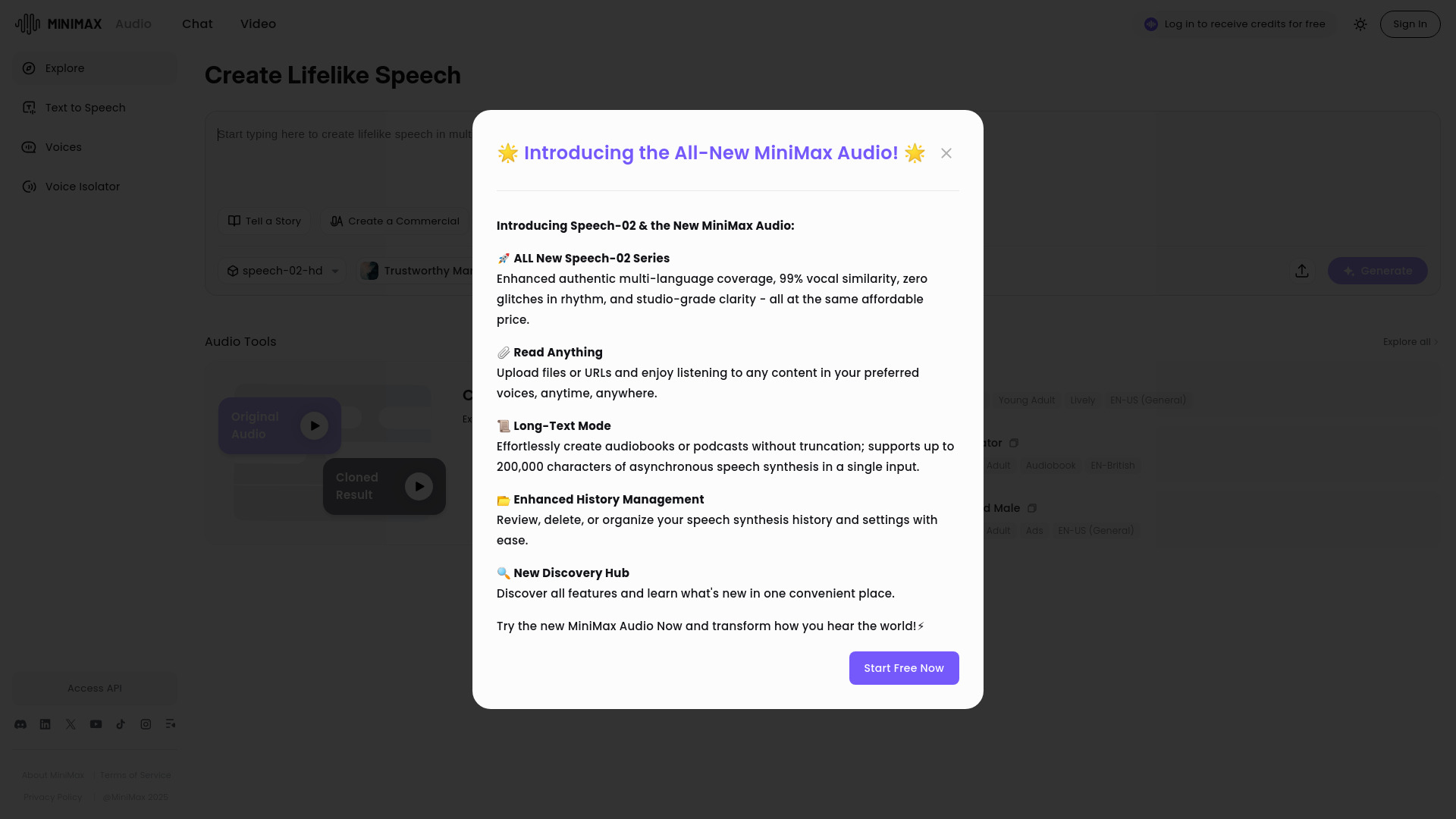
MiniMax Audio
Discover MiniMax Audio, a powerful app for maximizing your audio experience on your device. Enhance sound quality and enjoy your music like never before.

MiniMax
Experience AI technology that generates text, images, videos, and audio effortlessly. Unleash the power of cutting-edge tools for content creation in one comprehensive application.
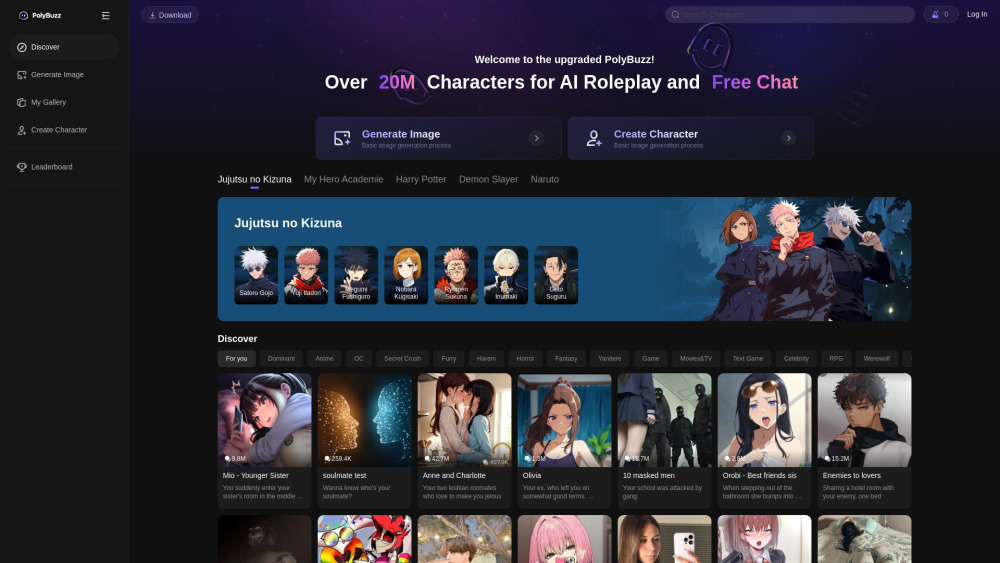
PolyBuzz
PolyBuzz offers free, private, and unrestricted AI chat and immersive roleplay with over 20 million characters.
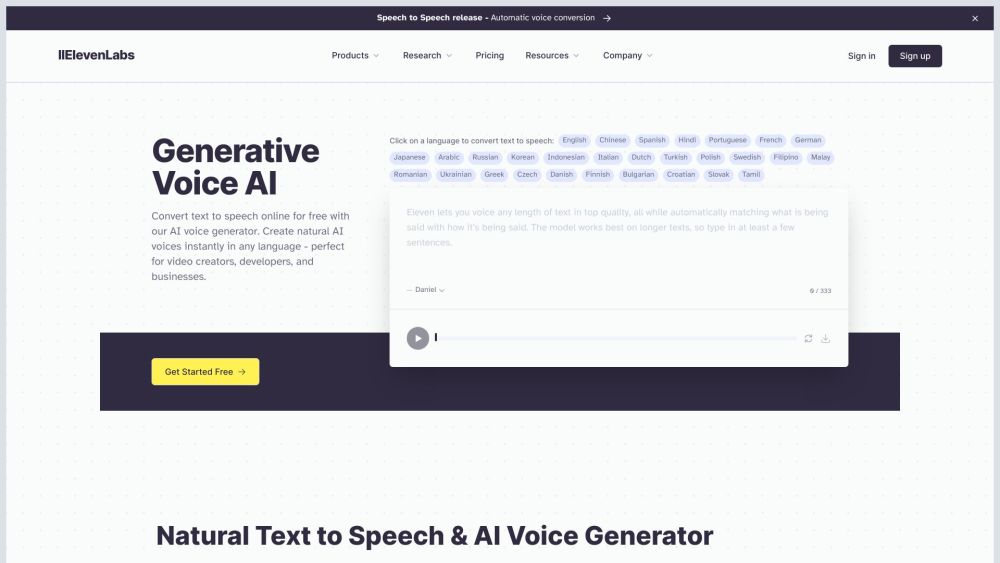
ElevenLabs
Effortlessly produce top-notch AI voices in just minutes with this app. Upgrade your content with high-quality voiceovers quickly and easily.
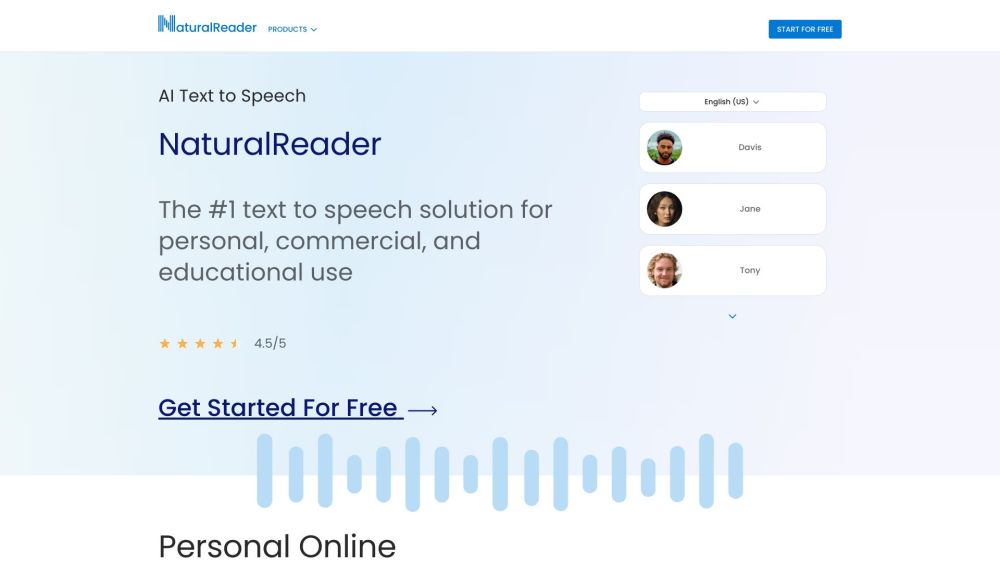
NaturalReader
NaturalReader converts text into spoken audio for users to listen to their documents.
Use Cases
- Listen to articles and web content while multitasking
- Assist users with visual impairments