
Readefine
Change how you read online with ease.
Introduction
Readefine is a browser extension that allows you to change how you read online. It simplifies jargon, translates into multiple languages, converts units, and even allows you to reword content like a pirate with just one click.
What stands out?
Simplify jargon
Translate into multiple languages
Convert units
Reword content
Frequently Asked Questions
What is Readefine?
How to use Readefine?
What is Readefine?
How do I use Readefine?
What are the core features of Readefine?
What can Readefine be used for?
Is Readefine free to use?
More Information
Readefine Company
Readefine Company name: Readefine LLC .
Reviews & Feedback
Share your experience with the community
0.0
Based on 0 reviews
User Comments (0)
Sort Criteria
Order
No reviews yet. Be the first to share your thoughts!
Statistics
Monthly visits
NaN
Saved by users
0
Rating
0.0/ 5.0
Added on
—
Similar Tools

OpusClip Captions
Easily add animated captions to your videos with just one click using this innovative application. Enhance your videos instantly!

Gemini
Unlock the power of Google's AI models right on your mobile device with direct access. Access advanced technology at your fingertips.

AI Content Solutions
Elevate your brand with AI Content Solutions, converting AI-generated content into polished writing that reflects your brand's identity.
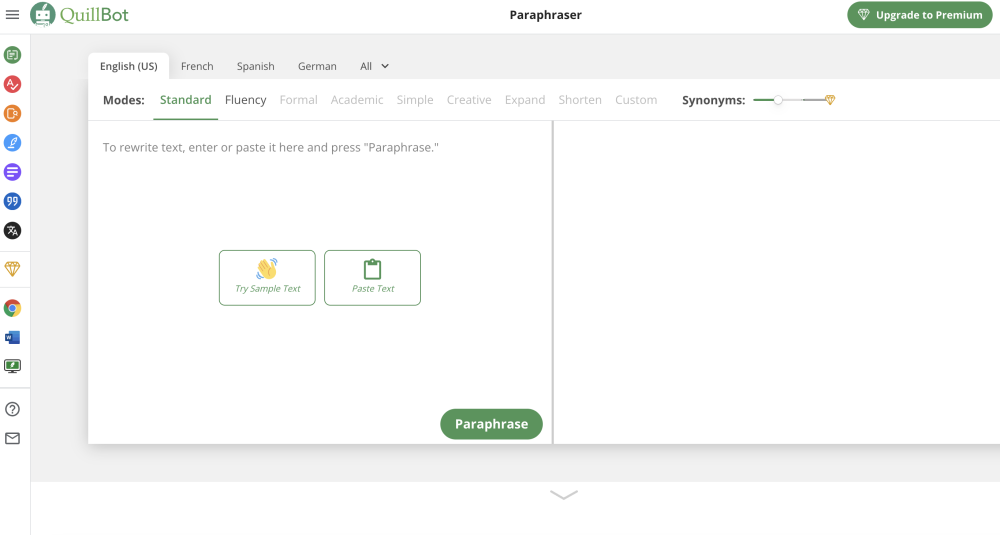
Quillbot
Discover a digital tool for rephrasing text online. Easily rewrite sentences with this innovative application. Perfect for content creators and writers.
Use Cases
- Readefine can be used in various situations, such as understanding complex topics, communicating with non-native speakers, converting measurements, and adding a fun twist to browsing the internet.
How to Use
To use Readefine, simply install the browser extension and enable JavaScript. Then, you can start rewording the internet to suit your needs.