
Recally
Screenshot management app for macOS
Introduction
Recally is the best app for managing and organizing screenshots on macOS. It offers real-time OCR, AI-driven visual search, and secure offline operation. Users can encrypt their data and easily search for screenshots with cutting-edge AI technology.
What stands out?
High security with encrypted data
Real-time OCR for text recognition
AI-driven visual search for image matching
Offline operation for data privacy
Frequently Asked Questions
What is Recally?
How to use Recally?
Is Recally available for other operating systems?
Can Recally be used to organize screenshots from different applications?
More Information
Recally Support Email & Customer service contact & Refund contact etc.
Here is the Recally support email for customer service: [email protected] .
Reviews & Feedback
Share your experience with the community
0.0
Based on 0 reviews
User Comments (0)
Sort Criteria
Order
No reviews yet. Be the first to share your thoughts!
Statistics
Monthly visits
NaN
Saved by users
0
Rating
0.0/ 5.0
Added on
—
Similar Tools

Cutout.Pro
Revolutionize your photo editing with our AI-powered platform that also generates content. Enhance your images effortlessly and efficiently!
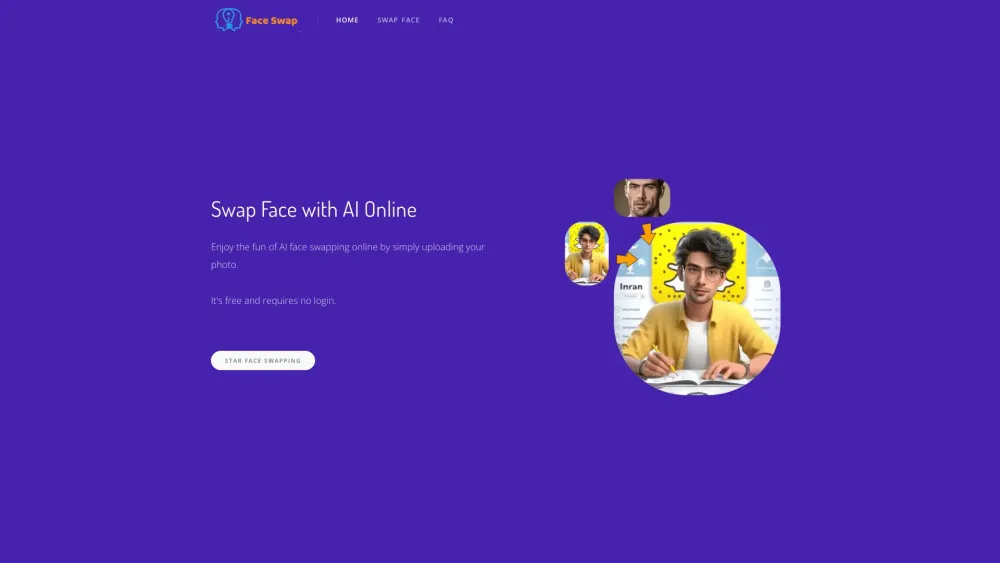
AI Face Swap
Easily swap faces using a cutting-edge AI technology online by uploading your photo for a fun and entertaining experience.

Kapwing
Collaborate online with Kapwing to create, customize, and expand your content effortlessly.

PicWish
Revolutionize your image editing with our AI-driven tool for processing images. Enhance, retouch, and transform your photos with ease.

CapCut
AI-powered video editor and graphic design tool for all platforms.
Use Cases
- Effortlessly manage and organize screenshots on macOS
- Secure and encrypt screenshots for privacy
- Search and browse screenshots with AI-driven visual search
How to Use
To use Recally, simply download the app on macOS. Users can then take screenshots using Command + Shift + S and effortlessly organize, browse, and search them. The app operates completely offline, ensuring data privacy and security.