
Recast
Recast transforms articles into audio summaries for convenient consumption.
audio summariesarticlesreading
Introduction
Recast is a platform that turns your want-to-read articles into rich audio summaries. It eliminates the hassle of reading long articles by transforming them into entertaining, informative, and easy-to-understand audio conversations. With Recast, you can consume content on the go, during workouts, or whenever you're looking for a more convenient way to stay informed.
Key Features
Transform articles into audio summaries
Save time by listening instead of reading
Lower screen-time by consuming content while multitasking
Hosts explain articles conversationally for better understanding
Discover interesting stories curated by others
Clear open tabs and inbox newsletters by converting them into audio format
Frequently Asked Questions
What is Recast?
How to use Recast?
How can I listen to a recast?
Is there an app available?
Can I add my own articles?
How can I use the Chrome Extension?
Can I have my recasts in my podcast app?
Similar Tools

Plagiarism Remover
Eliminate plagiarism in your text with this free AI tool. Enhance your writing by rephrasing content effortlessly. Try it now!

Parafrasear Textos
Enhance the quality of your text with our online tool for paraphrasing. Improve readability and make your content stand out.
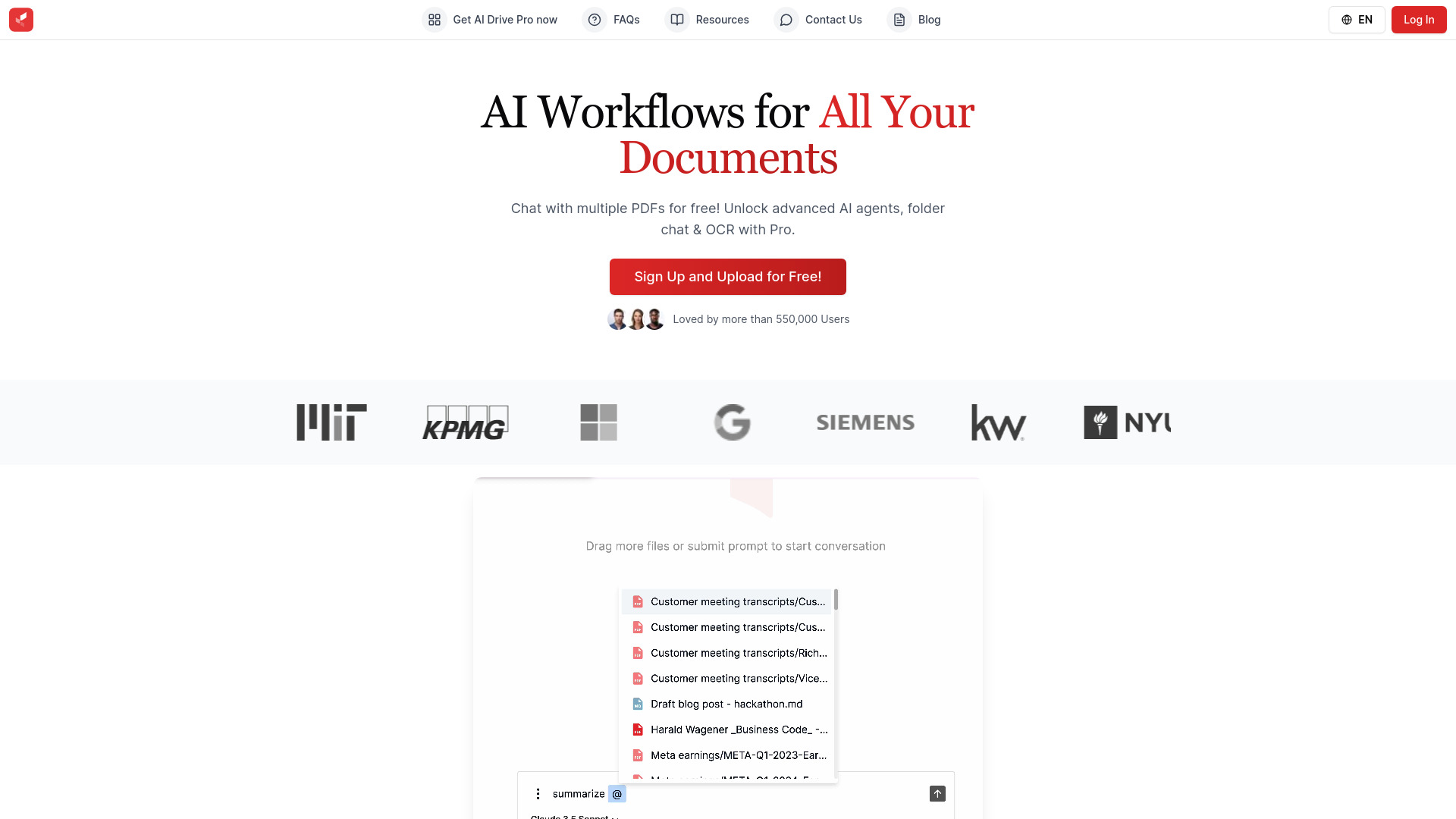
AI Drive
Experience the convenience of AI Drive, the app that utilizes artificial intelligence to enhance your driving experience. Say goodbye to manual control!
Use Cases
- Staying informed while on the go
- Making the most of downtime by listening to informative summaries
- Avoiding information overload by filtering and expanding horizons
- Clearing reading lists by converting articles into podcasts
- Enhancing productivity by multitasking with audio content
How to Use
To use Recast, you can download the iOS app or Chrome extension. Once installed, you can add your own articles via the share sheet or the in-app browser. Alternatively, you can find an article you want to recast and use the Meerkat button on the Chrome extension. Recast will then convert the article into a podcast-like conversation that you can easily listen to.