
RecCloud
A comprehensive AI-powered multimedia service platform for video recording, editing, chat, subtitles, and speech-to-text.
video recordingvideo editingAI chat
Introduction
RecCloud is a free multifunctional online application dedicated to providing users with comprehensive video recording and editing services. It also offers various AI tools including Chatvideo, AI speech-to-text, and AI subtitles.
Key Features
Video recording
Video editing
AI video chat
AI subtitles
AI speech-to-text
Online screen recording
Storage and sharing
Frequently Asked Questions
What is RecCloud?
How to use RecCloud?
What services does RecCloud offer?
What AI tools are available on RecCloud?
What are the use cases of RecCloud?
Is RecCloud suitable for educational purposes?
Can RecCloud be used for gaming?
Is RecCloud suitable for finance-related tasks?
Does RecCloud have API services for developers?
Similar Tools
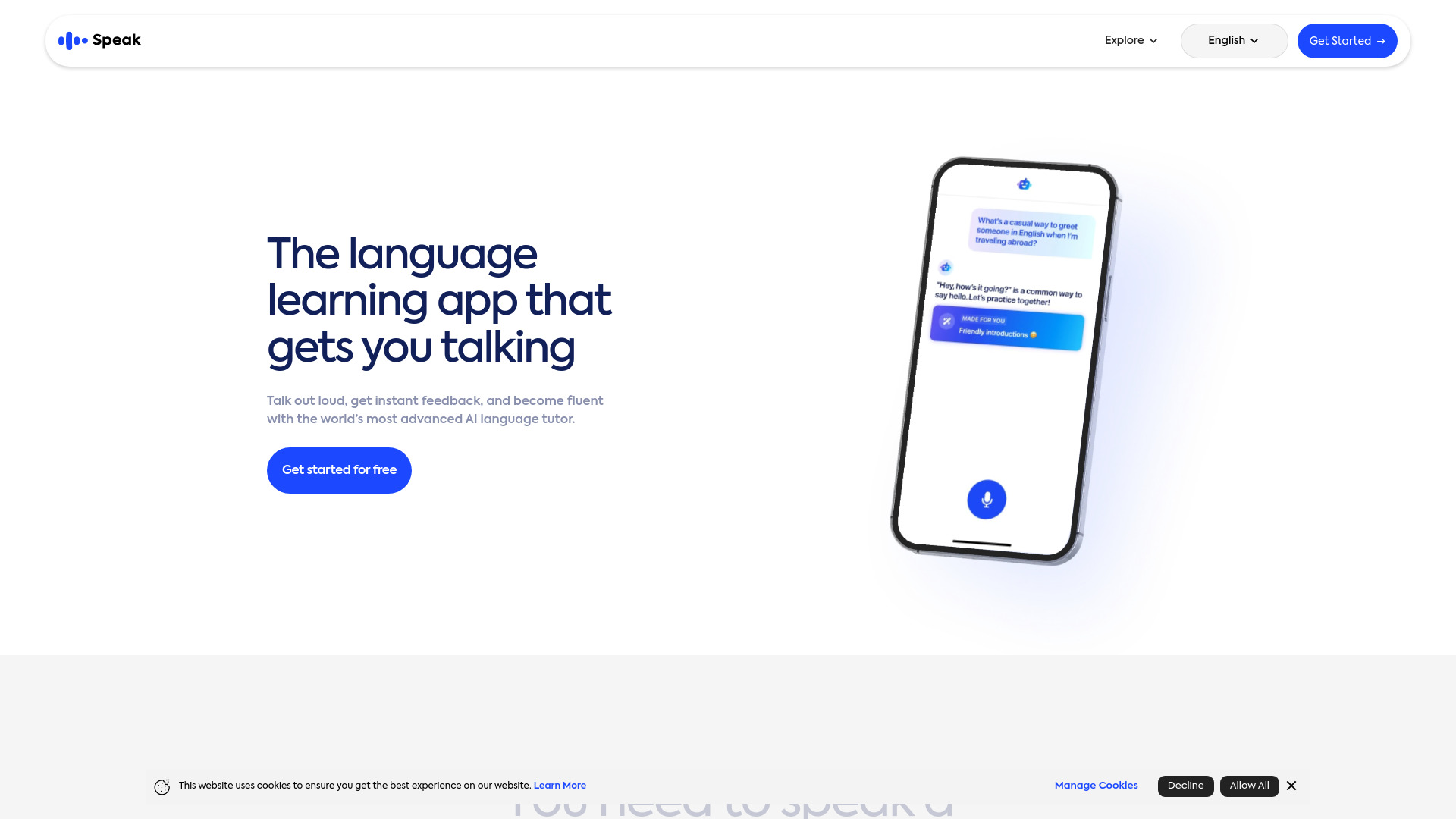
Speak
Enhance your language skills with an innovative app using AI technology for practicing real conversations.
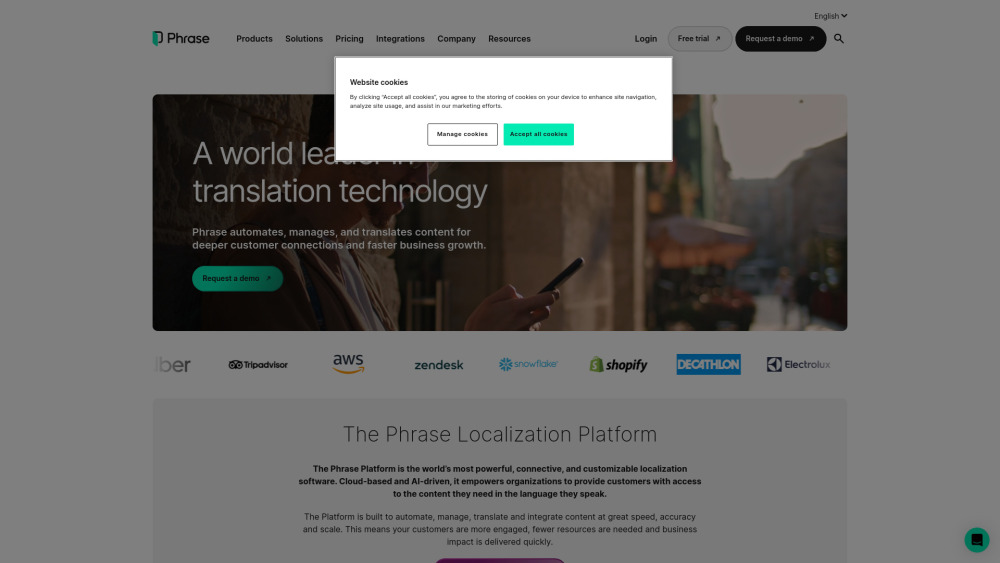
Phrase (Frm. Memsource)
Empowering localization with a robust platform for managing and automating translations efficiently. A powerful solution for translation management.
Rephrase
Boost text quality with our macOS AI writing assistant for improved content creation. Ideal for enhancing writing productivity on your computer.
Use Cases
- Enhancing video creation efficiency
- Adding subtitles and captions
- Converting speech to text
- Summarizing video content
- Translating videos into other languages
- Trimming and merging videos
- Converting videos to GIF animations
- Extracting audio from videos
- Combining multiple clips
- Changing video speed
- Multi-screen recording
- Advanced video editing
How to Use
To use RecCloud, simply visit our website and create an account. Once logged in, you can start recording and editing videos using our online tools. Additionally, you can take advantage of our AI features such as Chatvideo, AI speech-to-text, and AI subtitles.