
Recos
Recos is a secure and efficient web app that transcribes audio into text.
Introduction
Recos is a web app that transcribes audio content into text using the Whisper API from OpenAI. It provides a stable and scalable experience, with complete confidentiality for your content.
What stands out?
Recos offers stability by using the Whisper API from OpenAI, ensuring a fast and reliable transcription process. It can handle large audio files up to 100 MB, providing scalability for various transcription needs. Complete confidentiality is maintained as Recos does not retain any files on its servers.
Frequently Asked Questions
What is Recos?
How to use Recos?
What audio file formats does Recos support?
How accurate is the transcription generated by Recos?
How does the credit count work?
More Information
Recos Login
Recos Login Link: https://www.recos.studio/login
Recos Pricing
Recos Pricing Link: https://www.recos.studio/pricing
Recos Twitter
Recos Twitter Link: https://twitter.com/shimenmen
Recos Github
Recos Github Link: https://github.com/stonega/recommends
Reviews & Feedback
Share your experience with the community
0.0
Based on 0 reviews
User Comments (0)
Sort Criteria
Order
No reviews yet. Be the first to share your thoughts!
Statistics
Monthly visits
NaN
Saved by users
0
Rating
0.0/ 5.0
Added on
—
Similar Tools

TurboScribe
Unlimited AI transcription with 99.8% accuracy in 98+ languages.

Clipto
Elevate your transcription game with our cutting-edge AI service for converting audio, video, and YouTube files into text. Try it now!
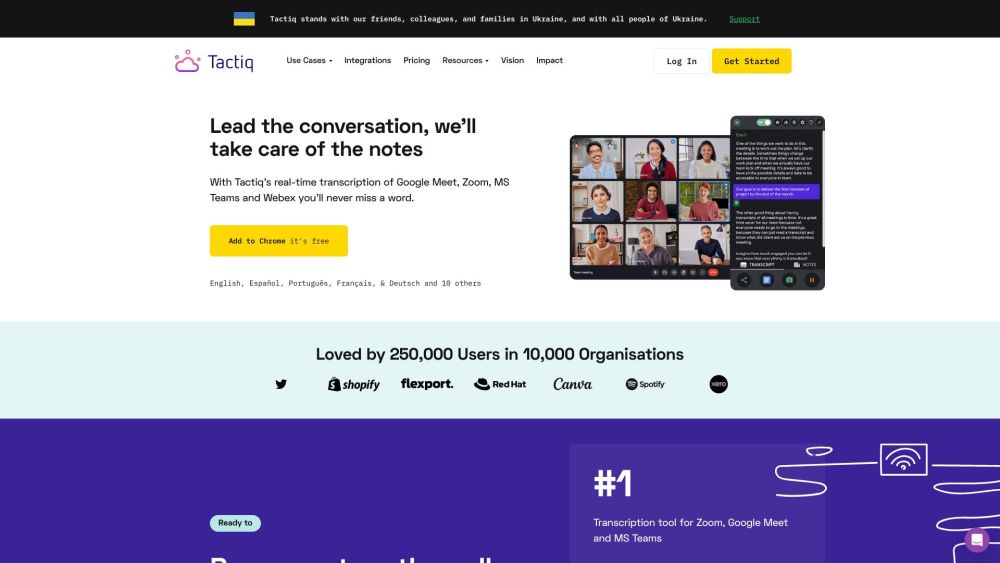
Tactiq
Tactiq is a top transcription tool for online meetings, offering real-time transcription and meeting summaries.
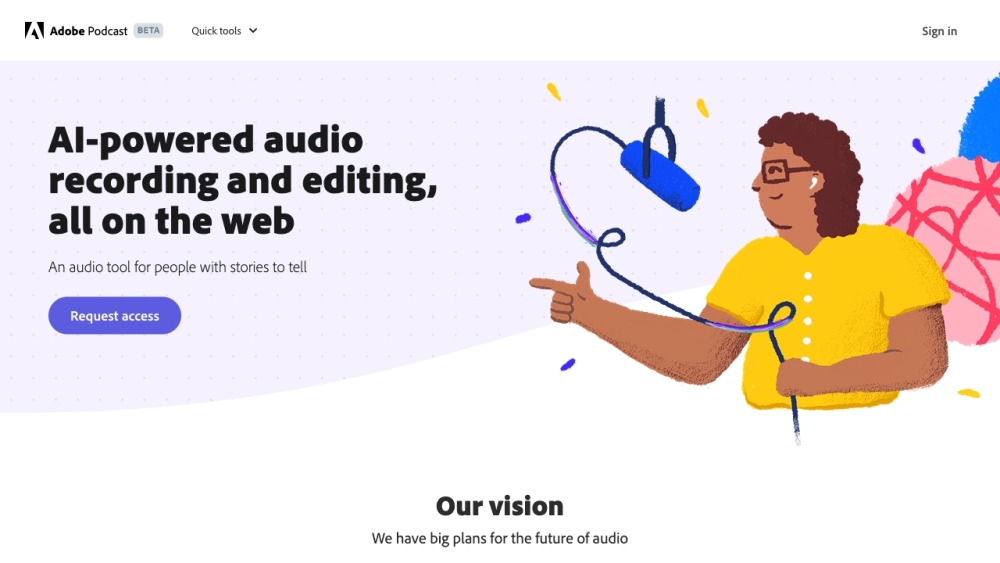
Adobe Podcast
Adobe Podcast is a web platform with AI audio features for recording, transcribing, editing, and sharing audio content.
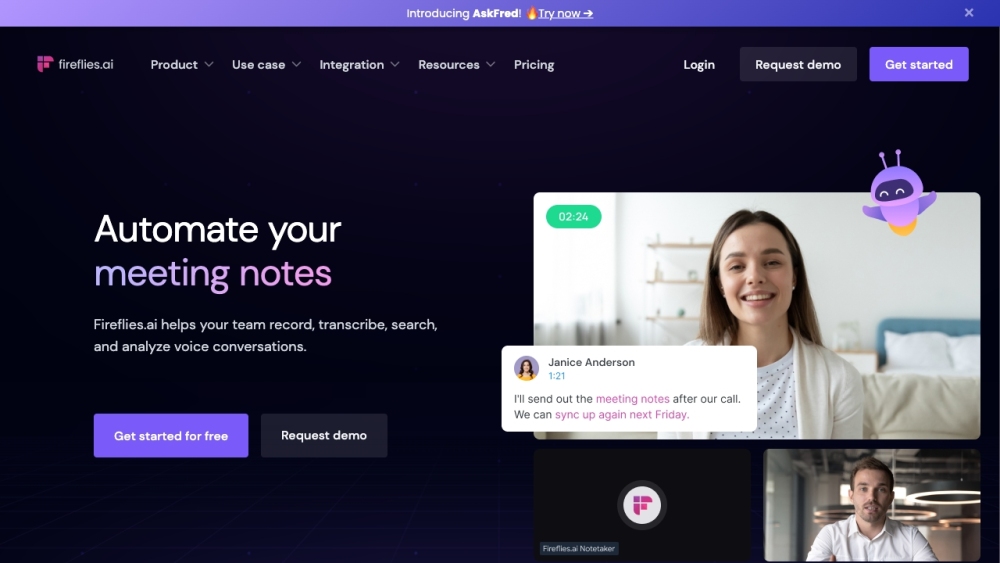
Fireflies.ai
Fireflies.ai is an innovative tool that uses artificial intelligence to transcribe, summarize, and analyze voice conversations effectively.
Use Cases
- Recos is useful for various scenarios such as transcribing podcasts, converting audio lectures into text, creating subtitles for videos, and more. It can be used by content creators, researchers, students, and anyone in need of accurate and efficient audio-to-text conversion.
How to Use
To use Recos, simply log in to the website and upload your audio file in one of the supported formats (MP3, WAV, M4A, FLAC). You can either use your own OpenAI API key or login to use credits. Each credit allows you to generate 1 minute of audio transcription. Once the transcription is generated, you can download the text output.