Introduction
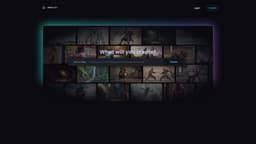
Create videos from text descriptions, images, or drawings!
Key Features
Create videos from text
Create videos from images
Create videos from drawings
Frequently Asked Questions
What is Reel Studio?
How to use Reel Studio?
Can I add music to my videos?
Can I customize the visual effects of my videos?
Can I export my videos in different formats?
Similar Tools



Use Cases
- Generate content for social media posts
- Create videos for YouTube channels
How to Use
1. Login to Reel Studio. 2. Choose the type of content (text, image, or drawing) you want to create a video from. 3. Enter your content or upload your image or drawing. 4. Click on the 'Create' button to generate the video.