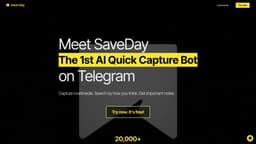
SaveDay
SaveDay is a versatile Telegram bot for bookmarking and organizing content effectively.
bookmarkingsaving contentTelegram bot
Introduction
SaveDay is a Telegram bookmarking bot that allows users to save and organize a wide range of content, including web pages, articles, PDFs, YouTube videos, and podcasts. With AI-driven search capabilities, users can easily retrieve their saved items and enjoy article and YouTube video summaries. SaveDay offers seamless organization and enhanced productivity.
Key Features
Save and organize various types of content
AI-driven search capabilities for easy retrieval
Instant summaries for articles and YouTube videos
Shareable key notes with stunning templates
Seamless integration with Telegram
Frequently Asked Questions
What is SaveDay?
How to use SaveDay?
Is there a limit to the number of links I can save with SaveDay Bot?
What is the difference between SaveDay Bot and Notion or other note-taking solutions?
Is my saved content private and secure?
Can I access my saved content from multiple devices?
Is there a fee to use SaveDay Bot?
Similar Tools

MetaGPT (MGX)
Get access to 24/7 AI Teams for creating apps, games, PPTs, and analysis. Boost productivity with innovative tools at your fingertips.
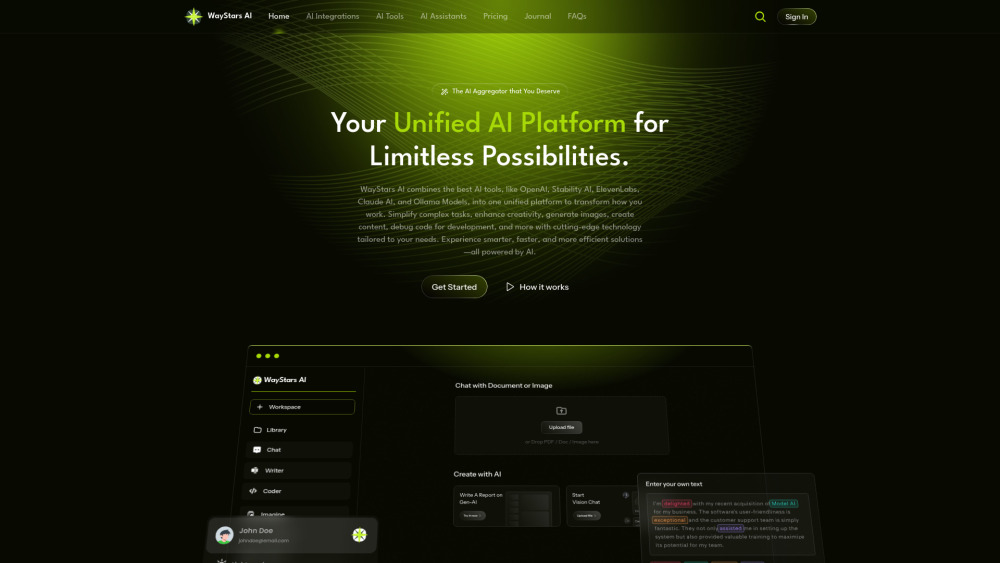
WayStars AI- Your Unified AI Platform
WayStars AI is a comprehensive suite of AI tools that combines advanced models, productivity features, and creative functions into one seamless platform. Unleash the power of AI with WayStars.
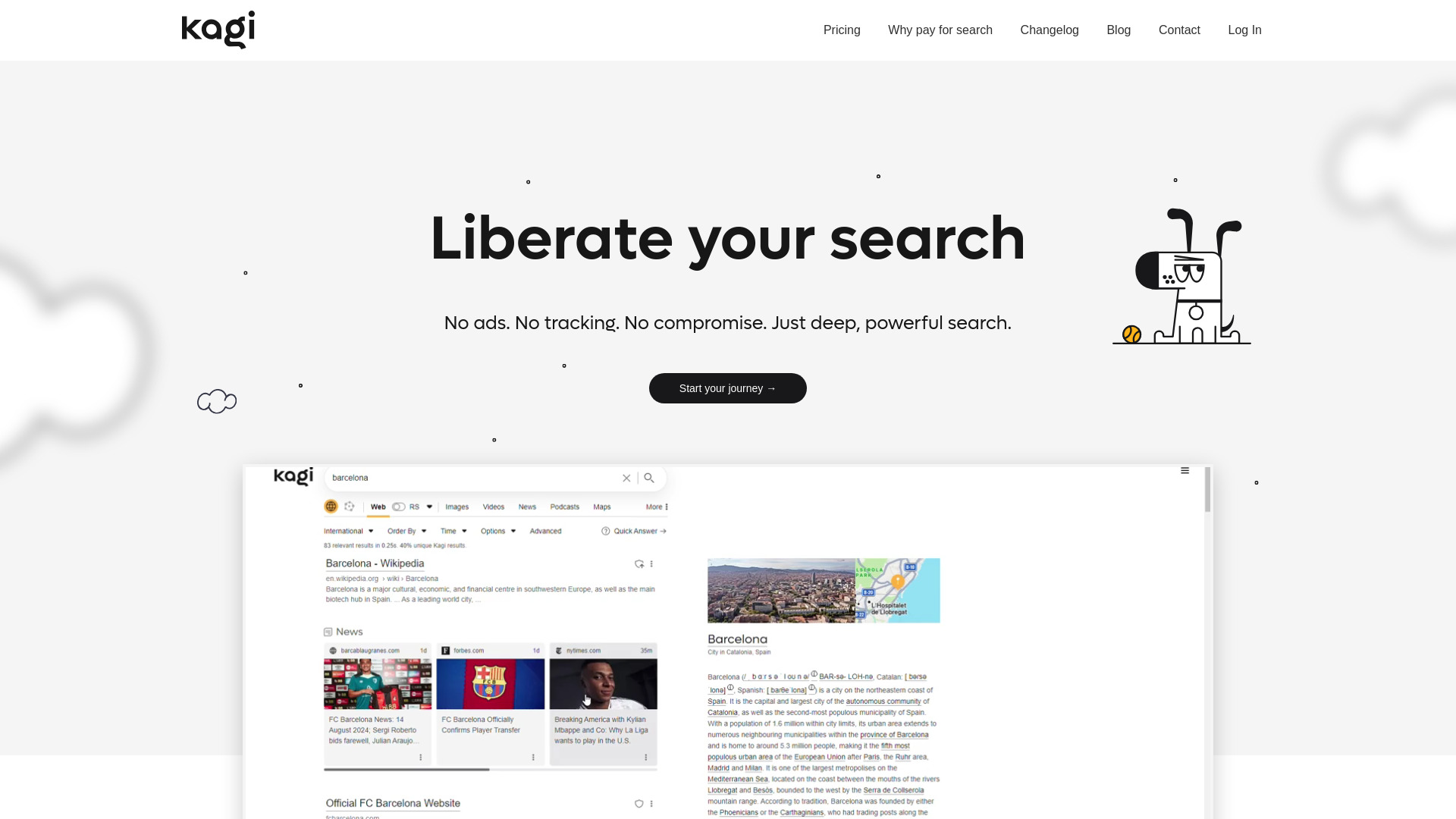
Kagi Search
Discover a top-tier search engine that prioritizes user privacy and delivers an exceptional browsing experience.
Use Cases
- Students - summarize long articles for easy reading
- Researchers - save research resources for easy reference
- Entrepreneurs - quickly share knowledge with teams
- Content creators - capture inspirations and search them back for writing
- Designers - save and search design inspirations
- Knowledge lovers - capture and consume knowledge from multiple sources
How to Use
To use SaveDay, simply add the bot to your Telegram app and start saving content. You can save content by sending the link or file to the bot, and it will automatically organize it for you. To retrieve saved content, use the search function and enter relevant keywords. SaveDay will provide instant summaries for articles and YouTube videos, allowing you to quickly consume information. You can also share saved content with others using stunning templates.