Introduction
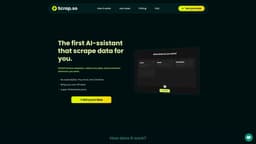
Scrap.so is the first AI-mployee that can browse websites and collect data for you.
Key Features
Data Collection
Web Browsing
Data Extraction
Lead Generation
Market Research
Competitor Analysis
Frequently Asked Questions
What is Scrap.so?
How to use Scrap.so?
When will the app be released?
Why should I buy in Beta instead of waiting for the final release?
One-time payment?
What API key do I need?
Can Scrap access every website?
What happens after one year?
Do you support MacOS and Windows?
Can I get a refund?
What does SCRAP mean?
Similar Tools
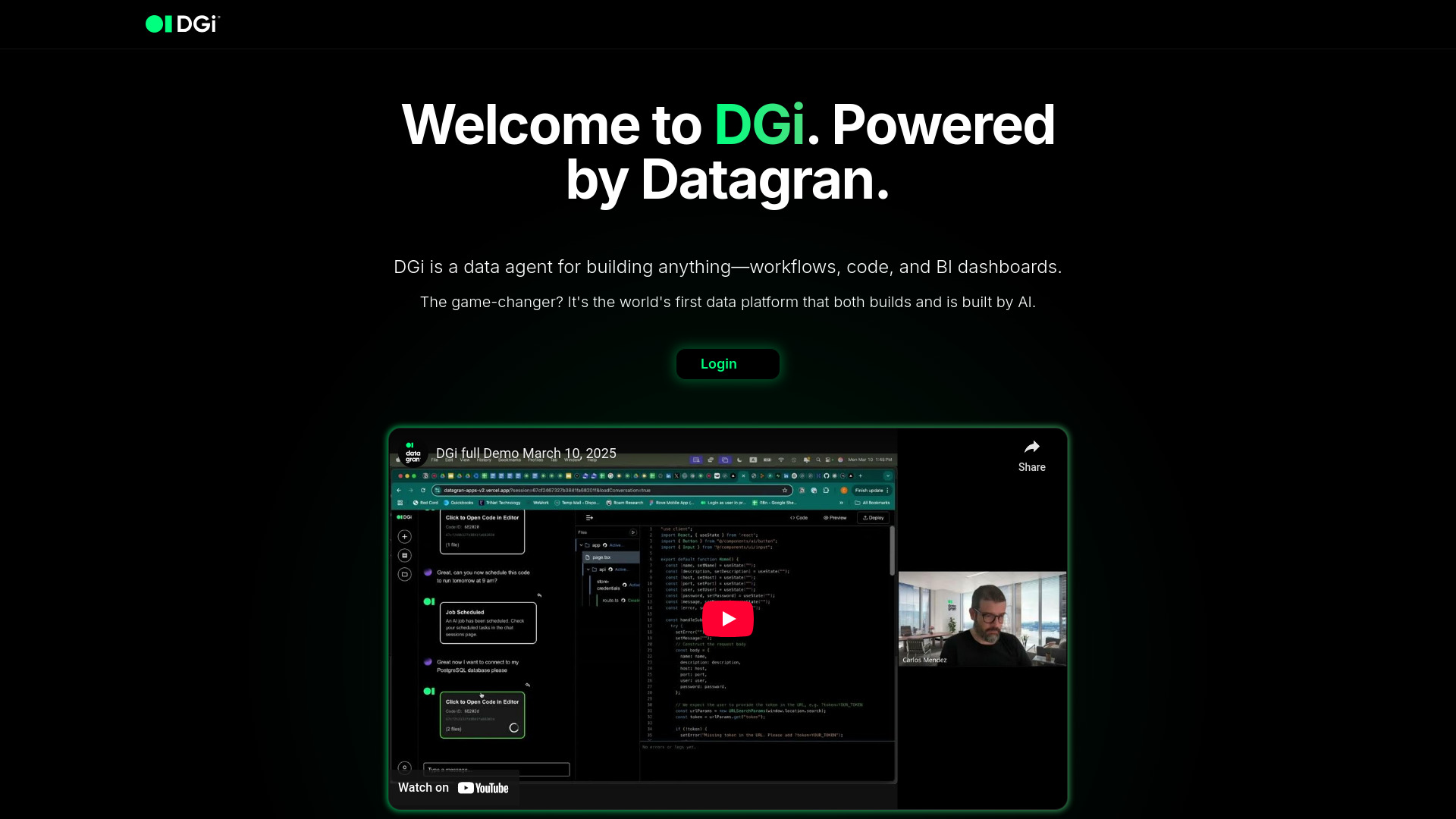
DGi
Revolutionize data workflows with our AI agent, enabling automation through intuitive visual interfaces. Streamline tasks effortlessly.
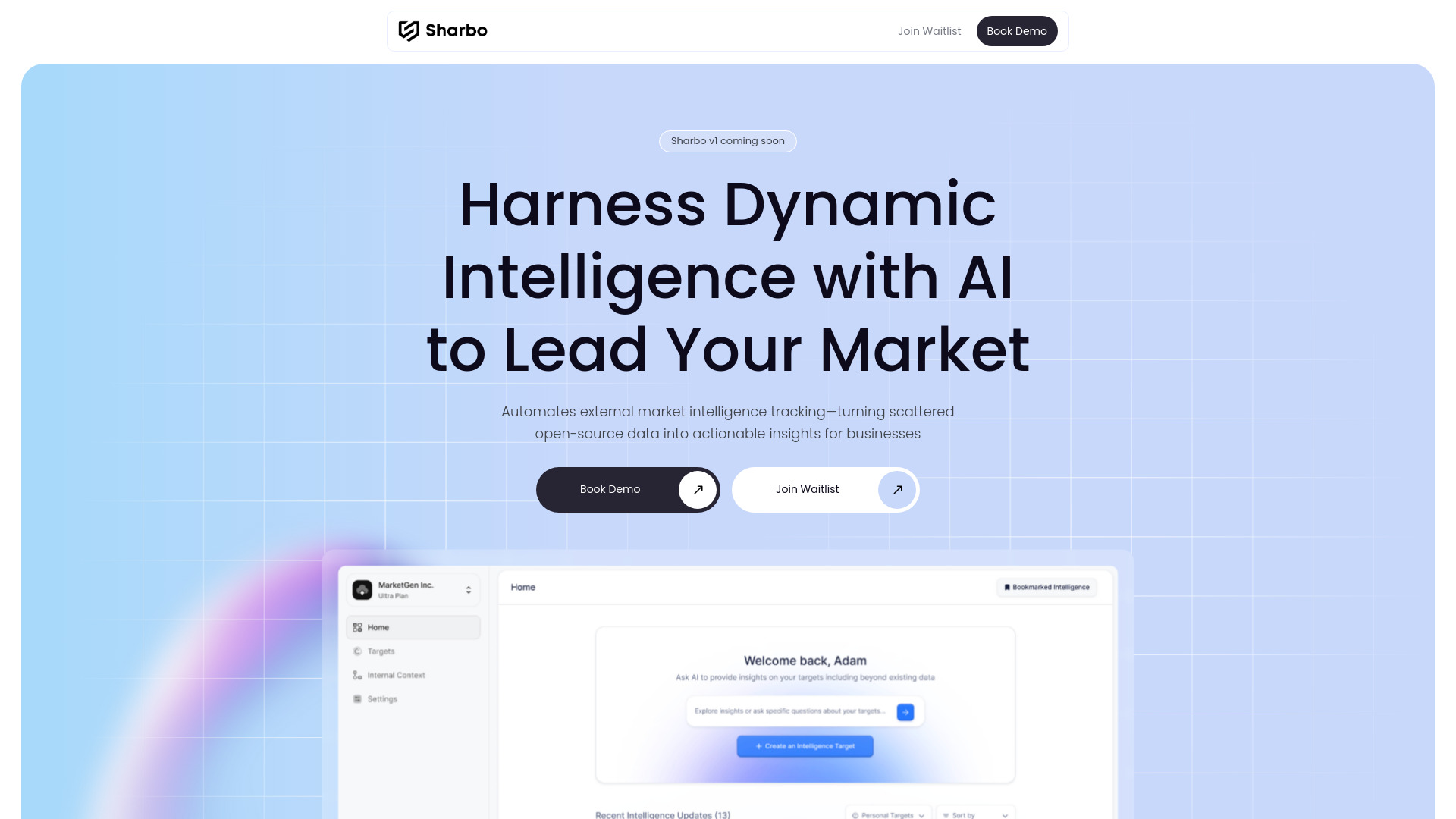
Sharbo AI
Revolutionize your business with our automated market insight collection and analysis tool. Stay ahead of the competition effortlessly.
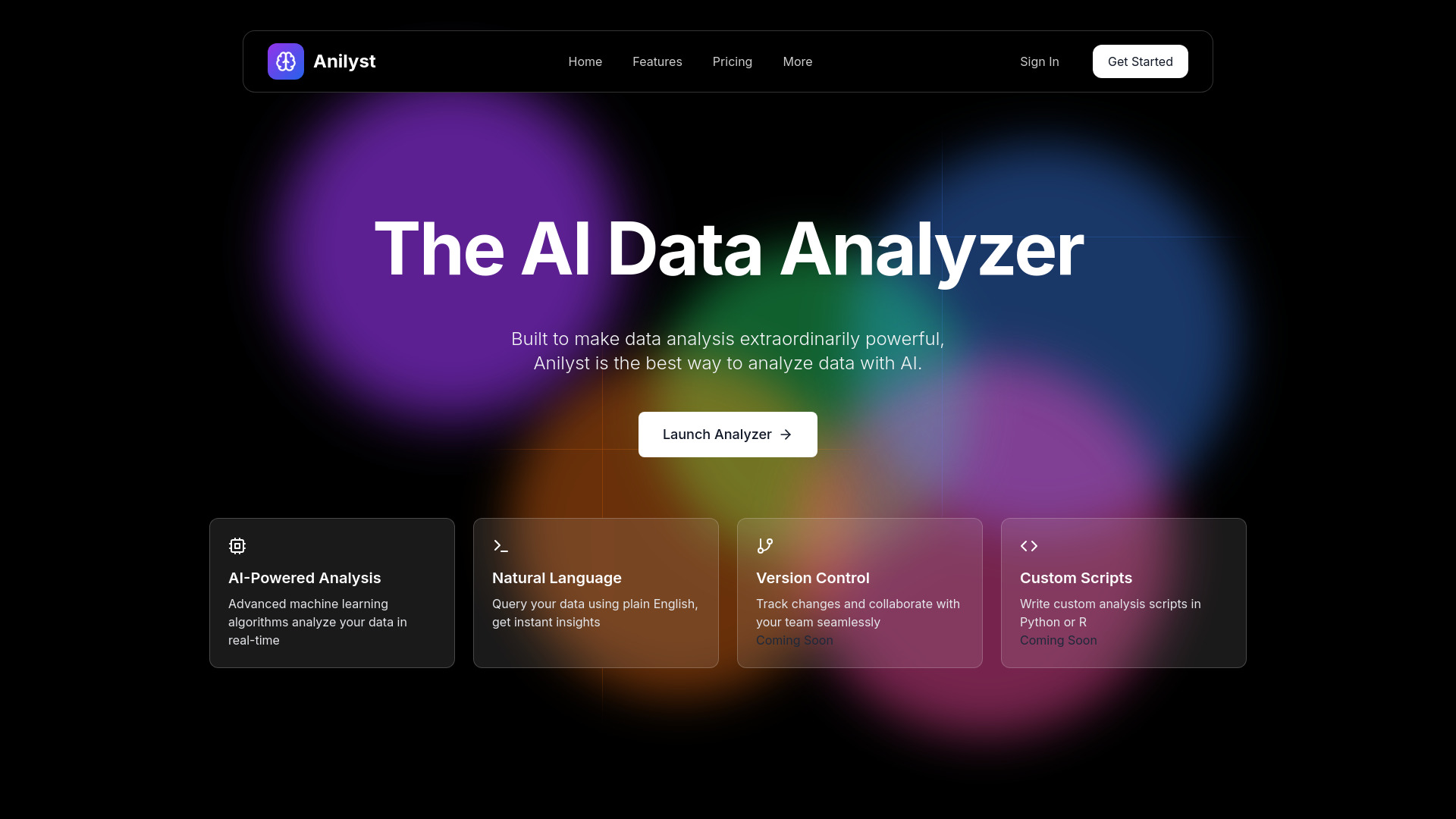
Anilyst
Revolutionize decision-making with our cutting-edge platform that utilizes AI for data analysis and visualization. Make informed choices effortlessly.
Use Cases
- Lead Generation
- Market Research
- Competitor Analysis
- Data Scraping
- Crafting Infoproducts
How to Use
1. Import websites First, you'll need the list of websites you want to scrape. No list? No problem, Scrap can also search Google to find them for you! 2. Choose data to collect Create the list of data you want to collect with a quick description to help Scrap find them. 3. Personalize your flow Configure where Scrap will send the data, how many pages to browse on each website, and more! 4. Enjoy Once you're all set, Scrap will browse each website, find your data, and send them to you, all that on its own. You can see the status of each website in a nice interface.