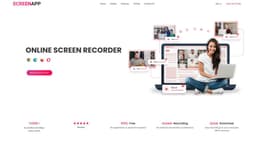
ScreenApp
ScreenApp is a free screen recorder with AI transcription for easy sharing of insights.
screen recorderwebcam recorderonline screen recorder
Introduction
ScreenApp is a free online screen recorder that allows users to effortlessly capture their screen recordings and leverage AI to transcribe and condense meetings and workflows. It is designed to simplify the sharing of insights with teams, clients, and prospects.
Key Features
Free online screen recorder with webcam
No installation or download required
Captures screen recordings with or without audio
Produces watermark-free recordings
Trim and share functionality for easy editing and sharing
AI-driven video summarizer for converting videos into searchable texts
Secure storage and sharing of recordings
Ability to transcribe videos using AI
Ability to add a personal touch to recordings with webcam recording
Frequently Asked Questions
What is ScreenApp?
How to use ScreenApp?
Is ScreenApp free?
Can I download my videos?
Can I transcribe my videos?
How do I record my screen and webcam?
Where can I find my videos after recording?
How can I share the video?
What are the recommended browsers for ScreenApp?
Can I integrate screen recording into my website or application?
How can I get support if I encounter problems while recording?
Do I need to install anything to use ScreenApp?
Similar Tools

Plagiarism Remover
Eliminate plagiarism in your text with this free AI tool. Enhance your writing by rephrasing content effortlessly. Try it now!

Parafrasear Textos
Enhance the quality of your text with our online tool for paraphrasing. Improve readability and make your content stand out.
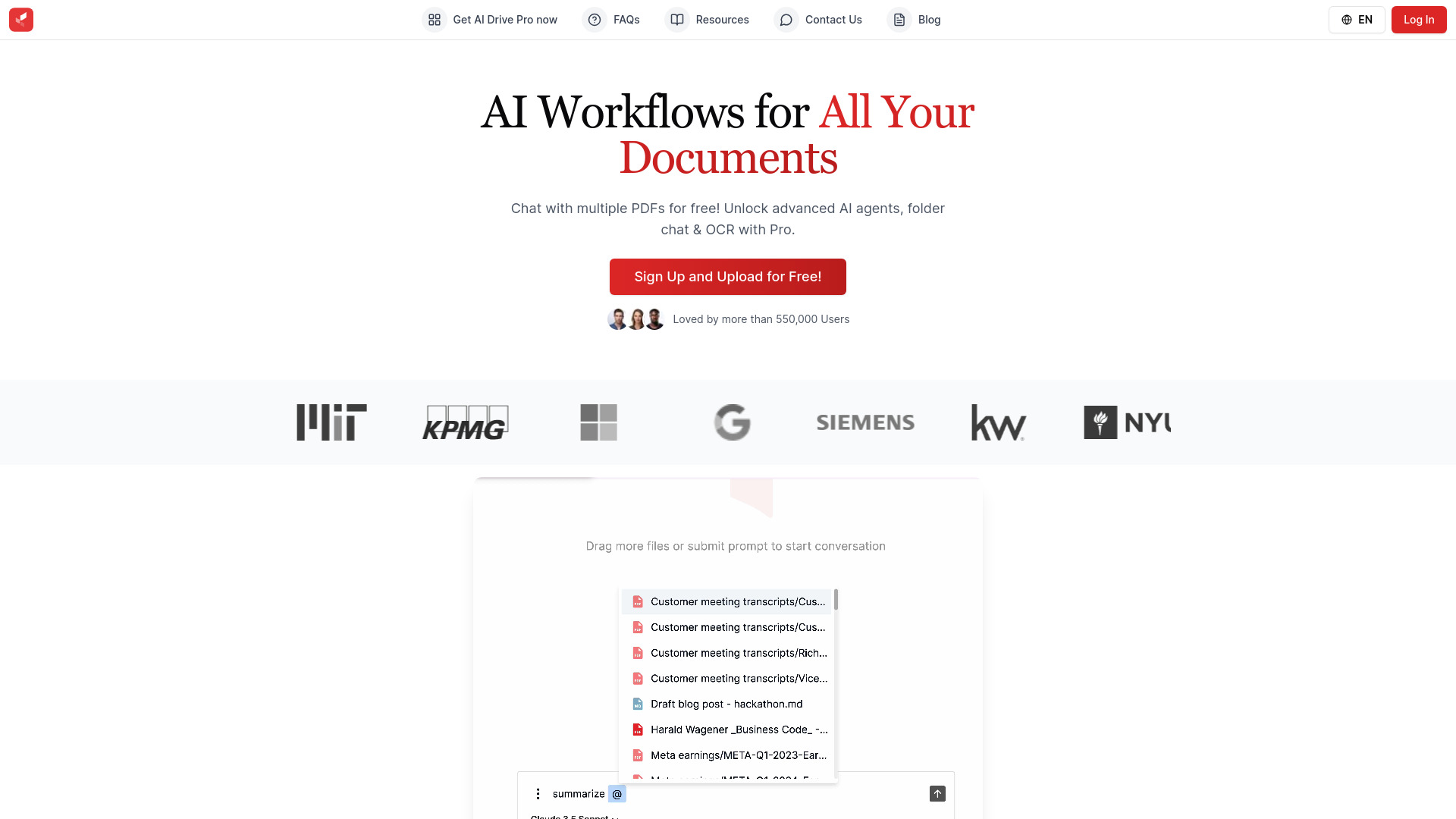
AI Drive
Experience the convenience of AI Drive, the app that utilizes artificial intelligence to enhance your driving experience. Say goodbye to manual control!
Use Cases
- Recording and reviewing work calls
- Creating a central repository of information for collaboration
- Sharing ideas and making informed decisions based on insights gained from conversations
- Creating rich and informative videos for presentations and tutorials
- Enhancing teaching approaches with high-quality screen recordings
- Streamlining communication and knowledge sharing
- Extracting key insights and market research from transcribed videos
- Creating concise summary videos from lengthy webinars and recordings
How to Use
To use ScreenApp, follow these simple steps: 1. Hit the 'Start' button on the homepage. 2. Select the video and screen audio options you prefer. 3. Choose a window, tab, or screen to record. 4. Record your screen, application window, or browser tab with or without audio. 5. Download the recording to your PC or save it in the cloud for easy sharing and editing.