
Introduction
ScreenSnapAI is the ultimate solution for effortlessly capturing, searching and organizing your screenshots on macOS.
Key Features
Automatically generate smart screenshot names, descriptions, and keywords using GPT-4
Automatically filter your screenshots using Smart Folders
Lightning fast full text search
Organize your screenshots faster
Frequently Asked Questions
What is ScreenSnapAI?
How to use ScreenSnapAI?
What is the pricing?
What are the differences between the free and pro versions of ScreenSnapAI?
Can I bring my own OpenAI API key?
Is this available outside the Mac App Store?
Similar Tools
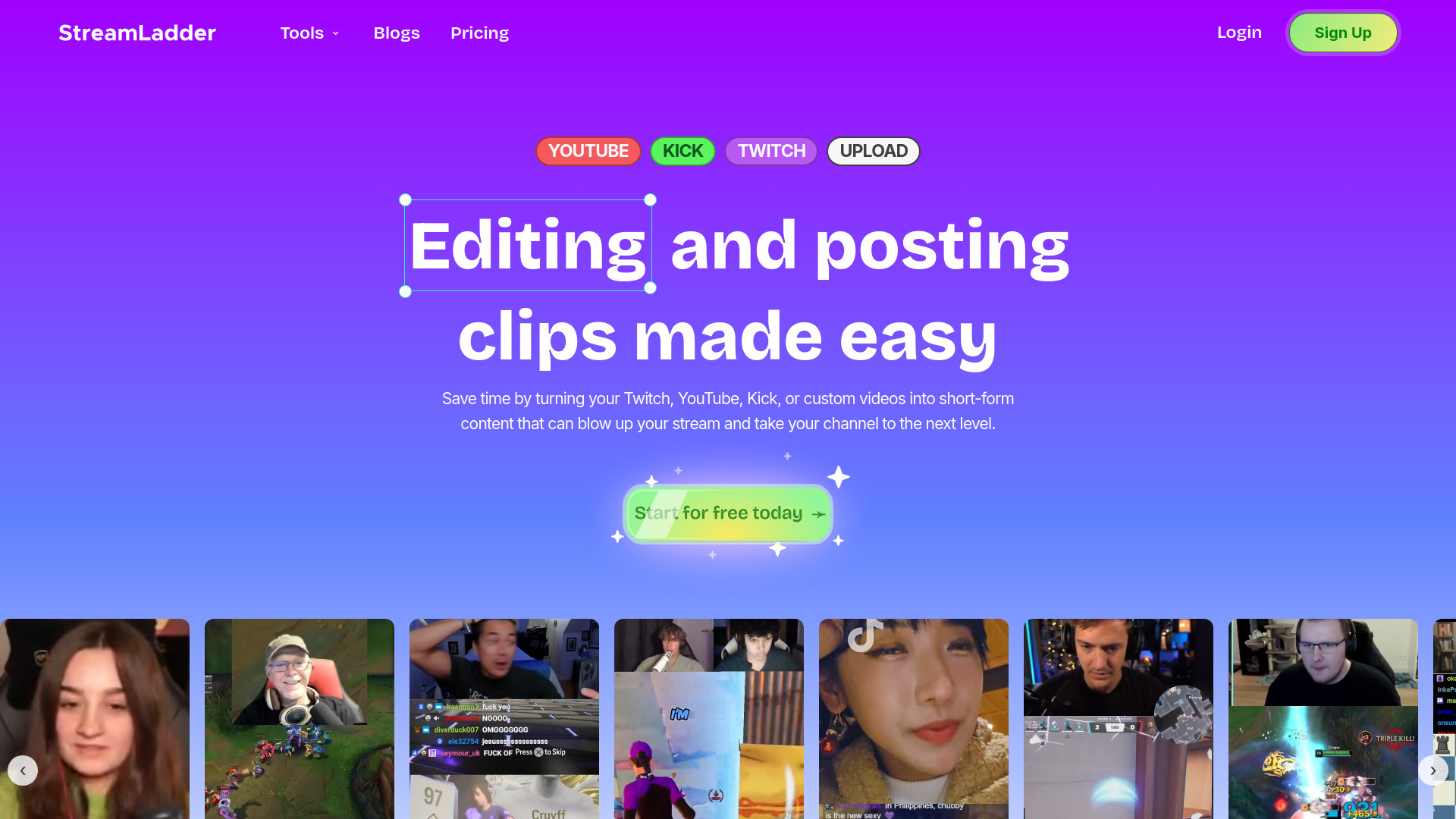
StreamLadder
Climb the ranks of popular streaming platforms with StreamLadder. Increase your visibility and grow your audience effortlessly. Start today!

Promo AI Video Maker
Easily generate and oversee promotional videos with our advanced AI tool. Unleash the power of automation for your video marketing campaigns.

Picsart
Unleash your creativity with Picsart - an innovative photo editing app that offers a wide range of tools and filters to enhance your images.
Use Cases
- Effortlessly organize a large collection of screenshots
- Quickly find specific screenshots using AI-powered search
How to Use
To use ScreenSnapAI, simply download and install the app from the Mac App Store. Once installed, you can start capturing, searching, and organizing your screenshots with the power of AI.