
SeekAll - Chrome Extension
Browser multi-screen assistant for simultaneous searches
Browser assistantMulti-screen search toolAI search integration
Introduction
SeekAll is a practical browser multi-screen assistant that helps users search for answers simultaneously in multiple windows.
Key Features
Simultaneous search across multiple windows
Integration of AI and traditional search engines
Frequently Asked Questions
What is SeekAll?
How to use SeekAll?
What search engines are integrated into SeekAll?
Can I customize how search results are displayed in SeekAll?
Similar Tools

MetaGPT (MGX)
Get access to 24/7 AI Teams for creating apps, games, PPTs, and analysis. Boost productivity with innovative tools at your fingertips.
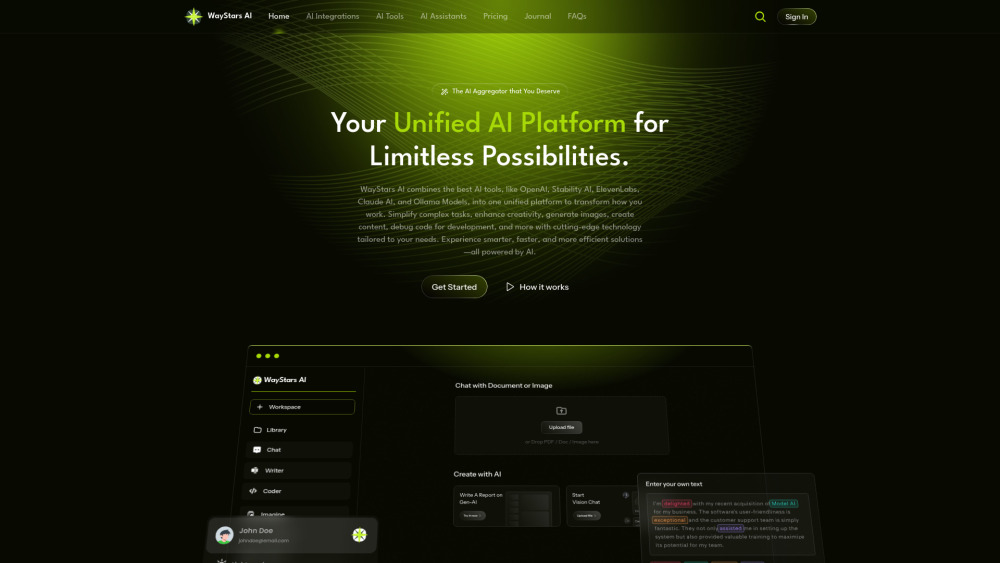
WayStars AI- Your Unified AI Platform
WayStars AI is a comprehensive suite of AI tools that combines advanced models, productivity features, and creative functions into one seamless platform. Unleash the power of AI with WayStars.

Kagi Search
Discover a top-tier search engine that prioritizes user privacy and delivers an exceptional browsing experience.
Use Cases
- Comparing search results from different search engines
- Finding answers efficiently across various search engines
How to Use
To use SeekAll, simply install the extension in your browser. Then, select the option to open in a new window or tab and start searching across multiple search engines at once.