
Sembly AI
Sembly AI is a smart assistant that records and summarizes meetings.
Introduction
Sembly AI is a smart AI team assistant that records, transcribes, and generates meeting summaries with meeting minutes. It works seamlessly with popular meeting platforms like Zoom, Google Meet, and Microsoft Teams.
What stands out?
Transcribes meetings and generates meeting notes
Searchable records of past meetings
High-accuracy transcription with speaker identification
AI-generated meeting summaries with discussed topics and details
Ability to send Sembly to attend meetings on your behalf
Automated generation and sharing of meeting minutes
Stream meeting insights to common task management tools
Identifies decisions, requirements, events, risks, and issues discussed in meetings
Tracks notable financial figures and statistics
Supports multiple languages
Frequently Asked Questions
What is Sembly AI?
How to use Sembly AI?
Which meeting platforms does Sembly AI support?
Can Sembly AI attend meetings on my behalf?
Does Sembly AI support multiple languages?
Can I integrate Sembly AI with task management tools?
Is Sembly AI secure and compliant with regulations?
More Information
Sembly AI Support Email & Customer service contact & Refund contact etc.
Here is the Sembly AI support email for customer service: [email protected] . More Contact, visit the contact us page(https://www.sembly.ai/form)
Sembly AI Company
Sembly AI Company name: Sembly AI . Sembly AI Company address: 234 5th Ave, New York, NY 10001. More about Sembly AI, Please visit the about us page(https://www.sembly.ai/about-us/).
Sembly AI Login
Sembly AI Login Link: https://webapp.sembly.ai/login?servicePlan=PROFESSIONAL
Sembly AI Pricing
Sembly AI Pricing Link: https://www.sembly.ai/pricing/
Sembly AI Facebook
Sembly AI Facebook Link: https://www.facebook.com/SemblyAI/
Sembly AI Youtube
Sembly AI Youtube Link: https://www.youtube.com/channel/UCC2SojuAyLz9rlFtpExDFBQ
Sembly AI Linkedin
Sembly AI Linkedin Link: https://www.linkedin.com/company/semblyai/
Sembly AI Twitter
Sembly AI Twitter Link: https://twitter.com/sembly_ai
Sembly AI Instagram
Sembly AI Instagram Link: https://www.instagram.com/semblyai/
Reviews & Feedback
Share your experience with the community
0.0
Based on 0 reviews
User Comments (0)
Sort Criteria
Order
No reviews yet. Be the first to share your thoughts!
Statistics
Monthly visits
NaN
Saved by users
0
Rating
0.0/ 5.0
Added on
—
Similar Tools

TurboScribe
Unlimited AI transcription with 99.8% accuracy in 98+ languages.

Clipto
Elevate your transcription game with our cutting-edge AI service for converting audio, video, and YouTube files into text. Try it now!
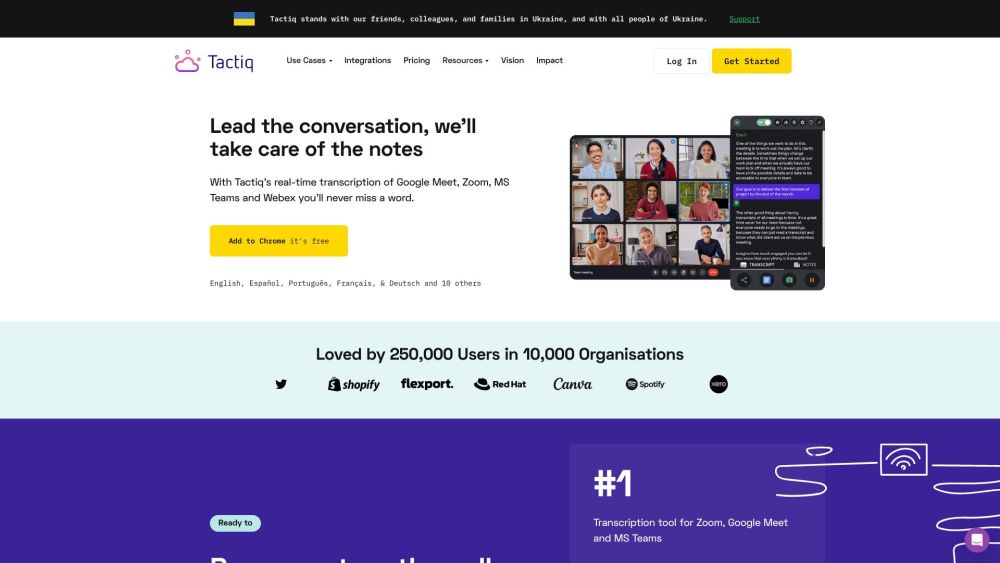
Tactiq
Tactiq is a top transcription tool for online meetings, offering real-time transcription and meeting summaries.

Adobe Podcast
Adobe Podcast is a web platform with AI audio features for recording, transcribing, editing, and sharing audio content.
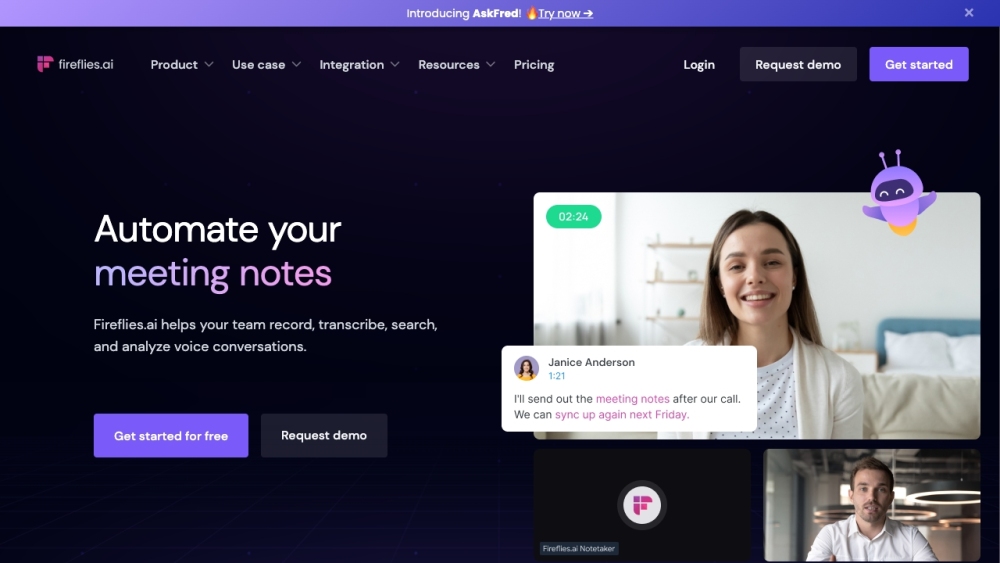
Fireflies.ai
Fireflies.ai is an innovative tool that uses artificial intelligence to transcribe, summarize, and analyze voice conversations effectively.
Use Cases
- Efficiently capture and preserve meeting discussions and decisions
- Easily search and recall past meeting details
- Stay informed and up-to-date without attending meetings
- Automate follow-up actions and share meeting minutes
- Maximize meeting productivity by turning discussions into actionable results
- Organize team workflow and tasks discussed in meetings
- Optimize internal processes and identify areas for improvement
- Save time and effort in creating post-meeting action steps
- Streamline administrative workload and focus on other areas of work
How to Use
To use Sembly AI, simply invite the Sembly agent to your meetings on Zoom, Google Meet, or Microsoft Teams. Sembly will automatically record the meeting, transcribe the audio, and generate meeting notes with key discussion points, decisions, requirements, events, and more. You can search for past meetings, recall meeting details using time-stamped notes and bookmarks, and even send Sembly to attend meetings on your behalf. Sembly can also automate follow-ups by generating and sharing meeting minutes with relevant parties. Additionally, Sembly Tasks helps you organize your team's workflow by identifying activities, tasks, and projects discussed in meetings and seamlessly integrating with popular task management tools.