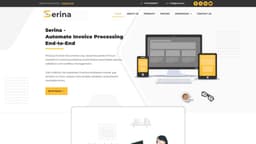
Serina - Automate Invoice Processing
Serina automates invoice processing to save time, improve accuracy, and streamline processes.
Introduction
Serina is a comprehensive invoice processing solution that automates the end-to-end process of capturing, validating, and managing invoices. It helps businesses save time, improve accuracy, streamline processes, and comply with e-invoice and tax regulations.
What stands out?
Automated invoice collection, classification, and storage
Invoice PDF scanning and data extraction
Digital invoice allocation and categorization
Accurate data aggregation and delivery to reports
Invoice approval process automation
Compliance with e-invoice and tax regulations
Streamlined accounts payable processes
Cost and time savings
Elimination of manual data entry
Frequently Asked Questions
What is Serina - Automate Invoice Processing?
How to use Serina - Automate Invoice Processing?
What is Serina?
How does Serina work?
What are the core features of Serina?
What are the use cases for Serina?
More Information
Serina - Automate Invoice Processing Support Email & Customer service contact & Refund contact etc.
Here is the Serina - Automate Invoice Processing support email for customer service: [email protected] . More Contact, visit the contact us page(https://www.serina.ai/contact-us/)
Serina - Automate Invoice Processing Company
Serina - Automate Invoice Processing Company address: #4210, Churchill Executive Towers, Marasi Drive, Business Bay, Dubai, UAE. More about Serina - Automate Invoice Processing, Please visit the about us page(https://www.serina.ai/about-us/).
Serina - Automate Invoice Processing Pricing
Serina - Automate Invoice Processing Pricing Link: https://www.serina.ai/pricing-options-serina/
Serina - Automate Invoice Processing Facebook
Serina - Automate Invoice Processing Facebook Link: https://www.facebook.com/SerinaAI/
Serina - Automate Invoice Processing Youtube
Serina - Automate Invoice Processing Youtube Link: https://www.youtube.com/channel/UCY0AlYkqf9xA9IoOCQdYSog
Serina - Automate Invoice Processing Linkedin
Serina - Automate Invoice Processing Linkedin Link: https://www.linkedin.com/showcase/dsserina
Serina - Automate Invoice Processing Twitter
Serina - Automate Invoice Processing Twitter Link: https://twitter.com/SerinaAi56717
Serina - Automate Invoice Processing Instagram
Serina - Automate Invoice Processing Instagram Link: https://www.instagram.com/serina.ai/
Serina - Automate Invoice Processing Pinterest
Serina - Automate Invoice Processing Pinterest Link: https://in.pinterest.com/SerinaAI/
Reviews & Feedback
Share your experience with the community
0.0
Based on 0 reviews
User Comments (0)
Sort Criteria
Order
No reviews yet. Be the first to share your thoughts!
Statistics
Monthly visits
NaN
Saved by users
0
Rating
0.0/ 5.0
Added on
—
Similar Tools
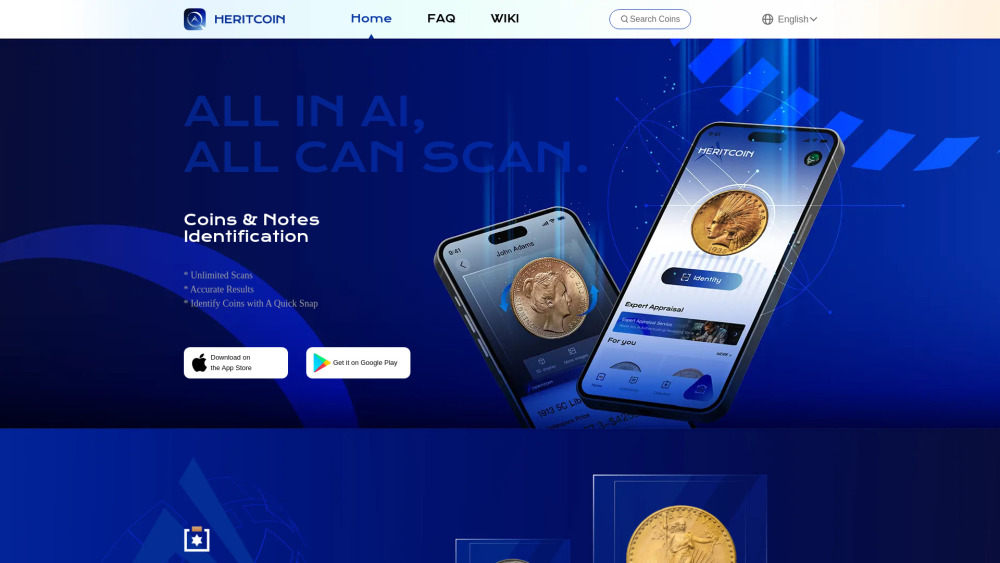
HeritCoin
Discover the True Value of Your Coins and Banknotes with HeritCoin! HeritCoin is the ultimate app powered by artificial intelligence and expert evaluation services, designed to help you identify, authenticate, and assess your coins and banknotes. Whether you are a seasoned numismatist, a dedicated collector, or a curious beginner, HeritCoin provides precise identification, valuation, and 3D visualization, allowing you to explore your collection like never before.
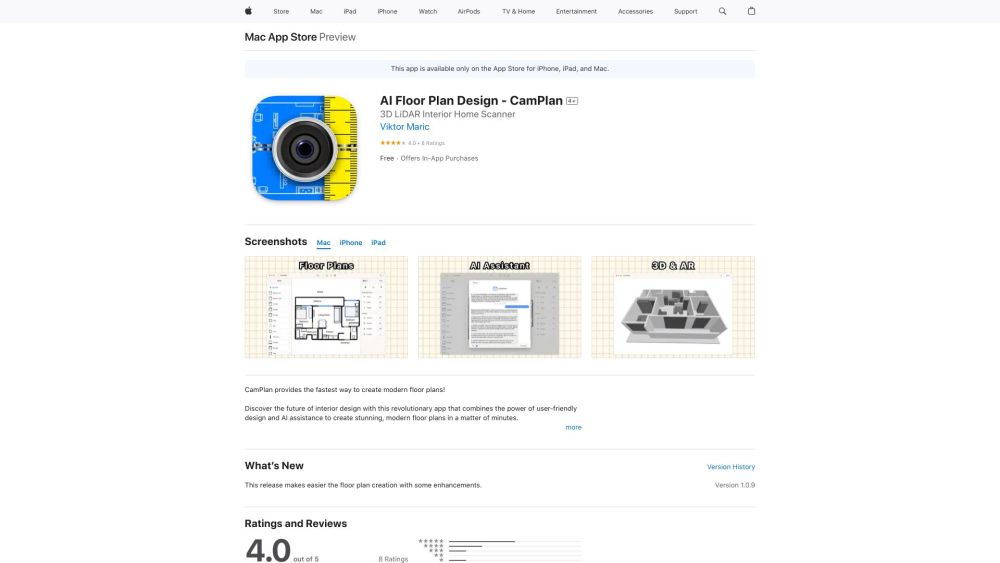
CamPlan
Create stunning floor plans with AR and AI.
Use Cases
- Businesses looking to save time and reduce manual effort in invoice processing
- Companies aiming to streamline their accounts payable processes
- Organizations needing accurate and compliant invoice management
- Businesses seeking to improve accuracy and reduce errors in invoice data
- Enterprises wanting to gain visibility into expenses and track spend patterns
How to Use
To use Serina, follow these steps: 1. Login to the utility websites or storage folders where invoices are stored. 2. Download the invoices in PDF format. 3. Upload the invoices to Serina for automatic classification and data extraction. 4. Serina reads and verifies the invoices, ensuring accuracy and completeness. 5. The concerned stakeholders are notified once the invoices are processed. 6. The data is then submitted to ERPs and business apps, creating vouchers for analytics. 7. Track spend patterns and make critical financial decisions based on the analytics provided by Serina.