
Sider
Seamlessly integrate AI into your daily workflow.
Introduction
Sider is your AI sidekick, seamlessly integrating into your daily workflow. It starts as a Chrome/Edge extension, making browsing, reading, and writing easier than ever. Be more productive, effortlessly.
What stands out?
Traffic & Analytics
Traffic Sources
Top Countries
Top Keywords
Frequently Asked Questions
What is Sider?
How to use Sider?
What platforms does Sider support?
What features does Sider offer?
Can Sider help with document writing?
Is Sider free to use?
How can I contact Sider for support?
More Information
Sider Support Email & Customer service contact & Refund contact etc.
Sider Login
Sider Pricing
Sider Twitter
Reviews & Feedback
Share your experience with the community
User Comments (0)
No reviews yet. Be the first to share your thoughts!
Statistics
Similar Tools

Kagi Search
Discover a top-tier search engine that prioritizes user privacy and delivers an exceptional browsing experience.

Immersive Translate
Experience a free tool for translating webpages and documents into multiple languages. Enjoy bilingual translations with ease.
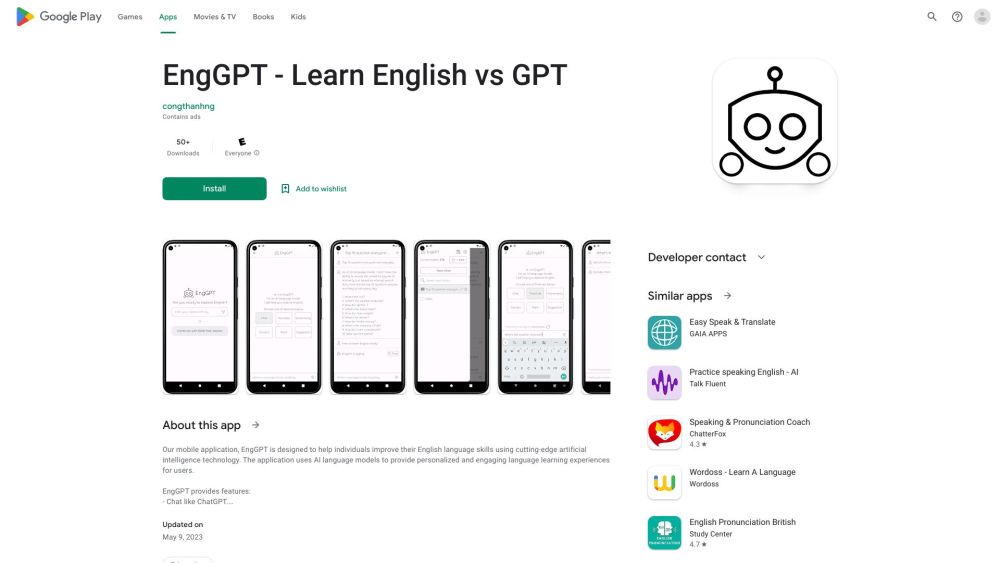
ChatEngGPT
Easily enhance your English skills with ChatEngGPT – the perfect tool for improving your language proficiency quickly and effectively.

Monica - Your ChatGPT AI Assistant Chrome Extension
Easily chat and write with our AI assistant, simplifying your communication and content creation tasks. Get started now!

DeepL
DeepL is a highly accurate translator that translates texts and documents instantly.
Use Cases
- Enhance productivity by saving time on designing, writing, and problem-solving
- Access AI assistance in various scenarios like web browsing, video watching, document writing, and business chats
- Expand creativity and knowledge beyond human limits
- Experience remarkable results beyond professional expectations