
Sider - Chrome Extension
Use GPT-4 & Claude 3 on any web page.
ChatGPTAI extensionProductivity
Introduction
Sider is a ChatGPT sidebar extension for Chrome that enhances workflow with ChatGPT, Claude, Bard, and other AI functionalities.
Key Features
ChatGPT Sidebar with multi-chatbot support
Group Chat for comparing AI answers
In-context assistance using ChatGPT
Prompt management and deployment
Reading assistance and article summarization
Writing assistance and instant outlines
Enhancements for web search, email, and social media
AI artistry features like text-to-image and background eraser
Sider Widgets for drafting articles and OCR
Cross-platform compatibility
Frequently Asked Questions
What is Sider?
How to use Sider?
What is Sider?
How do I install Sider?
Can I use Sider on other browsers?
What AI models does Sider support?
Is Sider free to use?
Similar Tools
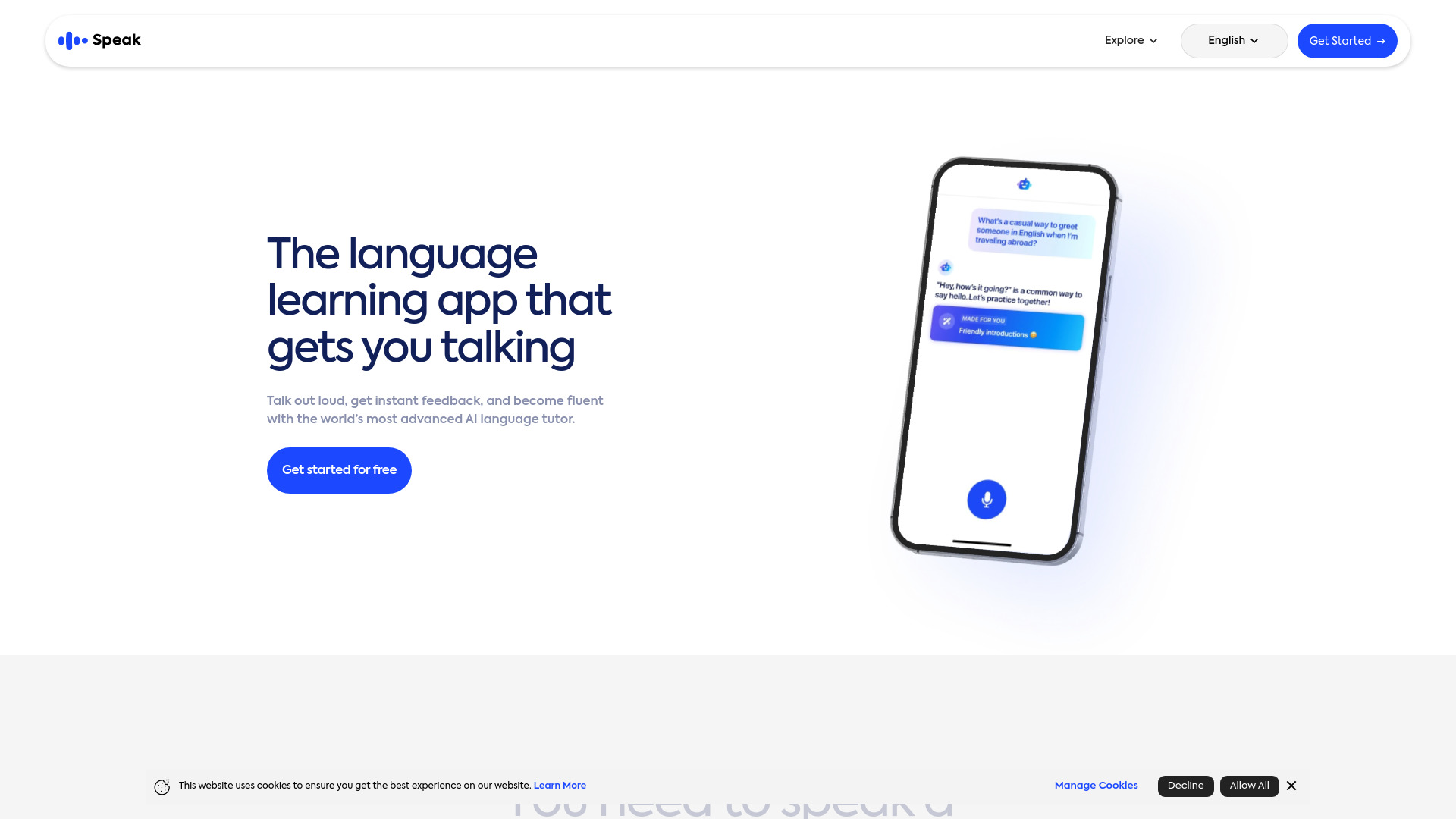
Speak
Enhance your language skills with an innovative app using AI technology for practicing real conversations.
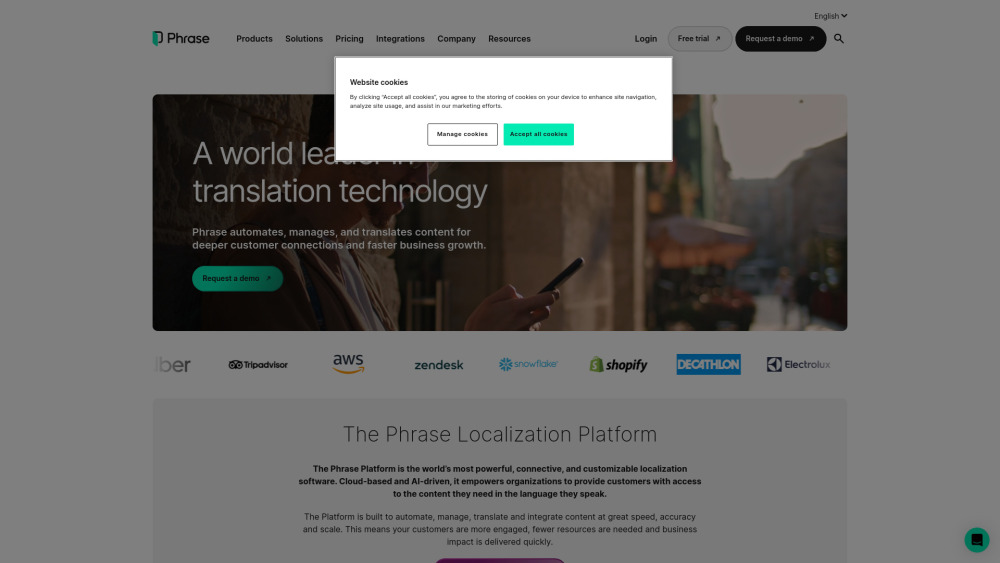
Phrase (Frm. Memsource)
Empowering localization with a robust platform for managing and automating translations efficiently. A powerful solution for translation management.
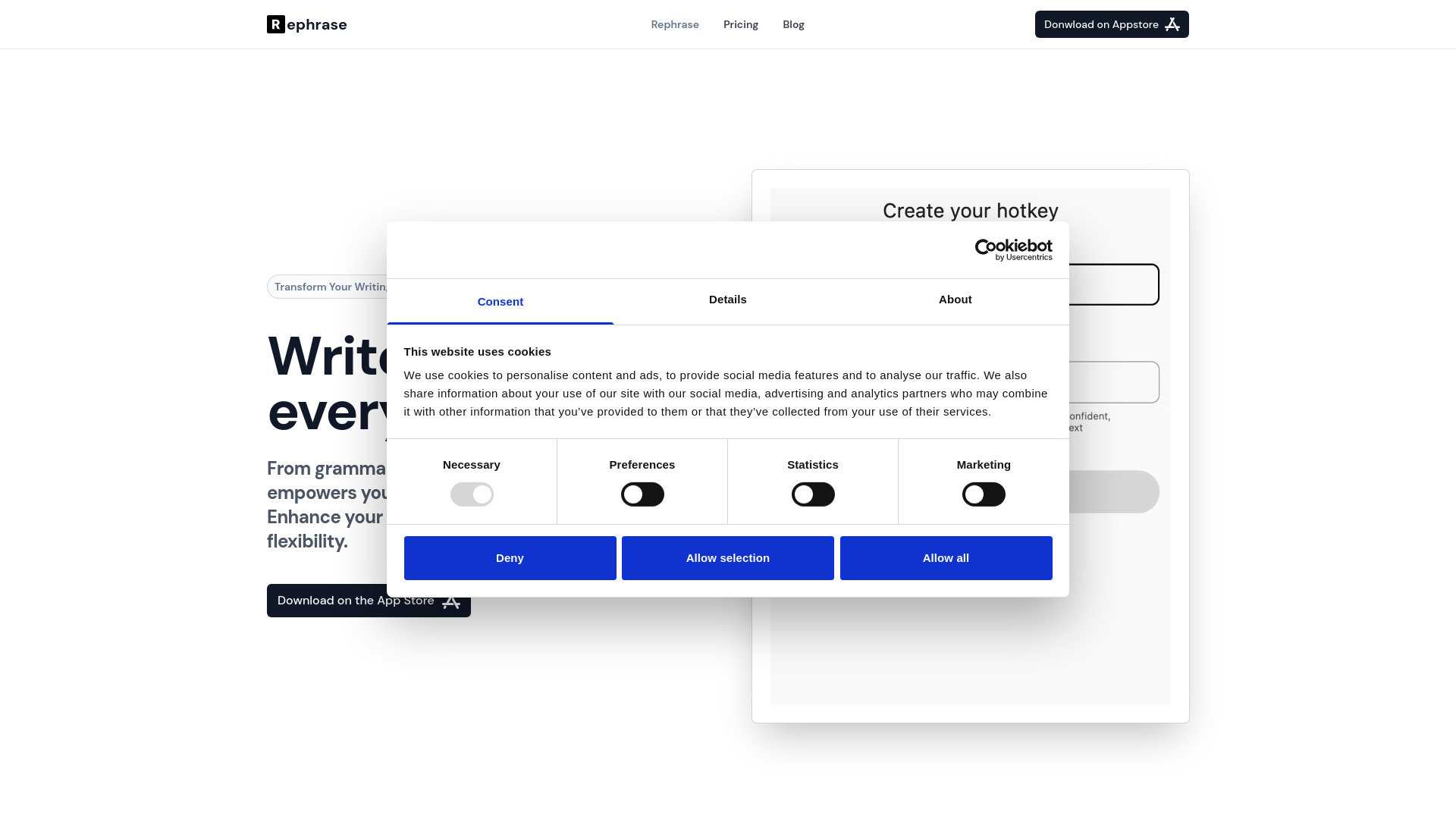
Rephrase
Boost text quality with our macOS AI writing assistant for improved content creation. Ideal for enhancing writing productivity on your computer.
Use Cases
- Conversational AI research
- Language translation
- Content creation
- Web browsing
- Email management
How to Use
To use Sider, simply install the Chrome extension and open it on any tab. You can then access ChatGPT and other AI features right within your daily tasks and workflows.