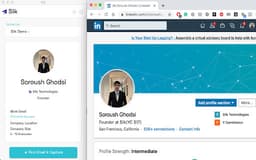
Slik - Chrome Extension
LinkedIn email finder tool
Email FinderLinkedIn ToolLead Generation
Introduction
Find anyone's email on their LinkedIn page with Slik
Key Features
Lead Data: Name, Title, Company name, Email address, LinkedIn profile URL, City and state, Company size, Employee count, Email deliverability score
Frequently Asked Questions
What is Slik?
How to use Slik?
How does Slik work?
Similar Tools
web2llm
Easily update your AI agents with the latest documents using this innovative tool. Keep your agents informed and up-to-date with just a few clicks.
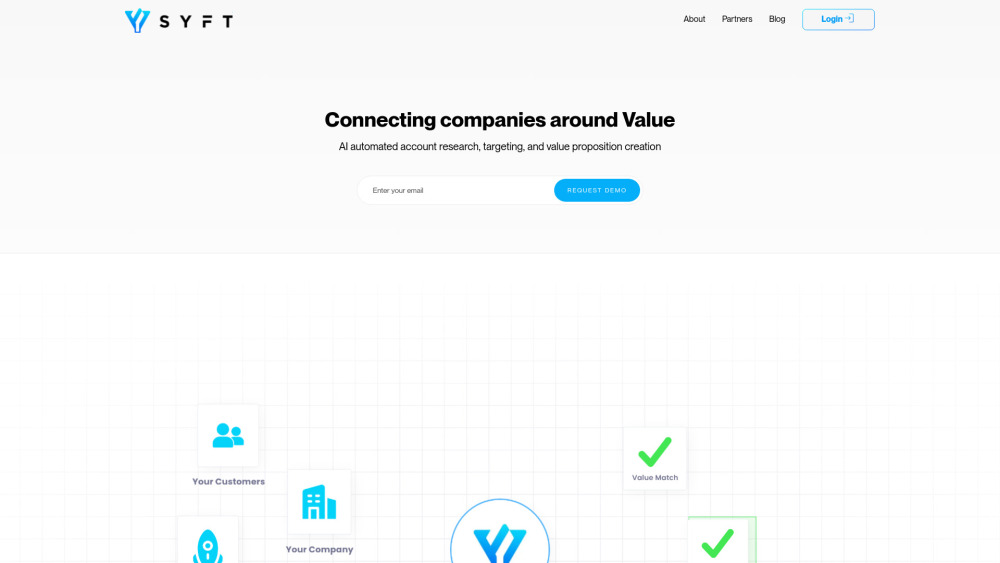
Syft
Revolutionize sales with our AI-powered app that connects buyers and sellers seamlessly for a more efficient and personalized experience.

Syft
AI-driven sales application connecting sellers and buyers.
Use Cases
- Save time by extracting email addresses from LinkedIn
- Ensure email deliverability with verification score
How to Use
1. Install the chrome extension 2. Visit a LinkedIn profile 3. Click the blue paper airplane button in the chrome extension bar 4. Save the profile and email to your dashboard