
Smudge.ai
AI-powered tools in your right-click menu.
Chrome extensionAI toolsRight-click menu
Introduction
Smudge.ai is a Chrome Extension that puts AI tools into your right-click menu.
Key Features
Summarize a long article
Refine your writing
Translate any text
Frequently Asked Questions
What is Smudge.ai?
How to use Smudge.ai?
Is smudge.ai compatible with my browser?
Can I use smudge.ai in professional or commercial projects?
Can I reuse my license on multiple devices?
How does it work?
Is my data private?
Are there text length limits?
How can I contact support?
Similar Tools

CodeFast
Quickly learn coding to create successful online ventures with this app designed for fast-paced business growth. Start building today!
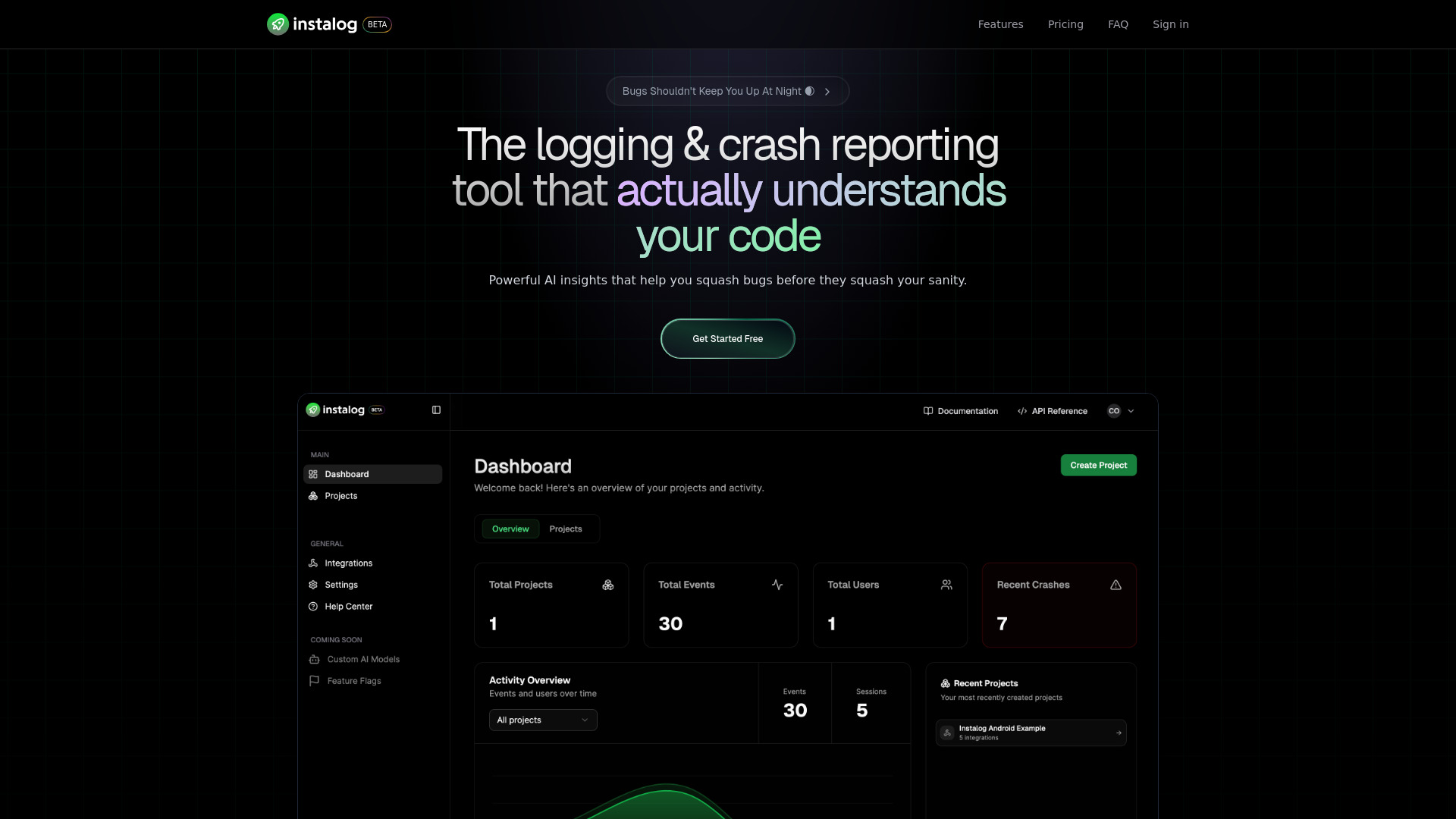
Instalog
A developer's essential: AI-powered tool for managing and analyzing logs. Perfect for streamlining your development process.
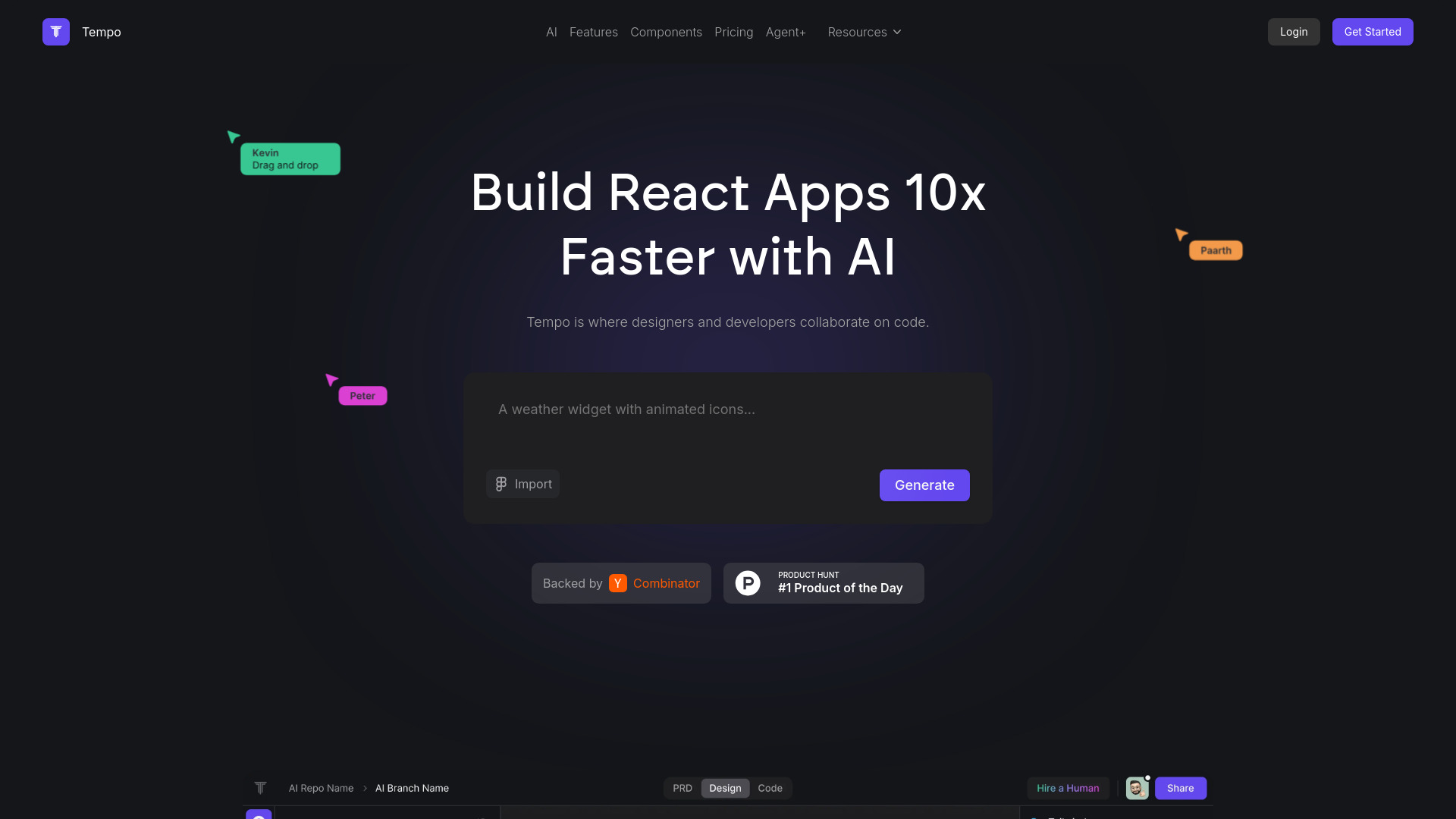
Tempo
Effortlessly create and manage React applications with our AI platform for seamless building and maintenance. Simplify your development process.
Use Cases
- Polish and correct the formatting of papers
- Generate concise study notes from a lengthy chapter
- Work through complex word problems step-by-step
- Create and edit engaging content
- Kickstart the first draft of an email or document
- Bridge language barriers with AI-powered translations
- Summarize anything
- Fix mistakes in your writing
- Inject some fun into your reading
How to Use
Enhance your right-click menu with AI tools by installing smudge.ai Chrome Extension.