
Social Magic | AI for Linkedin
AI-powered tool boosts LinkedIn engagement with valuable comments and posts.
AI for LinkedInLinkedIn engagement toolchrome extension
Introduction
Social Magic is an AI-powered tool designed to boost your LinkedIn engagement. It provides a Chrome extension that helps marketers, lead generators, and recruiters write valuable comments and generate posts on LinkedIn. By harnessing the power of AI, Social Magic offers irresistible, engaging, and human-like comments that are ultra-relevant to your prospects.
Key Features
AI-generated comments that are irresistible, engaging, and human-like
Effortless planning of LinkedIn posts
Streamlined LinkedIn outreach with time-saving comment automation
Personalized interactions with prospects through contextualized comments
Support for 9 different languages: English, Hindi, Hebrew, Dutch, French, German, Russian, Spanish, and Italian
Frequently Asked Questions
What is Social Magic | AI for Linkedin?
How to use Social Magic | AI for Linkedin?
What is SocialMagic?
How does SocialMagic work?
Is SocialMagic a free service?
How can I install SocialMagic?
What can I achieve with SocialMagic?
Request New Features
Similar Tools
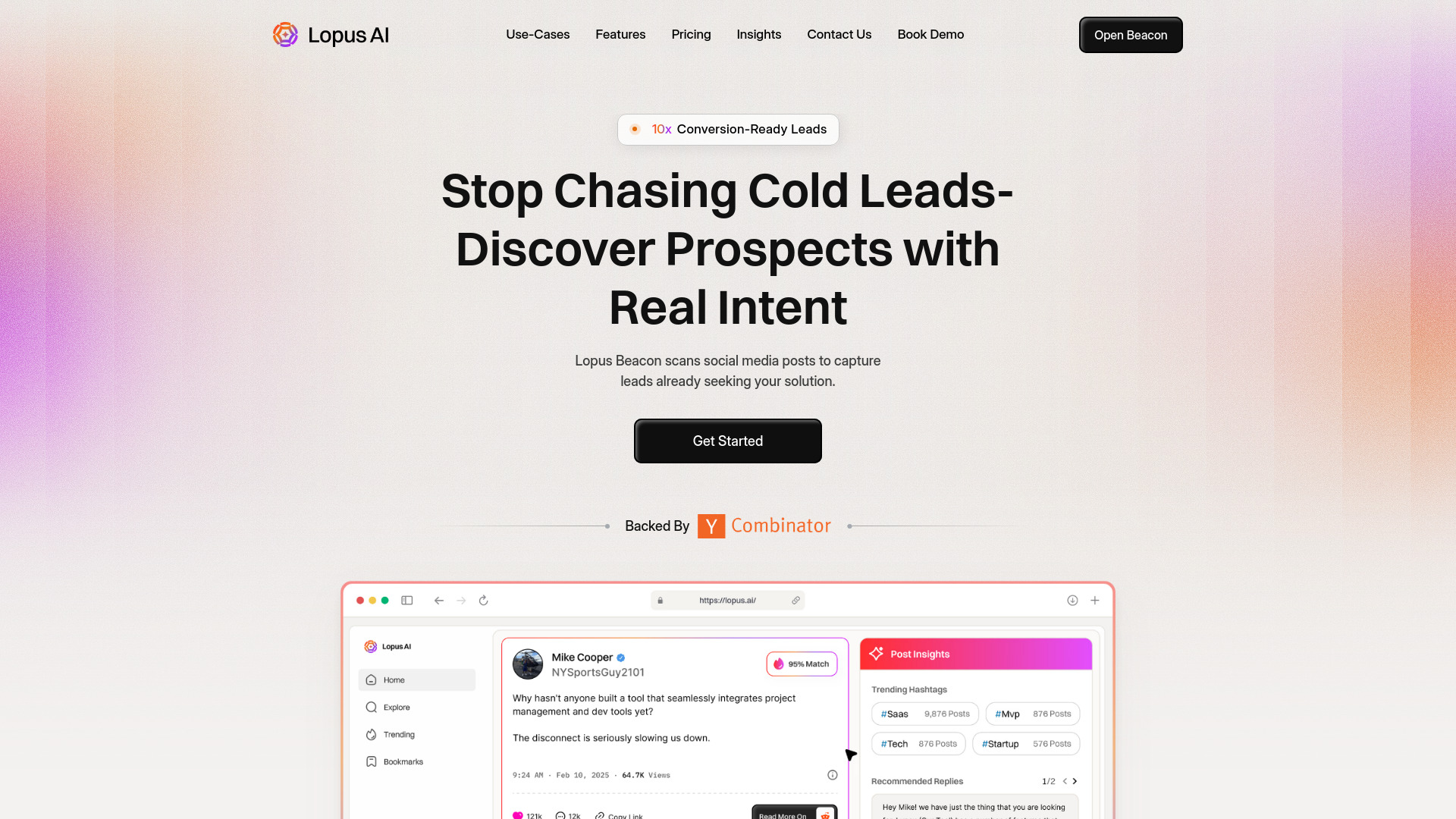
Lopus AI
Discover the power of Lopus AI, an innovative app that uses artificial intelligence to enhance your daily tasks and productivity. Experience the future now!
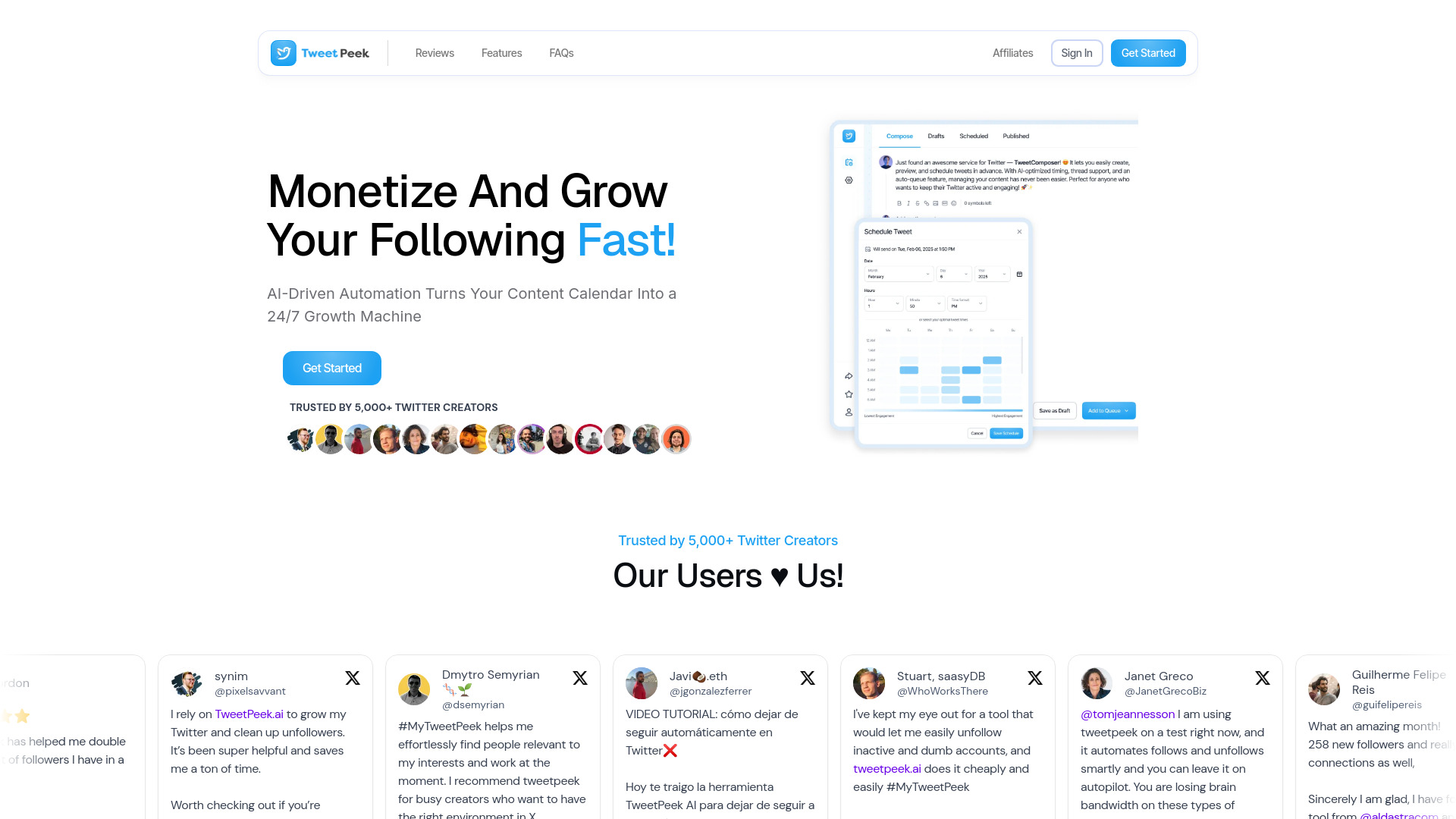
TweetPeek AI
Discover the power of AI with TweetPeek, an innovative app that provides insights and analysis for your Twitter feed. Stay ahead of the game!
Fyxer AI Executive Assistant
Easily manage emails and meeting notes with our AI assistant. Stay organized and efficient with our powerful tool.
Use Cases
- Boosting LinkedIn engagement and networking capabilities
- Increasing LinkedIn interactions and prospect engagement
- Actively engaging with LinkedIn posts without investing much time
How to Use
To use Social Magic, follow these steps: 1. Download and install the SocialMagic Chrome Extension from the Chrome Web Store. 2. Once installed, open LinkedIn and navigate to the desired post or profile. 3. Click on the SocialMagic extension icon in your browser's toolbar. 4. Choose the AI-generated comment or post you want to use from the available options. 5. Customize the comment or post if desired. 6. Click 'Post' or 'Comment' to publish it on LinkedIn. By using Social Magic, you can effortlessly plan LinkedIn posts, save time, and reach your audience when it matters most.