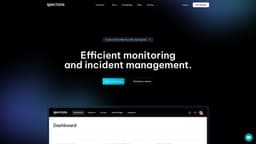
Spectate
Effortless monitoring and incident management powered by AI.
monitoringincident managementAI-powered
Introduction
Spectate is a simple yet powerful monitoring and incident management platform with AI-powered status updates and incident resolutions.
Key Features
Uptime monitoring
Incident management
Automatic status updates
Customizable status pages
Global performance monitoring
Countless integrations
Frequently Asked Questions
What is Spectate?
How to use Spectate?
How do I get started with Spectate?
What notification methods are supported by Spectate?
Does Spectate offer global performance monitoring?
Can I integrate Spectate with other tools I use?
What is the AI assistant in Spectate?
Similar Tools
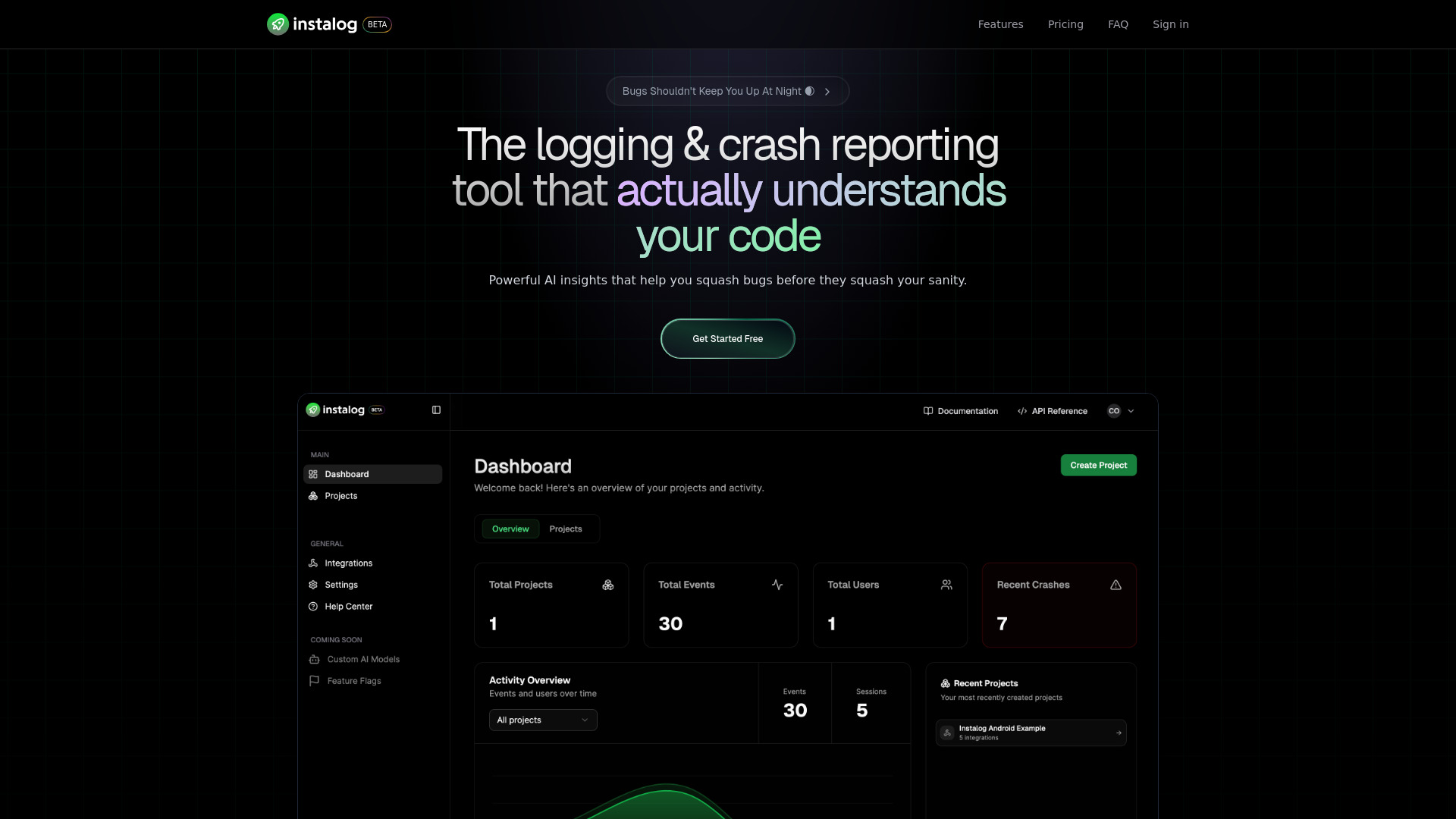
Instalog
A developer's essential: AI-powered tool for managing and analyzing logs. Perfect for streamlining your development process.
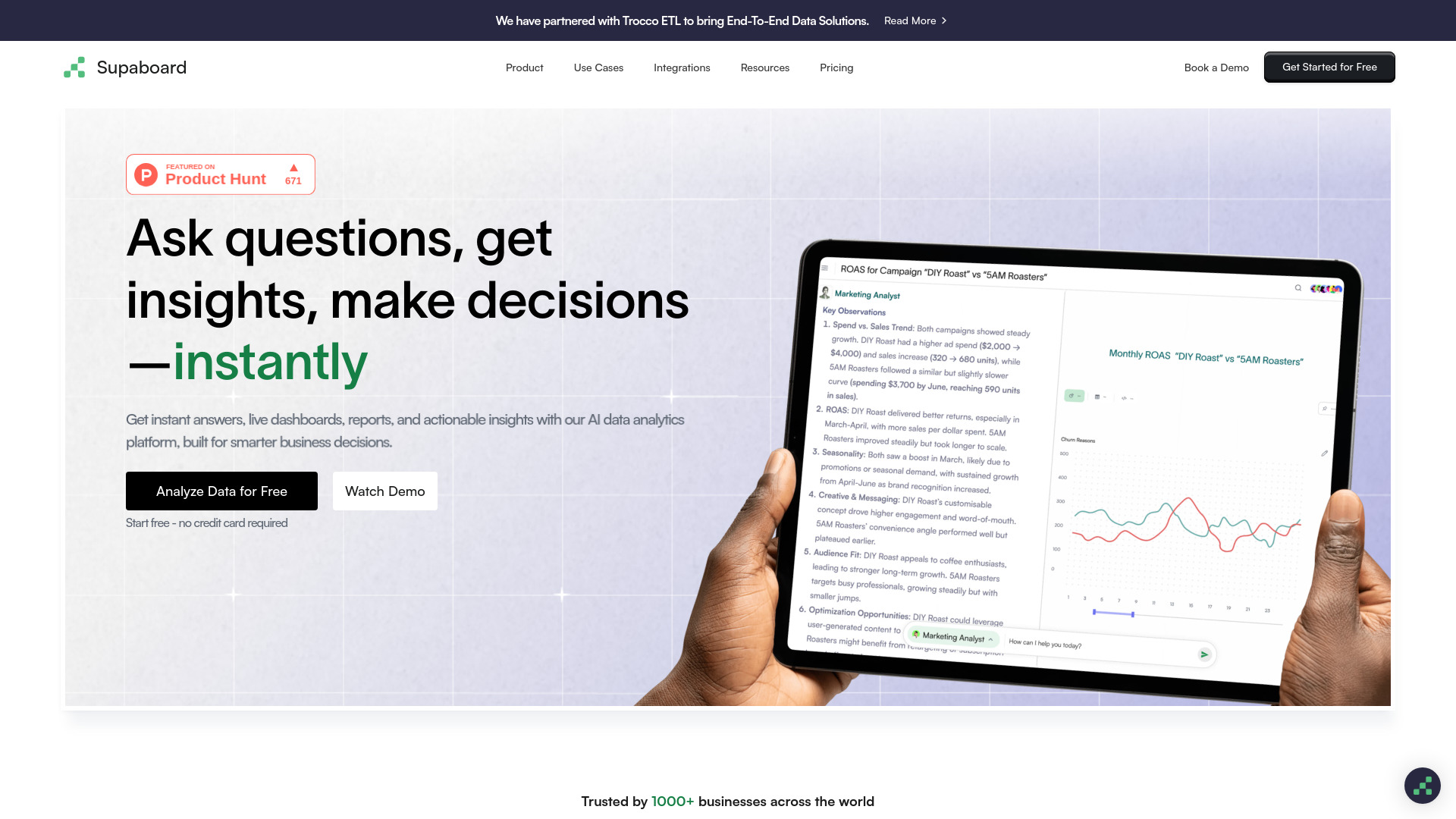
Supaboard
Revolutionary BI tool powered by AI to craft insightful dashboards and analytics from your data. Unlock new perspectives with this innovative solution.
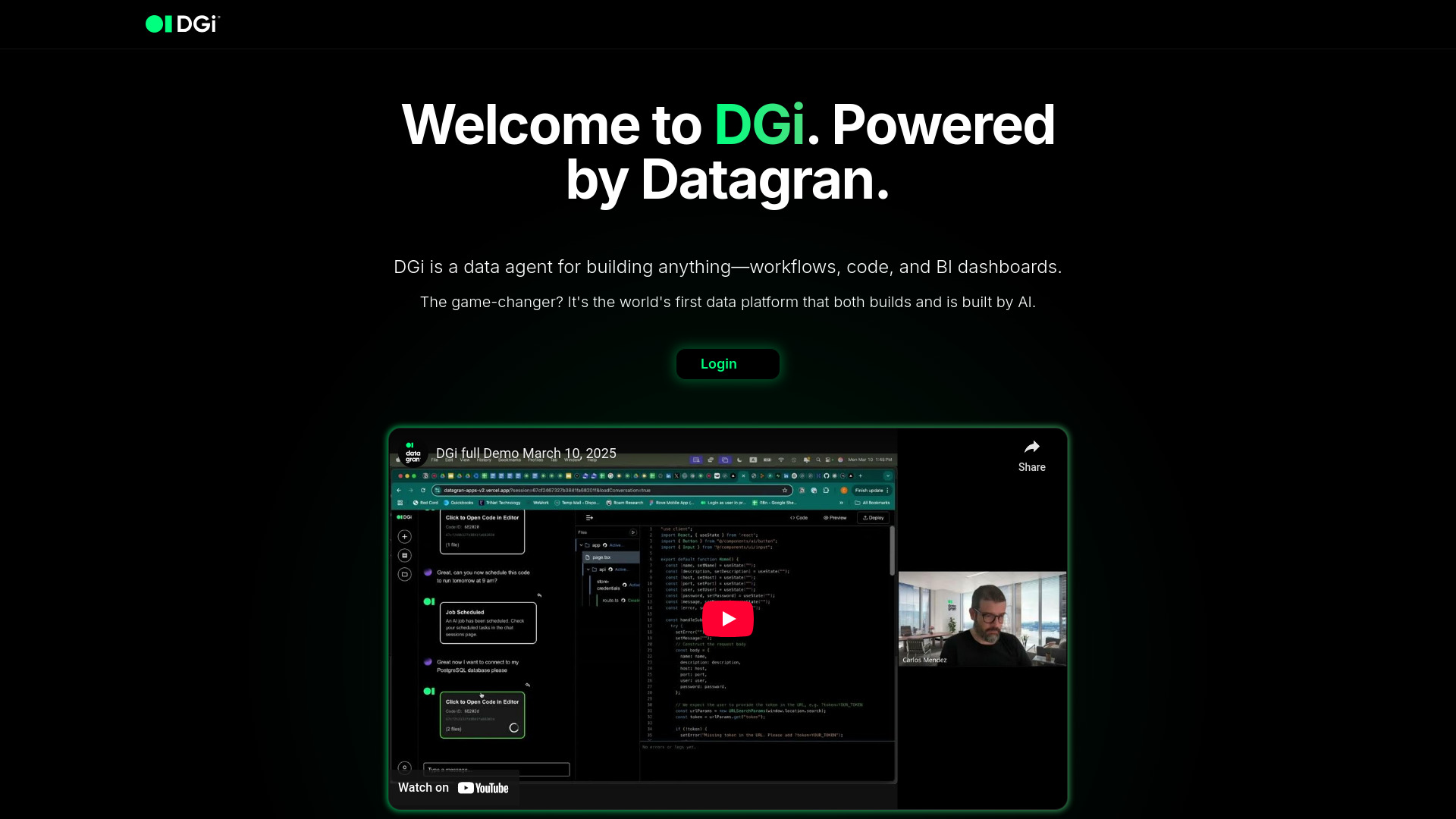
DGi
Revolutionize data workflows with our AI agent, enabling automation through intuitive visual interfaces. Streamline tasks effortlessly.
Use Cases
- Monitoring and incident management for startups
- Monitoring and incident management for enterprises
How to Use
Start monitoring for free by signing up on our website. Once signed up, you can customize your status page, set up monitoring for your website from multiple locations, and receive alerts via phone calls, SMS, Slack, email, and more. Our AI assistant will help you efficiently manage incidents and provide automatic status updates and incident resolutions.