SpeechPulse
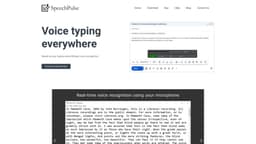
Real-time speech recognition and transcription for improved typing speed and accurate subtitles.
speech recognitionvoice typingtranscription
Introduction
SpeechPulse uses your computer’s microphone for real-time speech recognition. It can type into your favorite apps, including text editors, web browsers, and office applications. It can also transcribe audio/video files and generate subtitles.
Key Features
Real-time speech recognition using your computer's microphone
Typing into your favorite apps
Transcribing audio/video files
Generating subtitles
Frequently Asked Questions
What is SpeechPulse?
How to use SpeechPulse?
How does SpeechPulse work?
Can SpeechPulse work offline?
What languages does SpeechPulse support?
Can SpeechPulse translate non-English speech?
What audio file formats does SpeechPulse support for transcription?
What subtitle formats does SpeechPulse support for subtitle generation?
Similar Tools

Pronounce
Enhance your English pronunciation and communication skills with our AI speech checker app. Perfect your spoken English today!
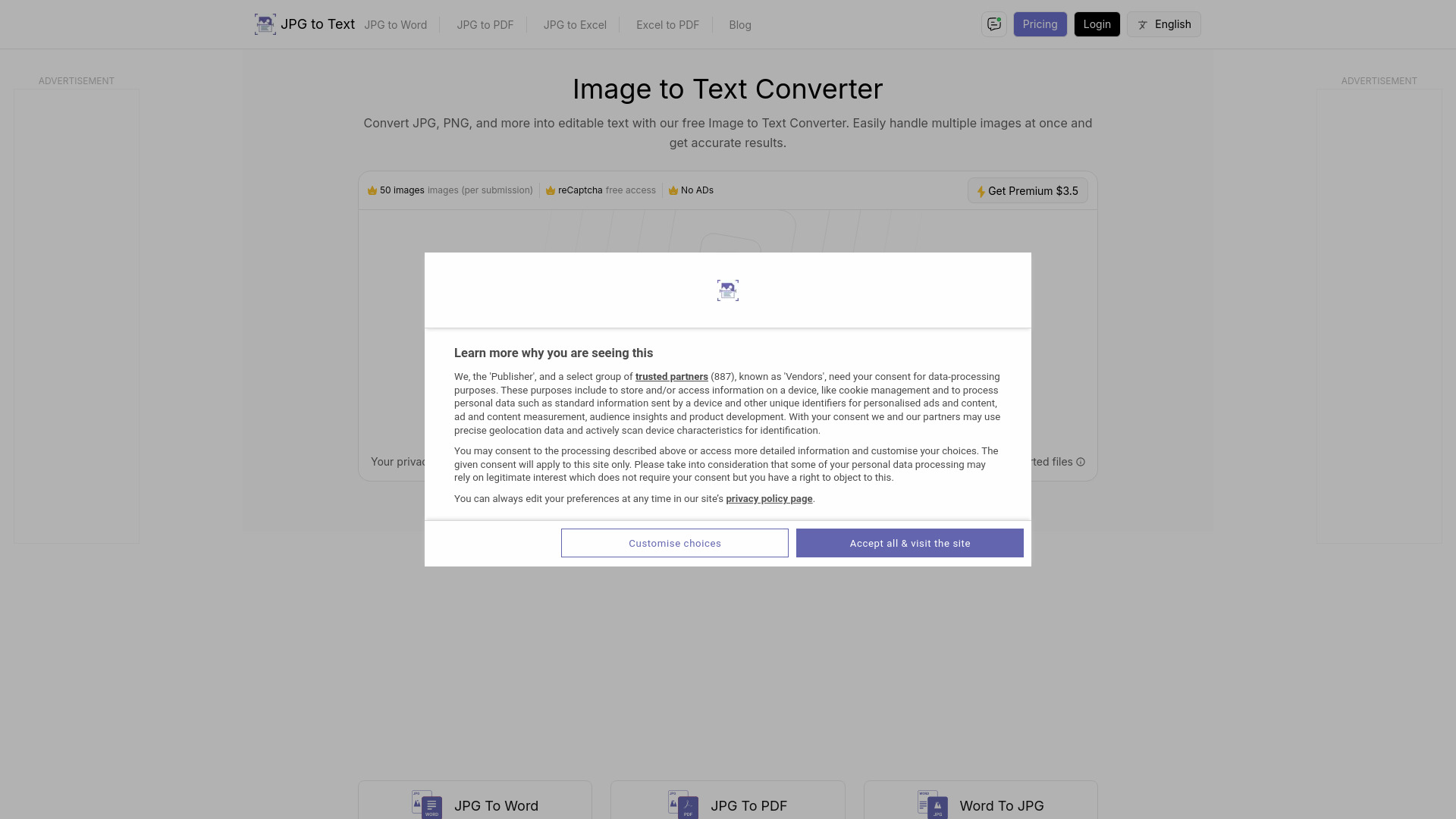
Image to Text Converter
Easily extract text from images with our Online OCR tool. Convert images to editable text quickly and efficiently. Try it now!
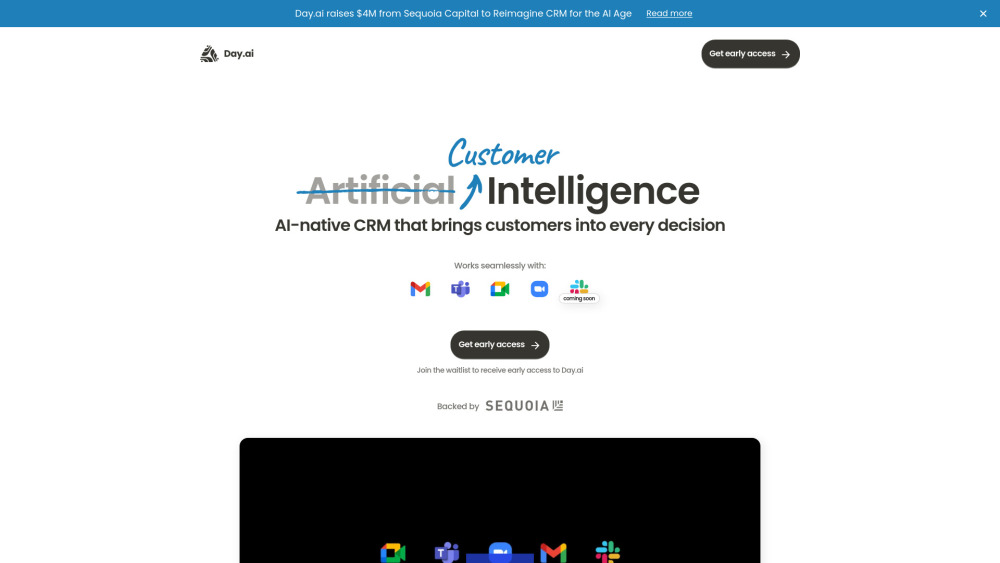
Day.ai
Elevate customer relationships with our Integrated CRM and meeting assistant tool. Enhance communication and efficiency for better connections.
Use Cases
- Speed up typing by using voice recognition
- Convert audio/video files into text
- Create subtitles for audio/video files
How to Use
To use SpeechPulse, simply download and install the application on your computer. Once installed, open the app and grant microphone access. You can then start speaking, and SpeechPulse will convert your speech into text in real-time.