
SplashSnap
Automate AI image generation and wallpaper setting with iOS Shortcuts.
Introduction
SplashSnap is a tool that integrates with iOS Shortcuts to automate the generation of AI images and set them as wallpaper.
What stands out?
The core features of SplashSnap include integrating with iOS Shortcuts, automating the generation of AI images, and setting them as wallpapers.
Frequently Asked Questions
What is SplashSnap?
How to use SplashSnap?
Can I use SplashSnap on Android?
How often does SplashSnap change the wallpaper?
Are the AI-generated images high-quality?
Can SplashSnap generate images based on specific themes or styles?
Reviews & Feedback
Share your experience with the community
0.0
Based on 0 reviews
User Comments (0)
Sort Criteria
Order
No reviews yet. Be the first to share your thoughts!
Statistics
Monthly visits
NaN
Saved by users
0
Rating
0.0/ 5.0
Added on
—
Similar Tools

Fotor
The ultimate AI photo editor
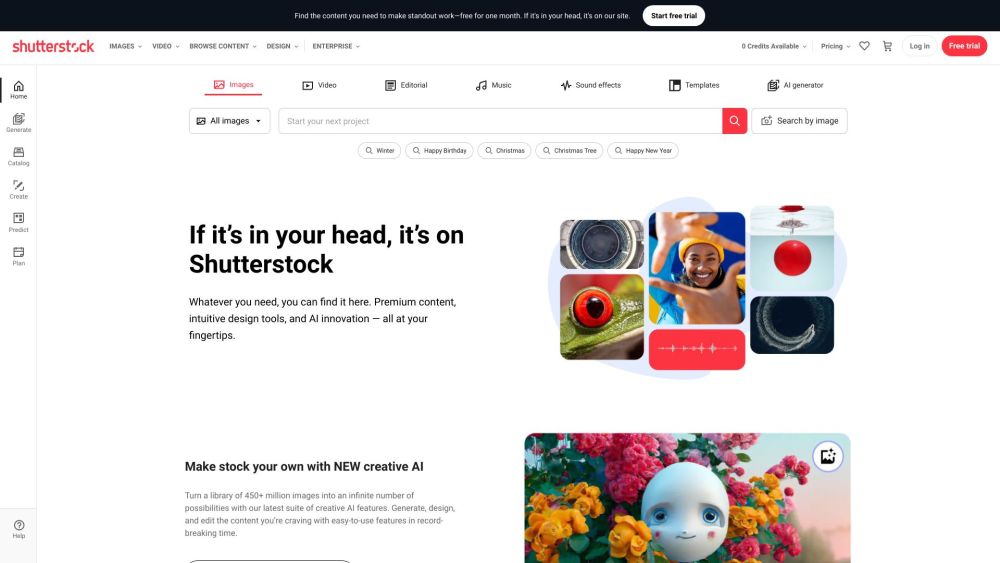
Shutterstock
Explore a variety of stock images, photos, vectors, videos, and music for your creative projects with this versatile application.

Pixelcut
Easily create stunning product photos and ads with our free online design tool. Remove backgrounds and erase objects effortlessly.
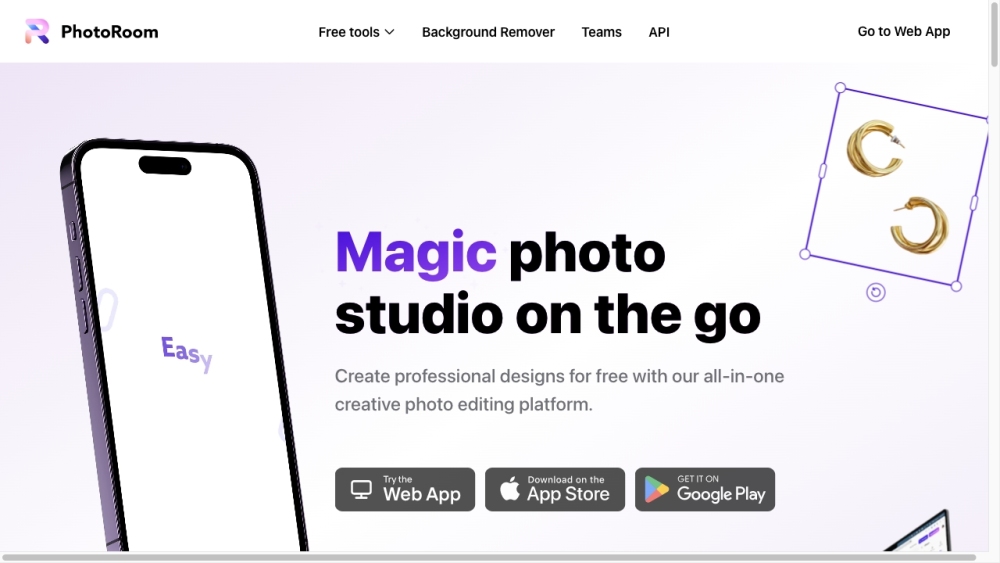
PhotoRoom
Easily enhance product and portrait photos on-the-go with the PhotoRoom app. Transform your pictures with professional quality right from your phone.
Use Cases
- Some use cases for SplashSnap include creating unique and personalized wallpapers, automating wallpaper changes for a fresh look every day, and exploring the possibilities of AI-generated art.
How to Use
To use SplashSnap, first install the iOS Shortcuts app on your iPhone. Then, download and install the SplashSnap shortcut from the SplashSnap website. Once installed, simply open the Shortcuts app and run the SplashSnap shortcut. It will automatically generate a new AI image and set it as your wallpaper.