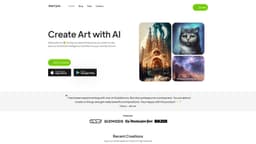
starryai
"starryai is an AI app for creating art based on text prompts."
AI art generatorAI art makerartificial intelligence
Introduction
starryai is an AI art generator app that allows users to create works of art by simply entering a text prompt.
Key Features
The core features of starryai include: - AI art generation: Transform your text prompts into unique works of art using Artificial Intelligence. - Customizability: Choose from a variety of models, styles, aspect ratios, and initial images to personalize your AI-generated artwork. - Full ownership: Have complete ownership of your creations, allowing you to use them for your art projects, printing, or sharing on social media. - State-of-the-art methods: starryai utilizes the latest AI methods and regular model updates to ensure high-quality and improved AI art creations.
Frequently Asked Questions
What is starryai?
How to use starryai?
How much does starryai cost?
Can I use the AI-generated artwork for commercial purposes?
What platforms is starryai available on?
Is technical expertise required to use starryai?
Similar Tools

Quickads
Effortlessly create image and video ads with this AI-powered tool. Say goodbye to the hassle and hello to effective marketing campaigns.

Genie AI
Experience a versatile AI chatbot capable of handling multiple tasks with ease. Engage with our multi-model application today!
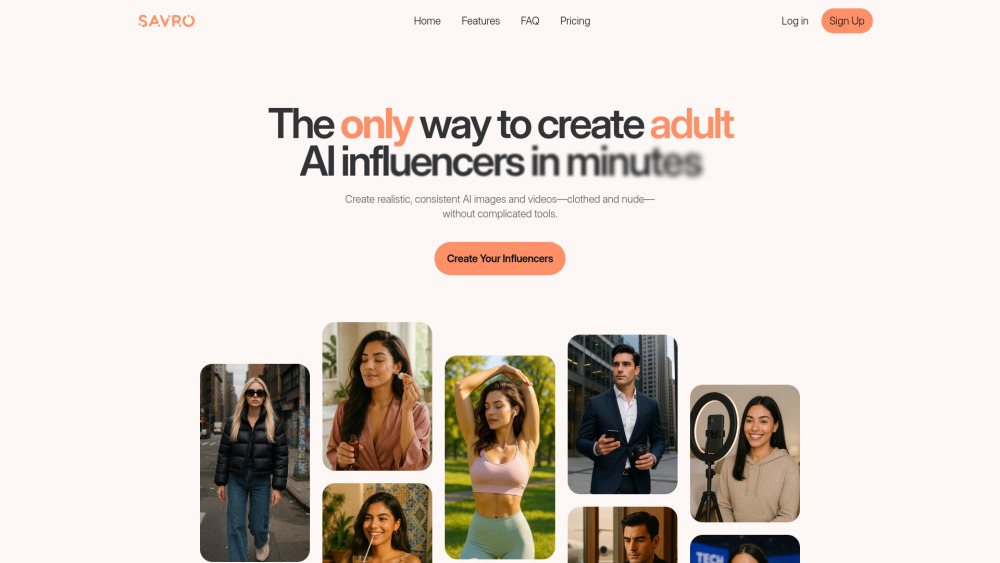
Savro AI
Create adult AI influencers in minutes
Use Cases
- starryai can be used for various purposes, including: - Creating art for personal enjoyment or self-expression. - Designing custom posters and cover art for books, albums, or events. - Enhancing social media game by creating stunning AI-generated assets. - Making tapestry prints and designing unique jewelry concepts with the help of AI. - Unleashing your inner interior designer by using AI to develop interior design concepts.
How to Use
To use starryai, follow these steps: 1. Download the starryai app from the App Store or Google Play. 2. Open the app and sign up for an account. 3. Enter a text prompt describing what you want to see in your AI-generated artwork. 4. Customize your artwork by choosing different models, styles, aspect ratios, and initial images. 5. Generate your AI artwork and preview the result. 6. Save, print, or share your AI art on social media.