
Superflow
Superflow is an annotation tool that simplifies website feedback and collaboration.
Introduction
Superflow is an annotation tool for website feedback, collaboration, and design review. It streamlines the feedback process by providing seamless tools that minimize excessive communication and focus on delivering great designs.
What stands out?
Comment and collaborate directly on your website
Assign tasks and track progress
Area commenting with arrow annotation
Private comments for internal discussions
Filter and find comments with AI auto categorization
Screen recording for better context
Deep linking to specific comments
Mobile device support
Integrations with Asana, ClickUp, and Slack
Frequently Asked Questions
What is Superflow?
How to use Superflow?
How does Superflow work?
Can I use Superflow on mobile devices?
Are there any integrations available with Superflow?
What are the pricing options for Superflow?
How can Superflow streamline collaboration?
What are the core features of Superflow?
More Information
Superflow Support Email & Customer service contact & Refund contact etc.
Here is the Superflow support email for customer service: [email protected] . More Contact, visit the contact us page(mailto:[email protected])
Superflow Company
Superflow Company name: Superflow by Velt .
Superflow Pricing
Superflow Pricing Link: https://usesuperflow.com/pricing
Superflow Youtube
Superflow Youtube Link: https://www.youtube.com/@usesuperflow/videos
Superflow Linkedin
Superflow Linkedin Link: https://www.linkedin.com/showcase/usesuperflowpage/
Superflow Twitter
Superflow Twitter Link: https://twitter.com/usesuperflow
Superflow Instagram
Superflow Instagram Link: https://www.instagram.com/usesuperflow
Reviews & Feedback
Share your experience with the community
0.0
Based on 0 reviews
User Comments (0)
Sort Criteria
Order
No reviews yet. Be the first to share your thoughts!
Statistics
Monthly visits
NaN
Saved by users
0
Rating
0.0/ 5.0
Added on
—
Similar Tools

Pixelcut
Easily create stunning product photos and ads with our free online design tool. Remove backgrounds and erase objects effortlessly.

Wondershare
Discover innovative tools for enhancing creativity, productivity, and efficiency with our app. Unleash your potential today!

TurboScribe
Unlimited AI transcription with 99.8% accuracy in 98+ languages.

Intercom
Get quicker solutions with Automation and human assistance. Enhance support efficiency for faster issue resolutions.
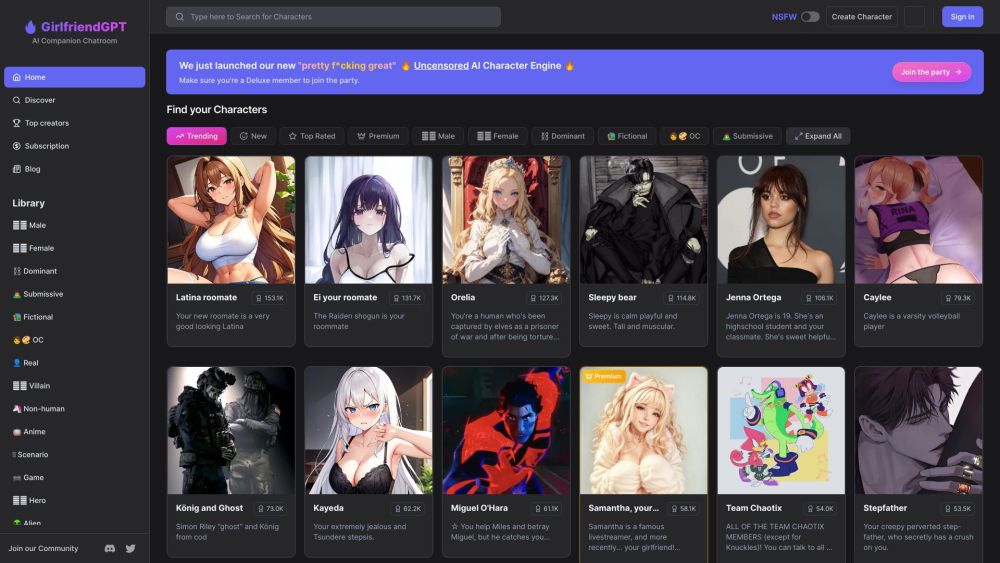
GirlfriendGPT - The AI Companion Chatroom
An uncensored AI companion chatroom for SFW and NSFW conversations.
Use Cases
- Website design and development collaboration
- Getting feedback from clients and stakeholders
- Efficient project workflows for marketing agencies
- Streamlining front-end design coordination
- Simplified web development for non-tech users
- Collaboration on authenticated pages
How to Use
To use Superflow, simply install the provided code snippet on your website. Once installed, users can comment and collaborate directly on the website, allowing for easy iteration and faster website development. Users can also assign tasks, complete them, and track progress within Superflow.