
Synced
Add AI Help Center to your site using Notion. Easy workflow enhancement.
AIHelp CenterNotion
Introduction
Add an AI Help Center to your site using only Notion. Use Notion for content creation, and use Synced.so to create amazing Help center sites & widgets. Enhance your existing workflow in Notion. No new tool to learn.
Key Features
Transform Notion content to Help Center sites
Auto generate Help Center sites and in-app widgets
In-app user guidance with contextual help
AI-powered user assistance with natural language search
Customizable branding and UI
Search Engine Optimized
Blazing fast site loading speed
Ready for sharing on social media
Host on your own domain or subdomain
Frequently Asked Questions
What is Synced?
How to use Synced?
Similar Tools

CodeFast
Quickly learn coding to create successful online ventures with this app designed for fast-paced business growth. Start building today!
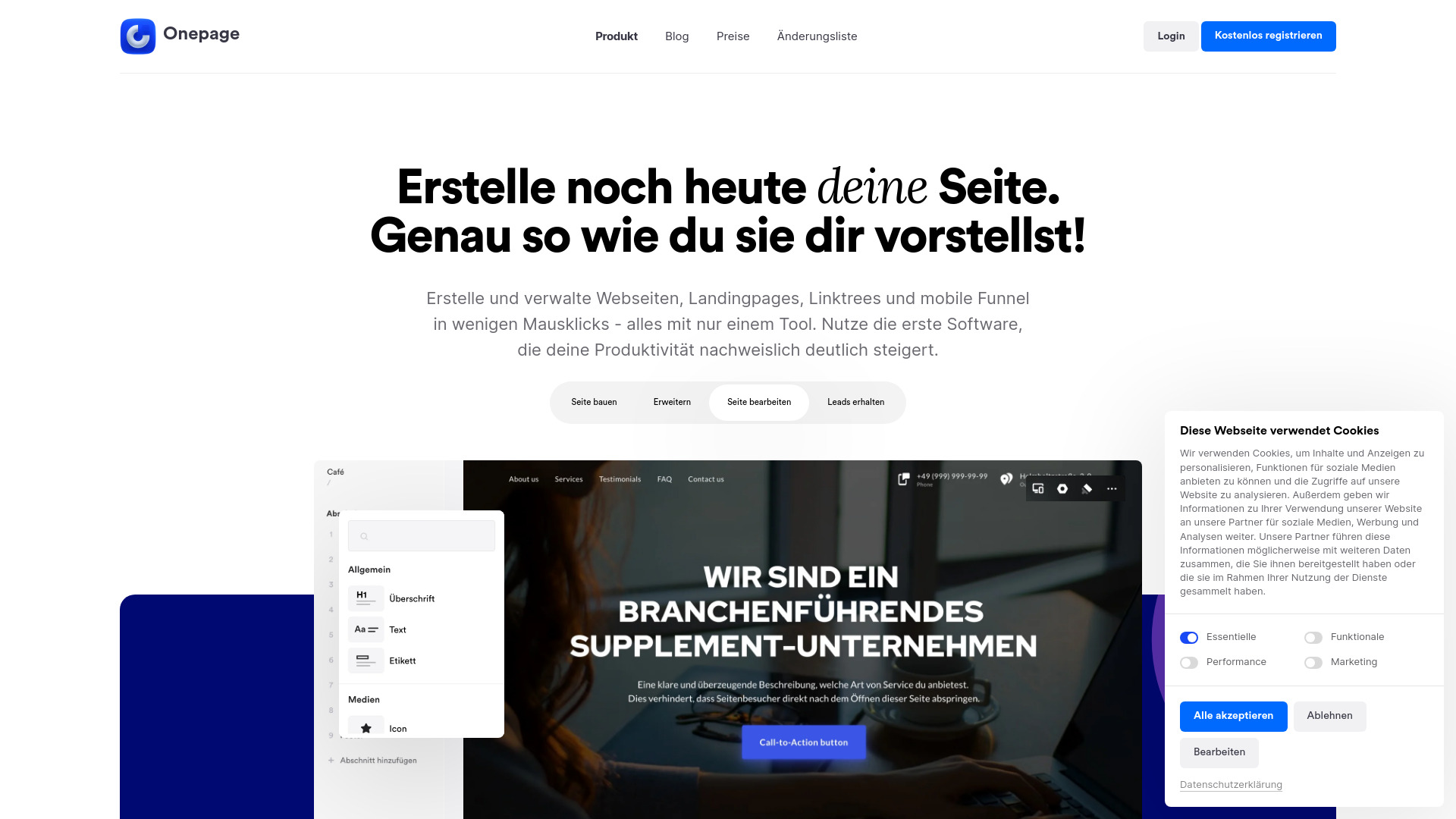
Onepage
Create websites, landing pages, and quizzes with our versatile all-in-one tool. Simplify your online presence in one convenient platform.
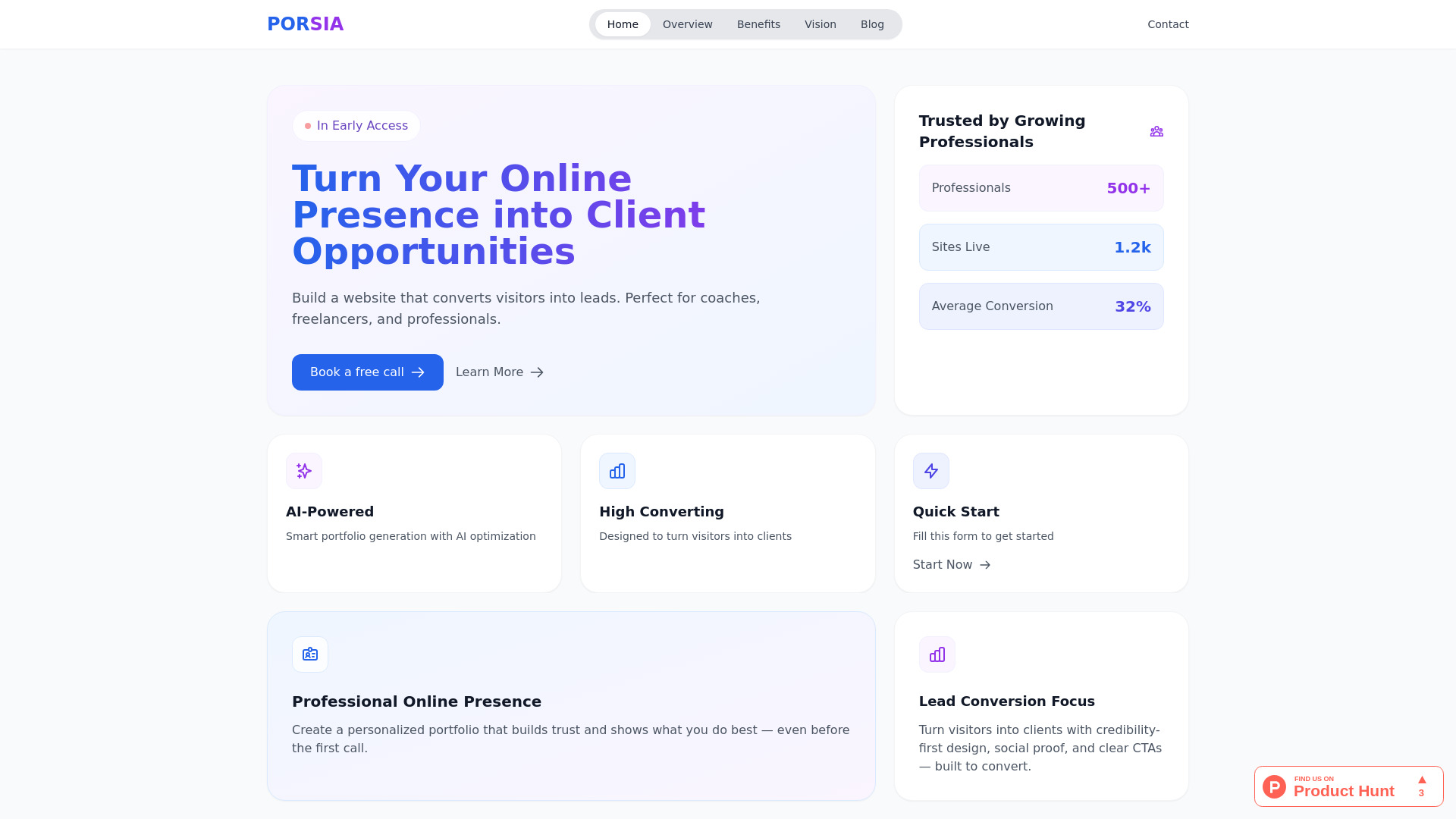
Porsia
Create stunning websites to attract clients and drive leads with this AI website builder designed for professionals.
Use Cases
- Add an AI Help Center to your website
- Improve user experience with in-app help
- Train AI to assist users based on your documents and content
How to Use
To add an AI Help Center to your site, simply use Notion for content creation and Synced.so to create Help center sites and widgets. There is no need to learn any new tools.