Synthesia AI Screen Recorder - Chrome Extension
Effortless video production tool for high-quality output.
AI video toolScreen recordingVideo editing
Introduction
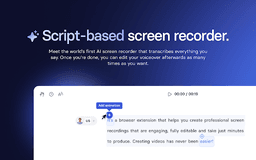
Synthesia AI Screen Recorder is a tool that simplifies video production from screen recordings, ensuring high-quality outputs without extensive editing. This platform is designed for anyone aiming to create professional-looking videos effortlessly, whether for tutorials, marketing, or internal communications.
Key Features
Automatic Transcription
Filler Word Removal
Scene Splitting
Voiceover Alignment
Content Blur
Frequently Asked Questions
What is Synthesia AI Screen Recorder?
How to use Synthesia AI Screen Recorder?
What types of videos can I create with Synthesia AI Screen Recorder?
Does Synthesia AI Screen Recorder require extensive video editing skills?
Similar Tools
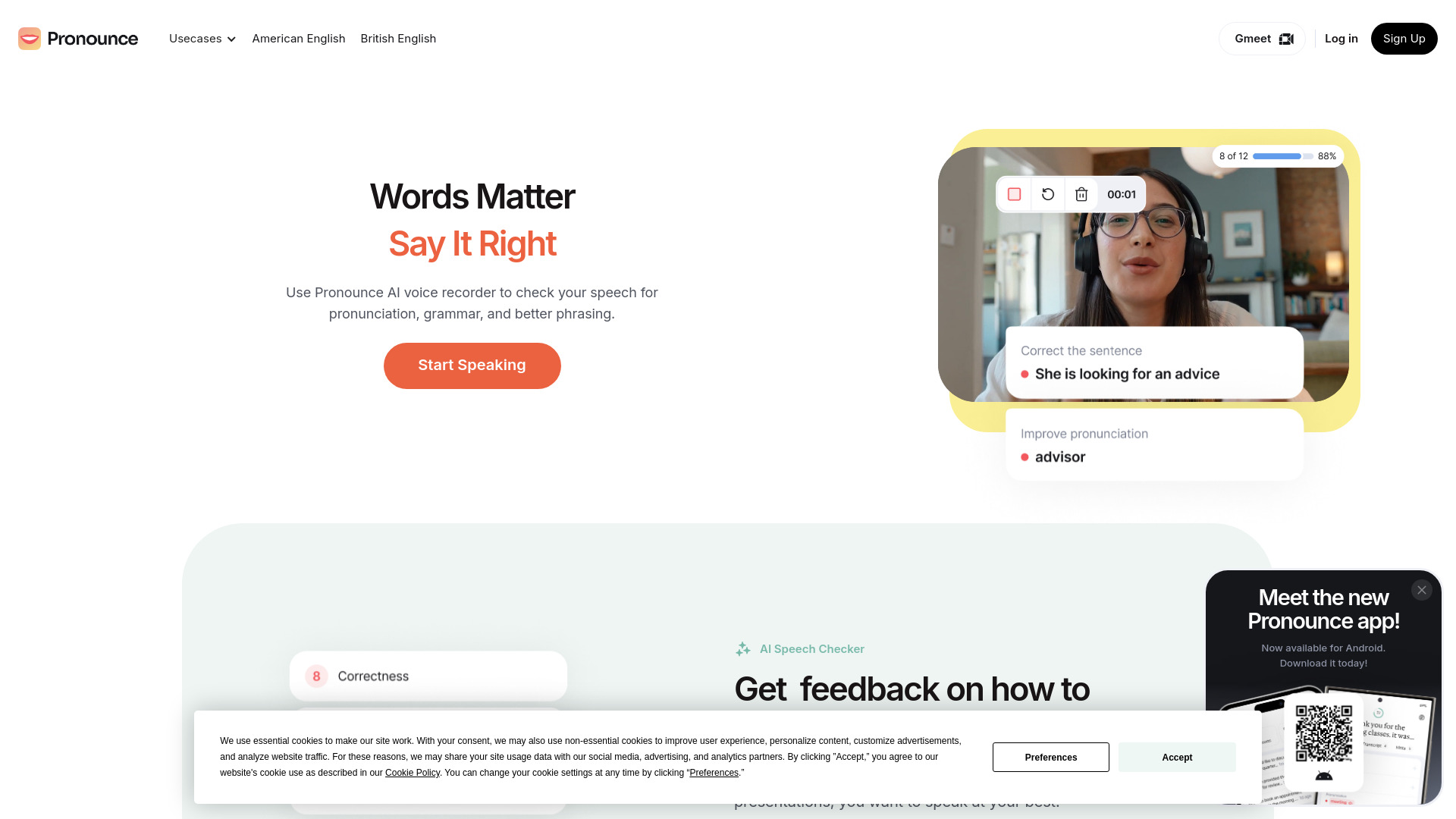
Pronounce
Enhance your English pronunciation and communication skills with our AI speech checker app. Perfect your spoken English today!

Meeting.ai
An advanced tool using AI to transcribe, organize, and summarize meetings efficiently. Ideal for enhancing productivity and collaboration.
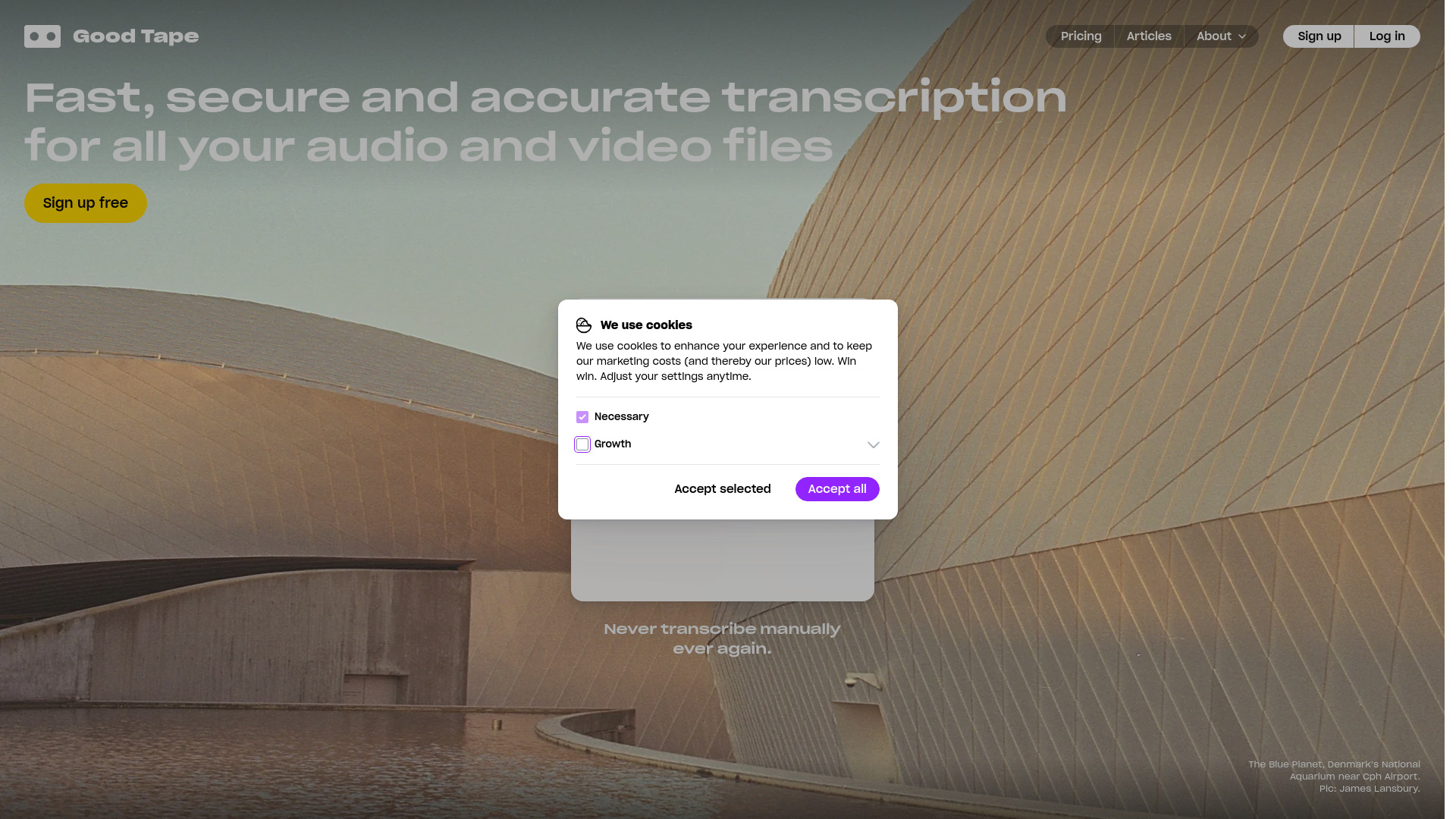
Good Tape
Easily convert audio files into text with our automatic transcription service. Fast and accurate speech-to-text conversion at your fingertips.
Use Cases
- Create compelling product demos for sales outreach
- Develop easy-to-follow help center tutorials
- Showcase features effectively in marketing videos
How to Use
To use Synthesia AI Screen Recorder, simply record your screen while delivering your content. The AI tool will handle transcription, scene splitting, and voiceover alignment to create a polished video.