
TalkVisions
TalkVisions is a mobile app that offers real-time closed caption translations in videos.
Introduction
TalkVisions is a ground-breaking mobile application that eliminates language barriers by offering in-video closed captioning translations. It uses advanced speech recognition technology to transcribe and translate spoken language in real-time.
What stands out?
Real-time transcription and translation of spoken language
Support for multiple languages
Intuitive design for easy recording and switching between languages
Ability to save recorded videos with translated subtitles
Frequently Asked Questions
What is TalkVisions?
How to use TalkVisions?
More Information
TalkVisions Support Email & Customer service contact & Refund contact etc.
Here is the TalkVisions support email for customer service: [email protected] .
TalkVisions Company
TalkVisions Company name: NoCodeClarity, Inc. . TalkVisions Company address: 201 S. Biscayne Blvd, 28th Floor, Miami, FL 33131.
TalkVisions Facebook
TalkVisions Facebook Link: https://facebook.com/talkvisionsapp
TalkVisions Twitter
TalkVisions Twitter Link: https://twitter.com/talkvisionsapp
TalkVisions Instagram
TalkVisions Instagram Link: https://instagram.com/talkvisionsapp
Reviews & Feedback
Share your experience with the community
0.0
Based on 0 reviews
User Comments (0)
Sort Criteria
Order
No reviews yet. Be the first to share your thoughts!
Statistics
Monthly visits
NaN
Saved by users
0
Rating
0.0/ 5.0
Added on
—
Similar Tools

TurboScribe
Unlimited AI transcription with 99.8% accuracy in 98+ languages.

Clipto
Elevate your transcription game with our cutting-edge AI service for converting audio, video, and YouTube files into text. Try it now!
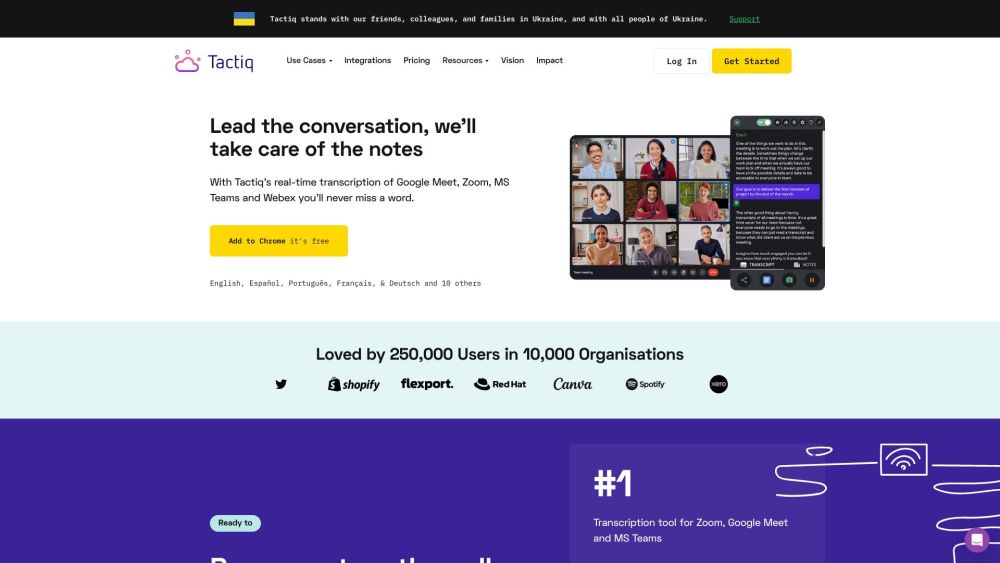
Tactiq
Tactiq is a top transcription tool for online meetings, offering real-time transcription and meeting summaries.
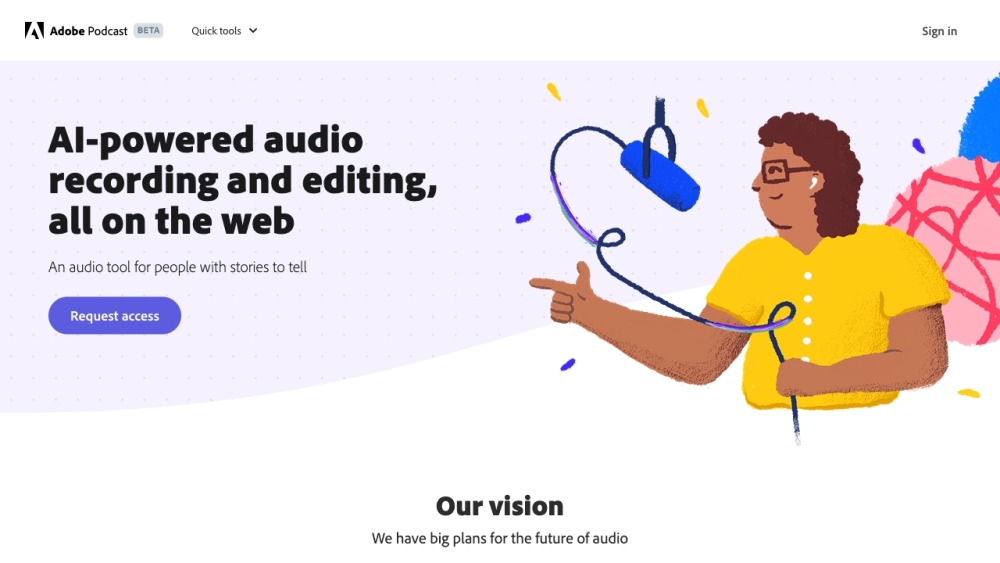
Adobe Podcast
Adobe Podcast is a web platform with AI audio features for recording, transcribing, editing, and sharing audio content.
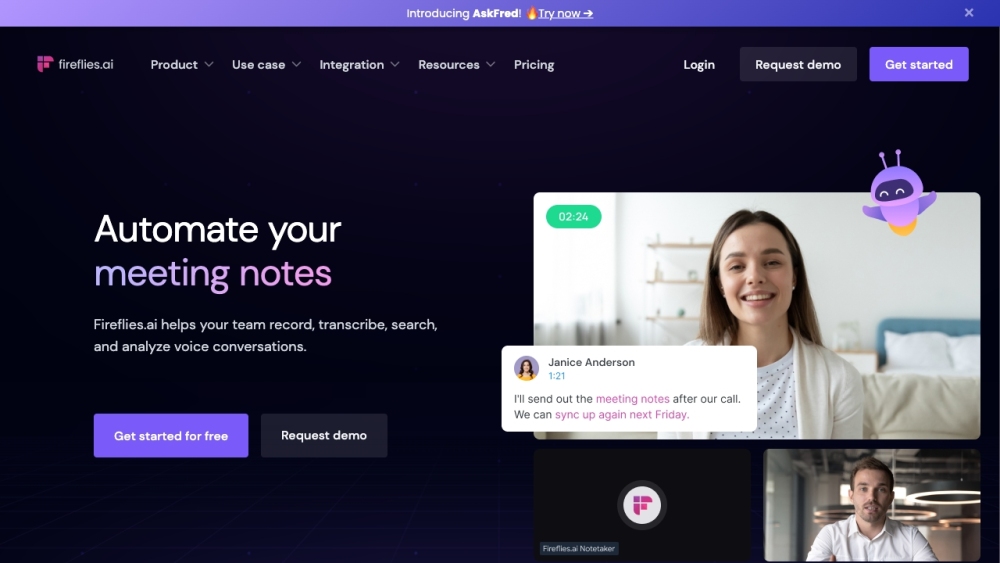
Fireflies.ai
Fireflies.ai is an innovative tool that uses artificial intelligence to transcribe, summarize, and analyze voice conversations effectively.
Use Cases
- Traveling to foreign countries
- Learning a new language
- Breaking down language barriers in communication
- Enhancing accessibility for individuals with hearing impairments
How to Use
1. Choose the desired language for translation. 2. Record the video with the app. 3. Wait for the app to transcribe and translate the spoken words. 4. Save the recorded video with translated subtitles.