
Tappy
Tappy is an AI browser extension for LinkedIn that adds human-sounding comments with one tap.
Introduction
Tappy is an AI browser extension designed to help users add thoughtful and human-sounding comments to LinkedIn posts with just one tap. It is used for sales prospecting, personal branding, and finding job opportunities.
What stands out?
Tappy's core features include: 1. AI-generated comments: Tappy uses AI technology to generate high-quality and human-sounding comments for LinkedIn posts. 2. Sales prospecting: Tappy helps users engage with recent LinkedIn posts from prospects, helping them stay top-of-mind. 3. Personal branding: Users can add comments to other content creators' posts to boost their own visibility and grow their audience. 4. Job searching: Tappy enables users to engage with job postings and managers on LinkedIn to increase their candidate visibility.
Frequently Asked Questions
What is Tappy?
How to use Tappy?
What is Tappy?
How do I use Tappy?
What are the core features of Tappy?
What are the use cases of Tappy?
Is Tappy free to use?
What browsers are supported by Tappy?
How can I upgrade or downgrade my Tappy account?
What is Tappy's data privacy policy?
Who created Tappy?
More Information
Tappy Support Email & Customer service contact & Refund contact etc.
Here is the Tappy support email for customer service: [email protected] .
Tappy Pricing
Tappy Pricing Link: https://www.tappy.ai/pricing
Reviews & Feedback
Share your experience with the community
0.0
Based on 0 reviews
User Comments (0)
Sort Criteria
Order
No reviews yet. Be the first to share your thoughts!
Statistics
Monthly visits
NaN
Saved by users
0
Rating
0.0/ 5.0
Added on
—
Similar Tools

Clipto
Elevate your transcription game with our cutting-edge AI service for converting audio, video, and YouTube files into text. Try it now!
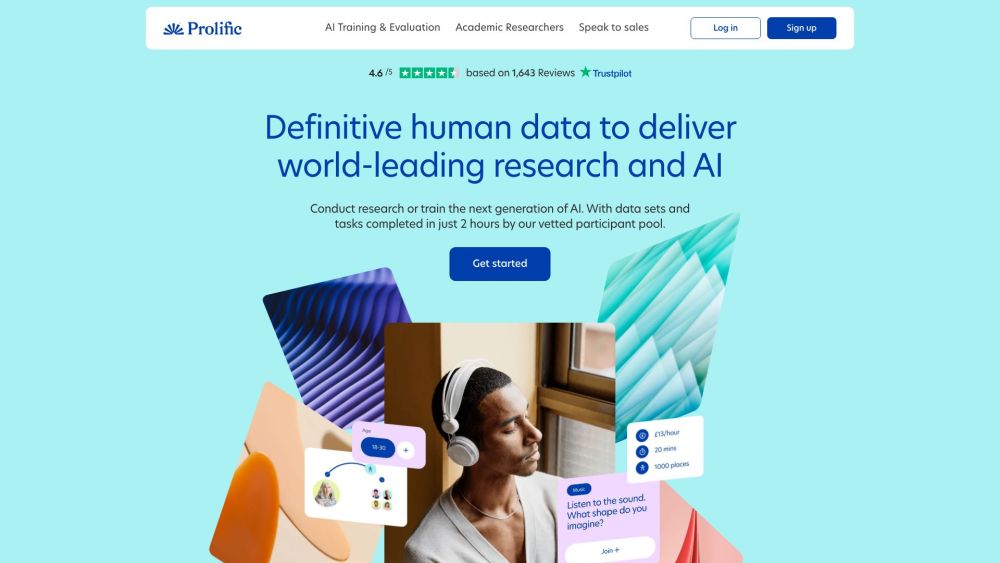
Prolific
Find reliable research participants quickly with Trustworthy research participants in minutes app. Get trustworthy participants for your study fast.
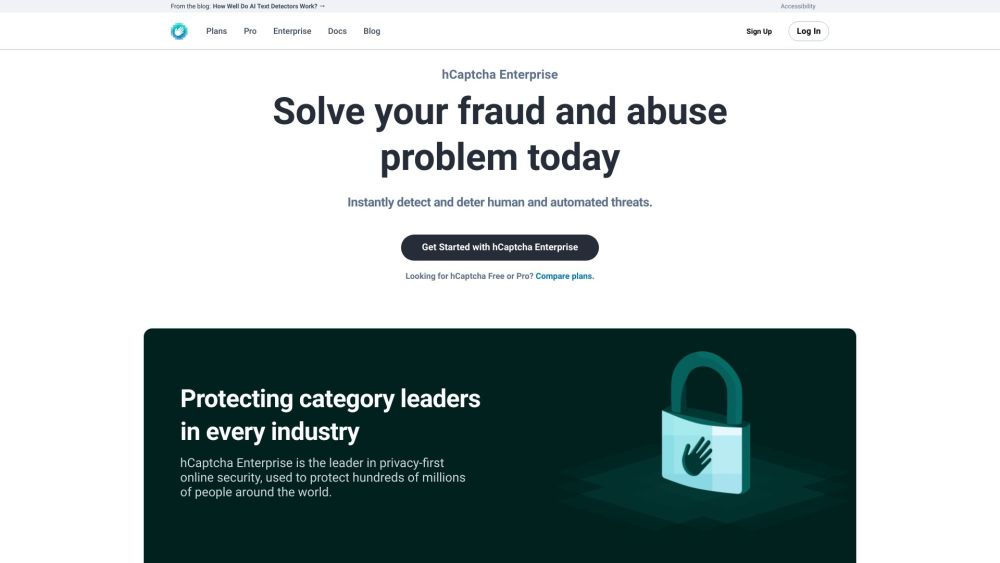
hCaptcha
Enterprise-grade AI security platform protecting against bots and human abuse.
Branded
Discover a platform providing genuine consumer data and insights for your business needs.
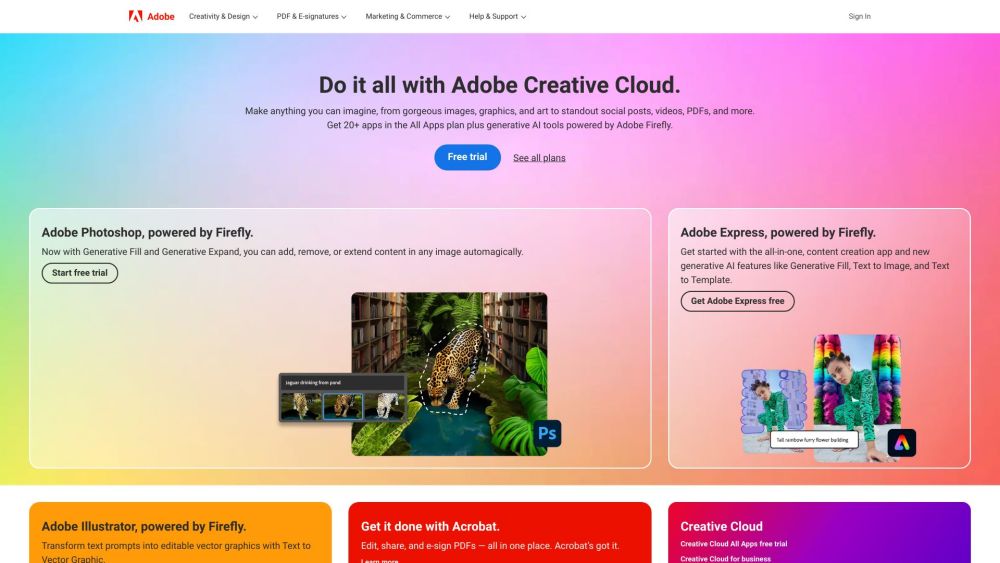
Adobe
Leading company providing creative, marketing, and document management solutions.
Use Cases
- Tappy can be used in the following scenarios: 1. Sales prospecting: Streamline the process of nurturing your sales funnel by using personalized comments on LinkedIn posts. 2. Personal branding: Build new relationships and grow your personal brand by publishing thoughtful comments to other content creators and community members on LinkedIn. 3. Job searching: Increase your visibility as a job candidate by engaging with job postings and managers on LinkedIn. 4. Networking: Enhance your networking efforts by adding meaningful comments to LinkedIn posts from industry professionals.
How to Use
To use Tappy, simply install the Chrome extension and enter the provided license key. Once installed, navigate to LinkedIn and open a post that you want to add a comment to. Click on the Tappy extension icon, and it will generate a thoughtful comment for you. You can then click on the comment to add it to the post. Tappy also offers paid plans for increased usage.