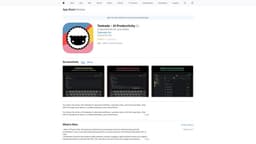
Taskade
AI-powered productivity app for individuals and teams.
project managementtask organizationnote-taking
Introduction
Taskade is an AI-powered productivity app that serves as a second brain for individuals and teams. It allows users to generate workflows, automate tasks, mind map ideas, and chat with AI in a unified workspace.
Key Features
AI Chat: Get instant answers to questions based on AI's knowledge
AI Outline: Generate a structured hierarchy for your topic or question
AI Research Agent: Search the web for more information on a topic
AI SEO Agent: Fetch the top search results for given keywords
AI Expand: Enrich your content with AI's help, making it more descriptive
AI Rewrite: Enhance legibility and clarity with AI's assistance
AI Summarize: Turn lengthy content into a quick summary
Generate Subtasks: Create subtasks for a parent task effortlessly
Brainstorm Ideas: Discover and explore new, exciting ideas
Translate Text: Translate text into one of the available languages
Prioritize Tasks: Arrange tasks based on their importance
Roundtable Agent: Draw expert insights from a team of AI agents
Spelling and Grammar Fix: Improve the structure and flow of documents
AI Project Studio: Craft complete project workflows with AI assistance
Frequently Asked Questions
What is Taskade?
How to use Taskade?
Can I use Taskade with my team?
What is a Workspace?
Are there custom templates available?
Similar Tools
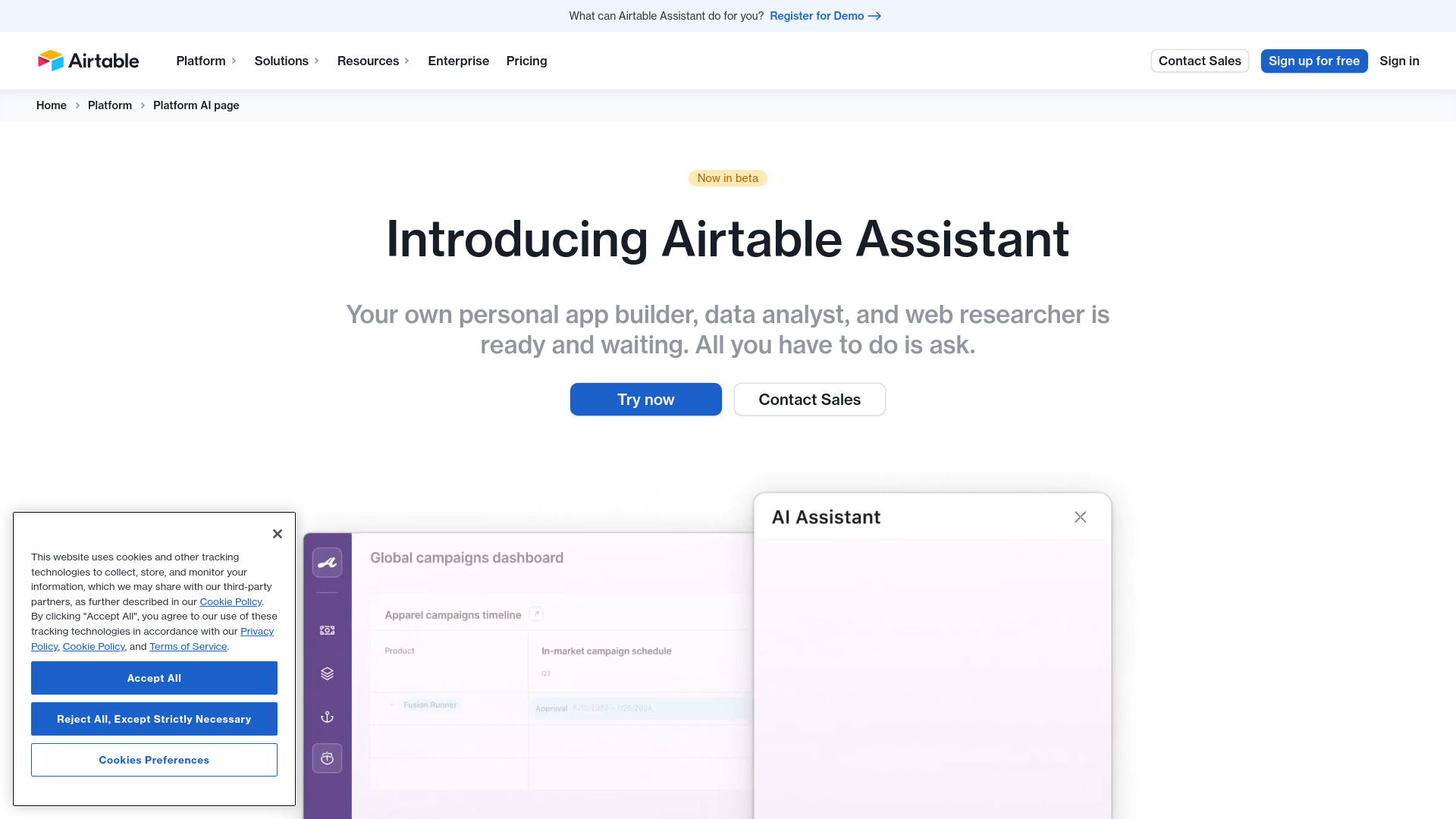
Airtable Assistant
Easily create apps and analyze data with our AI tool, no coding required. Build and analyze without the hassle of programming.
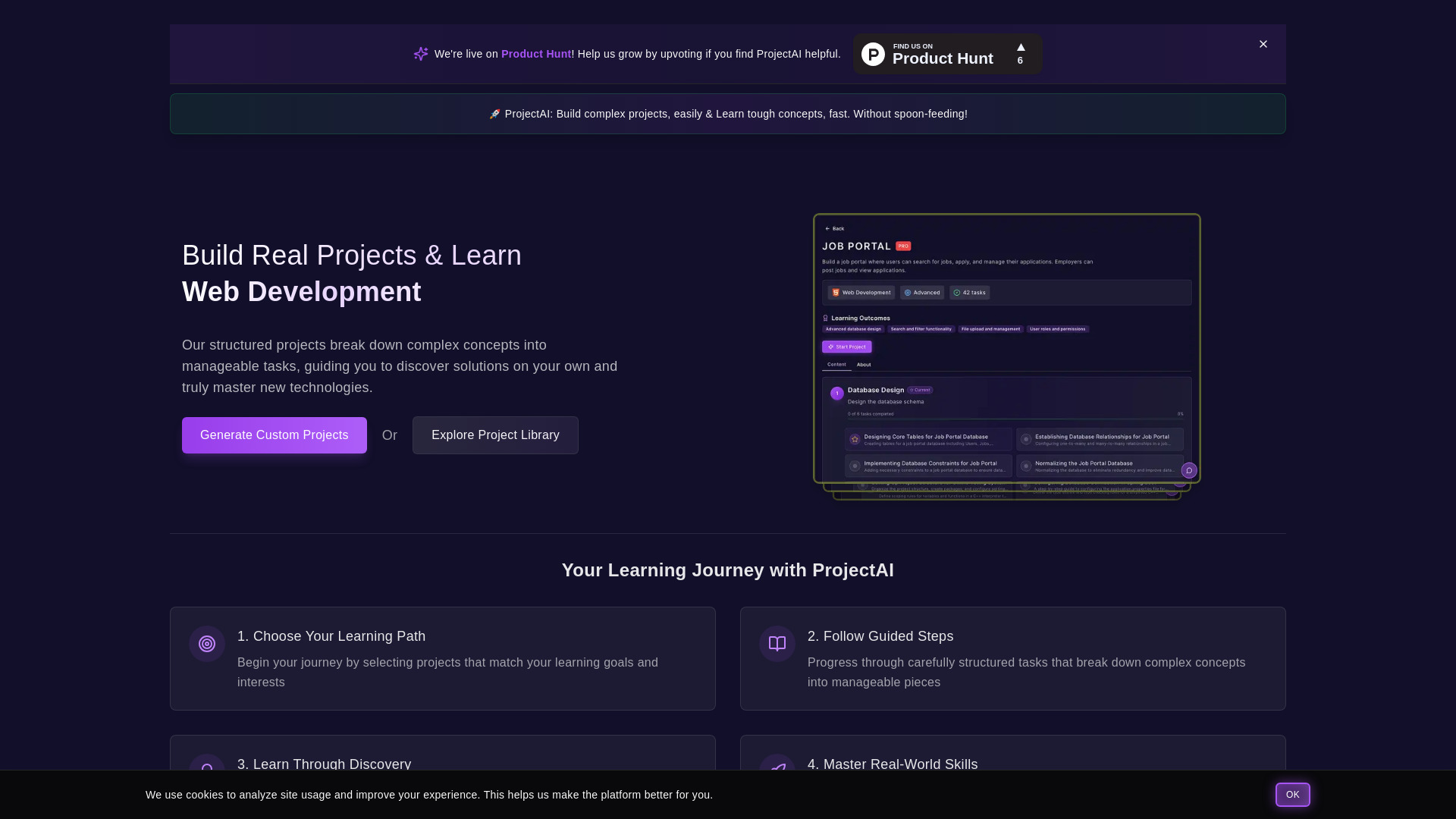
ProjectAI
Discover programming through hands-on projects with detailed instructions. Step-by-step guidance for learning coding skills effectively.
MetaGPT (MGX)
Get access to 24/7 AI Teams for creating apps, games, PPTs, and analysis. Boost productivity with innovative tools at your fingertips.
Use Cases
- Taskade can be used by individuals and teams for various purposes such as project management, task organization, note-taking, brainstorming, content creation, and collaboration.
How to Use
To start using Taskade, download the app on iOS or Android. Once installed, you can create a new project in the AI Project Studio or open an existing project. Use the AI Assistant to access various AI-powered commands and features that enhance productivity.