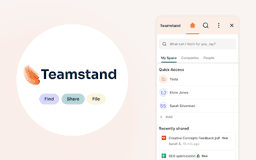
Teamstand - Chrome Extension
Access and organize shared files effortlessly.
Introduction
A tool to access and organize files shared in Gmail™ and Slack, automating the process of managing digital assets.
What stands out?
Automated organization of digital assets from emails and chats
Robust encryption and permissions tools for secure access
Time-saving shortcuts for follow-up tasks and sharing templates
Tagging and customization options for documents and collaboration
History tracking to reduce double-work
Frequently Asked Questions
What is Teamstand?
How to use Teamstand?
How does Teamstand help in organizing digital assets?
Reviews & Feedback
Share your experience with the community
0.0
Based on 0 reviews
User Comments (0)
Sort Criteria
Order
No reviews yet. Be the first to share your thoughts!
Statistics
Monthly visits
NaN
Saved by users
0
Rating
0.0/ 5.0
Added on
—
Similar Tools

Jotform AI Agents
Automated customer service solutions with friendly AI agents.
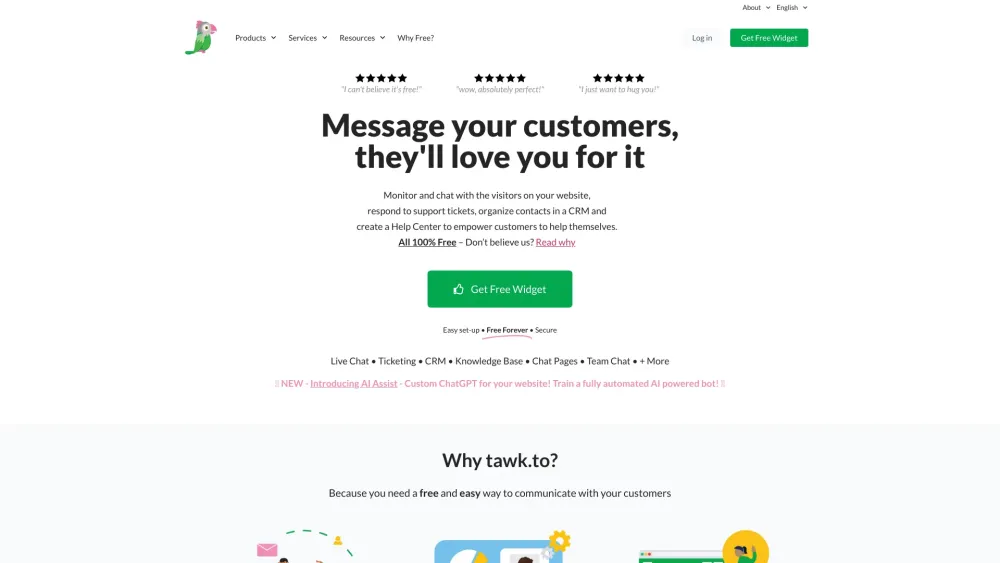
tawk.to
Free Live Chat Software for websites

Intercom
Get quicker solutions with Automation and human assistance. Enhance support efficiency for faster issue resolutions.

Anthropic
The AI assistant named Claude, called Anthropic, offers various capabilities and services.
Use Cases
- Quick access to client project documents
- Efficient team meeting file management
- Streamlined business finances organization
How to Use
Use the embedded extension in Gmail to organize attachments and files in Google Drive™.