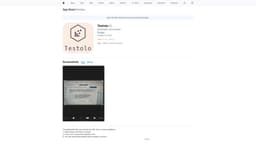
Mobile Answer Generator
Test question answer generator using GPT and Google MLKit.
Mobile appiPhone applicationAnswer generator
Introduction
Mobile iPhone application generating answers for any test question with assistance of GPT and Google MLKit.
Key Features
Automatic answer generation using GPT and Google MLKit
Image recognition for test question input
Editing and customization options for generated answers
Save and share generated answers
Frequently Asked Questions
What is Mobile Answer Generator?
How to use Mobile Answer Generator?
How accurate are the answers generated by the app?
Can the app recognize handwritten test questions?
Is there a limit to the number of questions I can generate answers for?
Can I save and share the generated answers?
Similar Tools
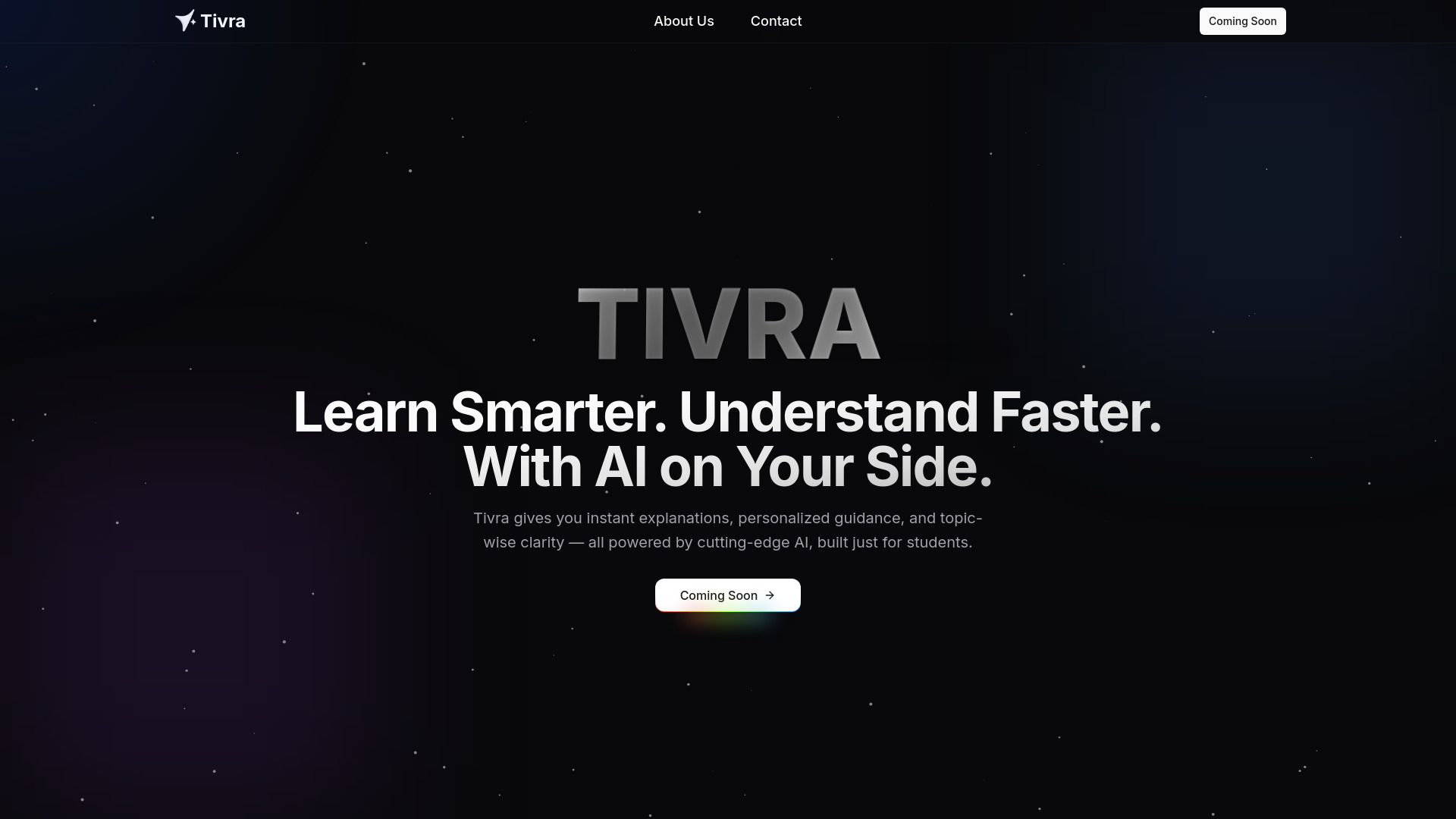
Tivra
Revolutionize your learning with our AI-powered personal teaching platform. Enhance your studying experience and achieve your goals effectively.
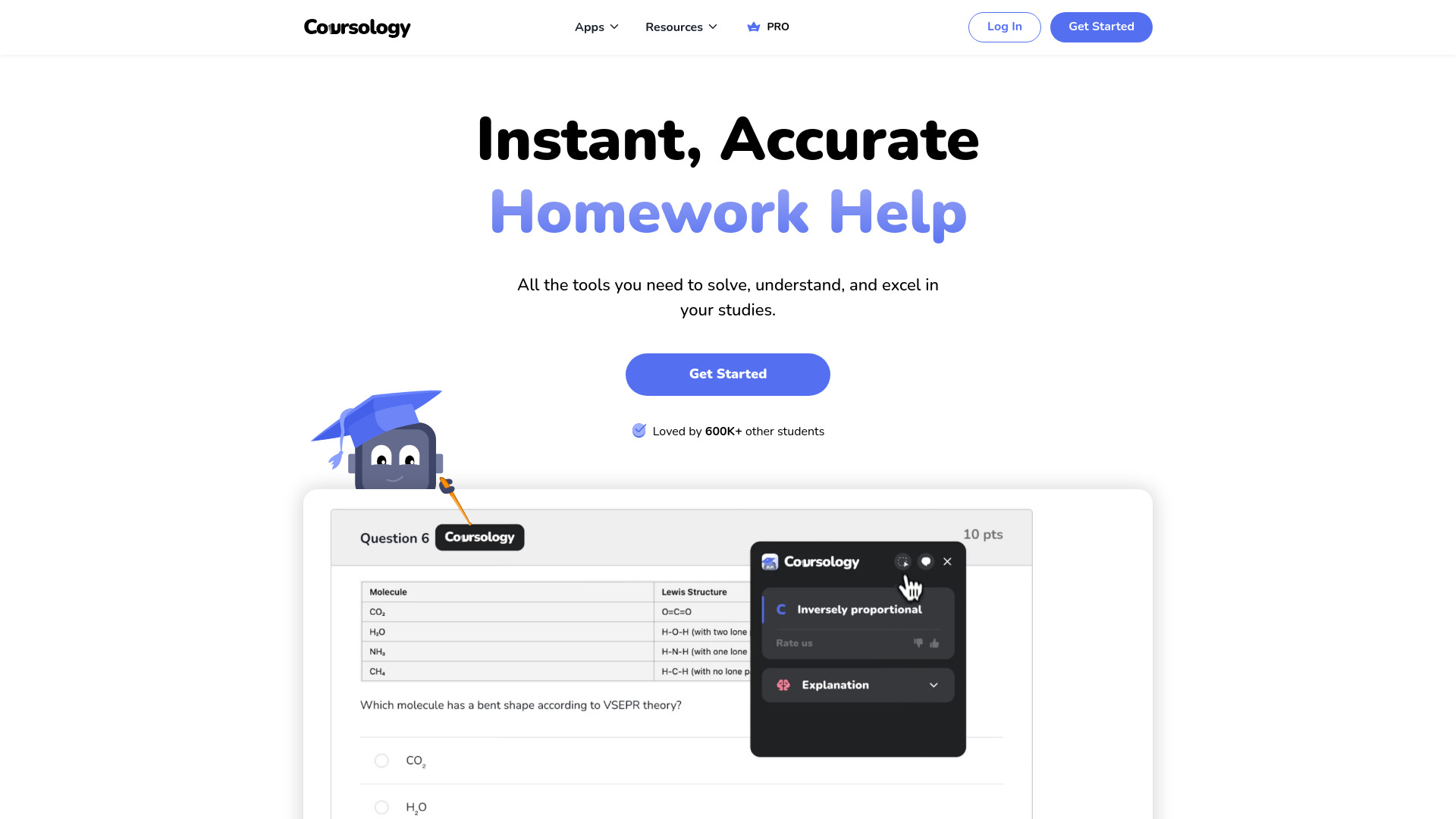
Coursology
Enhance your homework help and learning experience with this AI tool designed for efficiency and effectiveness. Get assistance now!
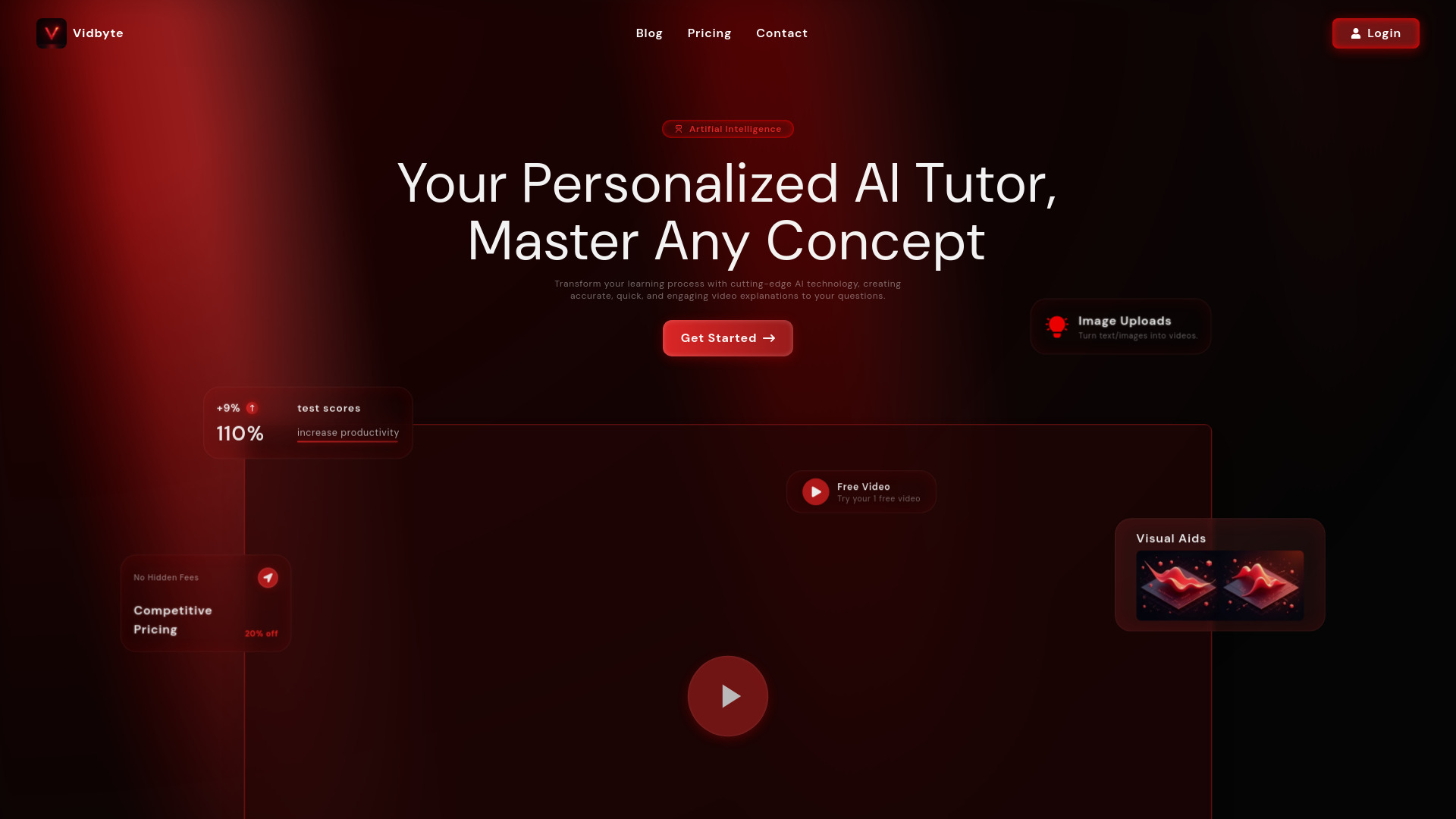
Vidbyte
Discover an innovative tool offering AI-created video tutorials for mastering intricate subjects with ease.
Use Cases
- Students preparing for exams
- Professionals studying for certifications
- Test takers seeking quick and accurate answers
How to Use
1. Download and install the Mobile Answer Generator app on your iPhone. 2. Open the app and grant necessary permissions. 3. Take a photo or upload an image of the test question. 4. Wait for the app to process the question and generate the answer. 5. Review the generated answer and make any necessary edits or additions. 6. Save or share the answer as needed.