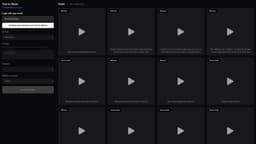
Text to Music
Text to Music uses AI to generate music from user descriptions.
Introduction
Text to Music is a web application that utilizes Artificial Intelligence (AI) to create music based on user-provided descriptions.
What stands out?
1. AI-powered music creation: Utilize cutting-edge Artificial Intelligence technology to convert text descriptions into unique musical compositions. 2. Duration customization: Specify the desired length of the audio output. 3. Public audios: Browse and listen to publicly shared music creations generated by other users. 4. Personal audios: Access and manage your own collection of created music.
Frequently Asked Questions
What is Text to Music?
How to use Text to Music?
Can I use Text to Music without an account?
What language should I use for the music description?
Can I adjust the tempo or genre?
Is there a limit to the number of music creations I can generate?
Reviews & Feedback
Share your experience with the community
0.0
Based on 0 reviews
User Comments (0)
Sort Criteria
Order
No reviews yet. Be the first to share your thoughts!
Statistics
Monthly visits
NaN
Saved by users
0
Rating
0.0/ 5.0
Added on
—
Similar Tools
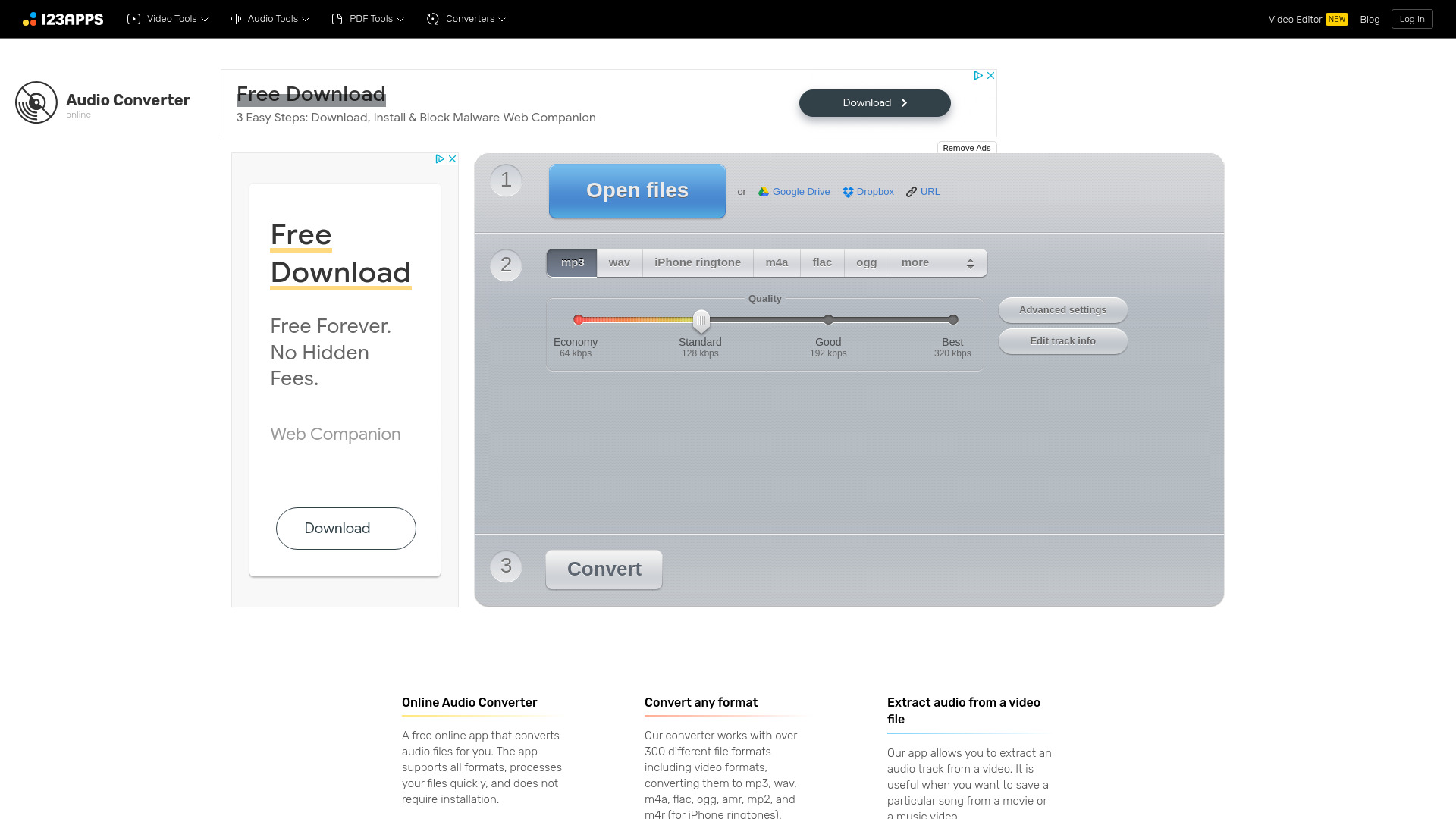
Online Audio Converter
Easily convert audio files online with this convenient audio converter tool. Change file formats quickly and effortlessly for free.
MiniMax
Experience AI technology that generates text, images, videos, and audio effortlessly. Unleash the power of cutting-edge tools for content creation in one comprehensive application.
Moises App
Enhance your music practice with a personalized app using AI to tailor your experience.
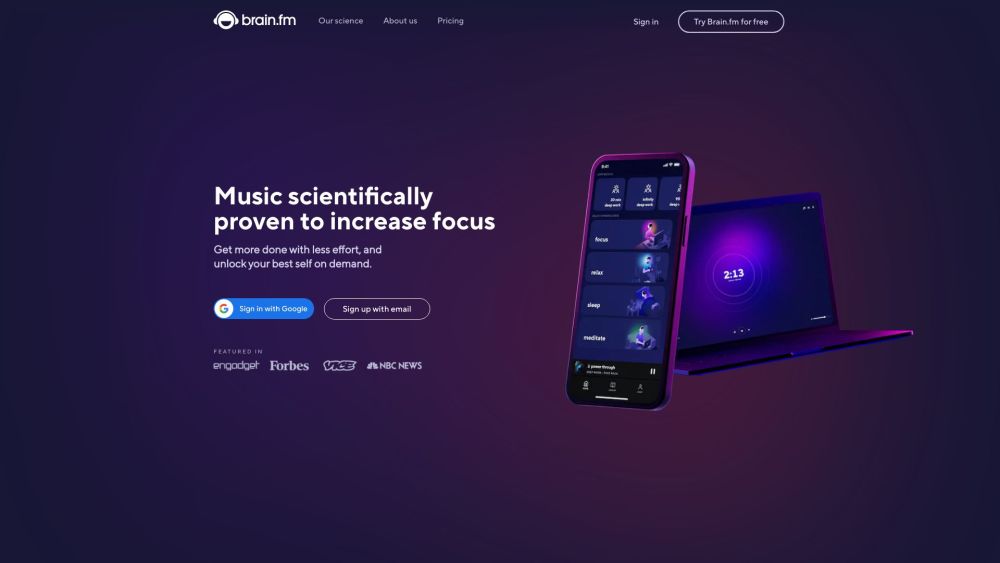
Brain.fm
Functional music to enhance focus and productivity.
Use Cases
- 1. Music composition: Easily compose original music by providing descriptive text. 2. Background music for videos: Create customized soundtracks for videos and multimedia projects. 3. Experimental music production: Explore AI-generated music for artistic and experimental purposes.
How to Use
To use Text to Music, start by logging in with your credentials. Once logged in, you can provide a description in English of the music you want to create. Specify the duration of the audio you desire within a range of 1 to 30 minutes. Finally, click on the 'Generate Audio' button to initiate the AI-driven music creation process.