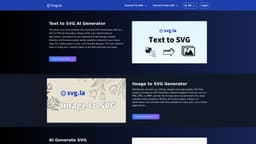
Svg.la
AI tools for creating and converting SVG files from text or images.
AI toolsSVG generatorText to SVG
Introduction
Svg.la offers AI-powered tools for creating and converting SVG files from text or images. Users can generate high-quality vector graphics effortlessly, transform text prompts into detailed SVG illustrations, and convert bitmap images into clean, scalable SVG files.
Key Features
Text to SVG AI Generator
Image to SVG Generator
AI Generate SVG with reference images
Multiple format conversions (SVG to PNG, JPG, etc.)
Frequently Asked Questions
What is Svg.la?
How to use Svg.la?
What is the purpose of these SVG tools?
Can I use both text prompts and reference images with the AI Generate SVG tool?
Is there a file size or complexity limit for the images or text prompts?
Similar Tools

Quickads
Effortlessly create image and video ads with this AI-powered tool. Say goodbye to the hassle and hello to effective marketing campaigns.

Genie AI
Experience a versatile AI chatbot capable of handling multiple tasks with ease. Engage with our multi-model application today!
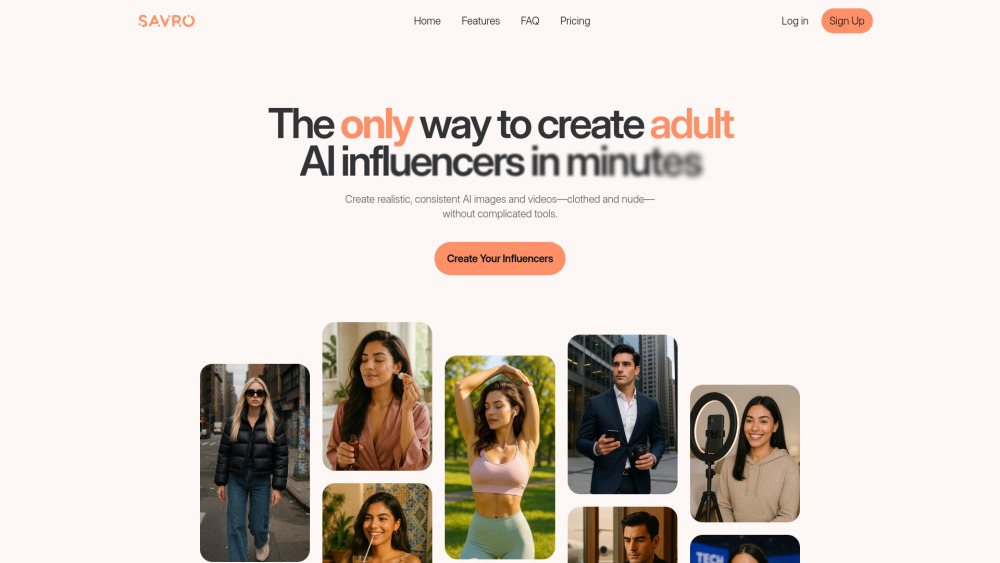
Savro AI
Create adult AI influencers in minutes
Use Cases
- Create logos and icons from text inputs
- Convert artwork from PNG or JPG to scalable SVG
- Generate custom patterns and graphics using AI
How to Use
To use Svg.la, select the desired tool (Text to SVG, Image to SVG, or AI Generate SVG), input your text or upload an image, and the AI will generate the corresponding SVG file for you.