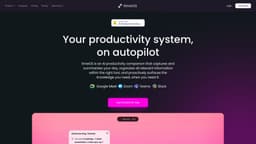
timeOS
AI-powered New Tab page for meeting preparation
AI productivity assistantMeeting preparationAutomated meeting notes
Introduction
timeOS is an AI-powered New Tab page designed to help users prepare for their next meeting. It provides relevant context from Gmail, past meeting notes, and LinkedIn. It also offers automated meeting notes, AI scheduling, proactive insights, action items tracking, seamless AI task delegation, and compatibility with Zoom, Google Meet, and Microsoft Teams.
Key Features
Automated meeting notes
AI scheduling
Proactive insights
Seamless AI task delegation
Compatibility with Zoom, Google Meet, and Microsoft Teams
Frequently Asked Questions
What is timeOS?
How to use timeOS?
Is timeOS free to use?
Can timeOS integrate with other tools?
Similar Tools

Plagiarism Remover
Eliminate plagiarism in your text with this free AI tool. Enhance your writing by rephrasing content effortlessly. Try it now!

Parafrasear Textos
Enhance the quality of your text with our online tool for paraphrasing. Improve readability and make your content stand out.
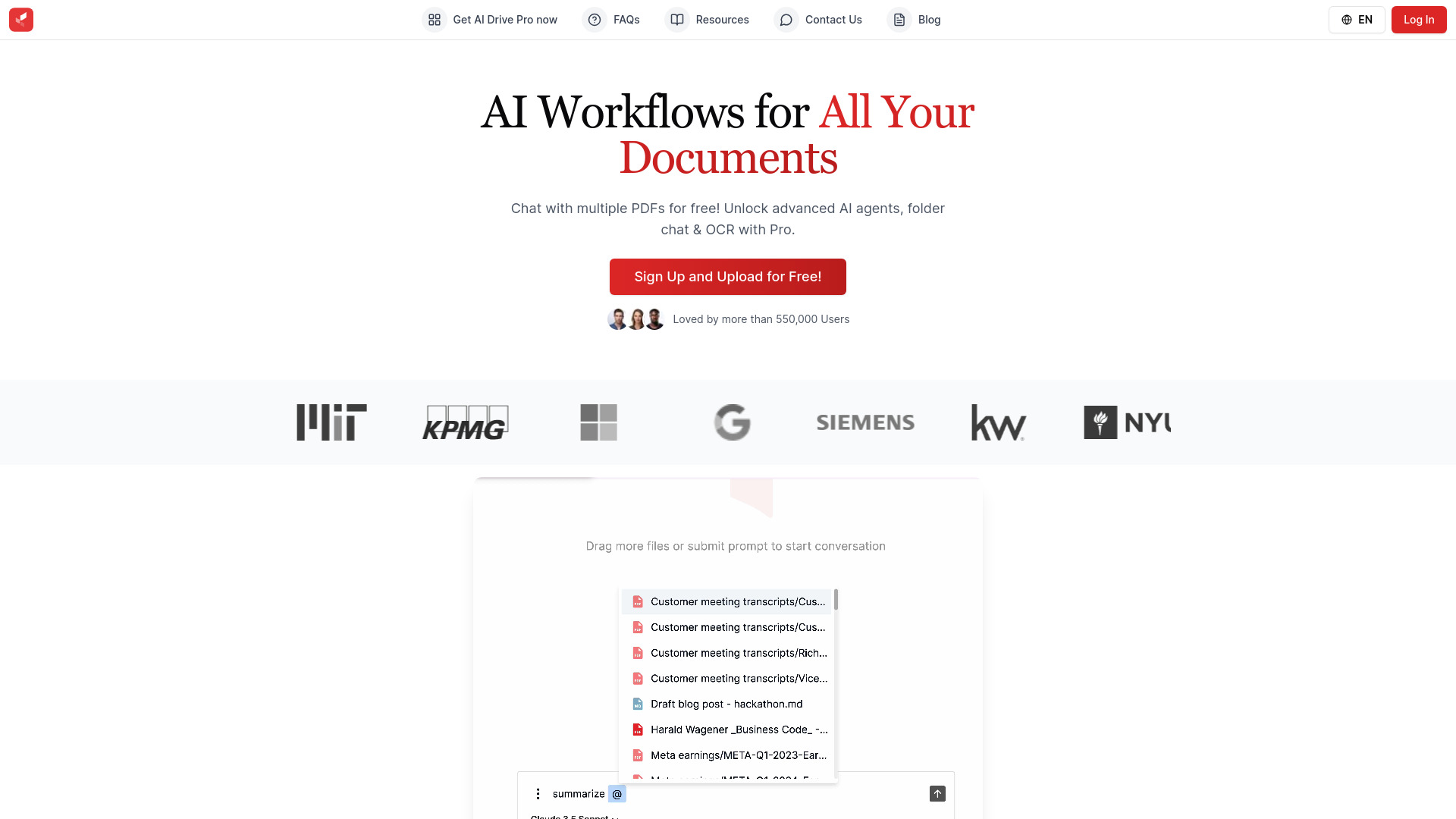
AI Drive
Experience the convenience of AI Drive, the app that utilizes artificial intelligence to enhance your driving experience. Say goodbye to manual control!
Use Cases
- Quickly get ready for meetings by accessing relevant context from Gmail, past notes, and LinkedIn
- Automatically capture and summarize meeting details and action items
- Delegate tasks to AI and receive proactive insights for improved time management
How to Use
To use timeOS, simply install the browser extension, and hover over events or tap to talk with AI directly for quick meeting preparation and scheduling.