
TinyWow
TinyWow provides free AI writing, PDF, image, and other tools to simplify tasks.
Introduction
TinyWow is a free online platform that offers a wide range of AI writing, PDF, image, and other tools to simplify different tasks.
What stands out?
AI writing tools for creating essays, rewriting sentences, generating articles, completing paragraphs, fixing grammar, and improving content
PDF tools for editing, converting to Word, merging PDFs, creating PDFs, compressing, splitting, removing passwords, translating, and e-signing
Image tools for removing backgrounds, restoring photos, generating AI images, resizing dimensions, compressing, increasing resolution, blurring backgrounds, colorizing, combining images, creating collages, adding text, and more
Video tools for compressing, trimming, converting to GIF, extracting audio, and downloading videos from various social media platforms
File tools for splitting CSV and Excel files, converting between different file formats such as PDF, XML, CSV, and JSON
Other tools like QR code generator, lorem ipsum generator, meme maker, and more
Frequently Asked Questions
What is TinyWow?
How to use TinyWow?
Is TinyWow free to use?
Are my files and data secure?
What type of files can I upload?
Can I use TinyWow on mobile devices?
Is there a limit on tool usage or file size?
More Information
TinyWow Support Email & Customer service contact & Refund contact etc.
More Contact, visit the contact us page(https://tinywow.com/contact)
TinyWow Company
TinyWow Company name: Box20 Media Company .
TinyWow Linkedin
TinyWow Linkedin Link: https://www.linkedin.com/sharing/share-offsite/?url=https://tinywow.com
TinyWow Twitter
TinyWow Twitter Link: https://twitter.com/intent/tweet?text=Free PDF, Video, Image & Other Online Tools-TinyWow&url=https://tinywow.com
Reviews & Feedback
Share your experience with the community
0.0
Based on 0 reviews
User Comments (0)
Sort Criteria
Order
No reviews yet. Be the first to share your thoughts!
Statistics
Monthly visits
NaN
Saved by users
0
Rating
0.0/ 5.0
Added on
—
Similar Tools

Kapwing
Collaborate online with Kapwing to create, customize, and expand your content effortlessly.

VEED.IO
Experience a free AI video editing tool with features like text to video, avatars, auto-subtitles, and voice translations.
remove.bg
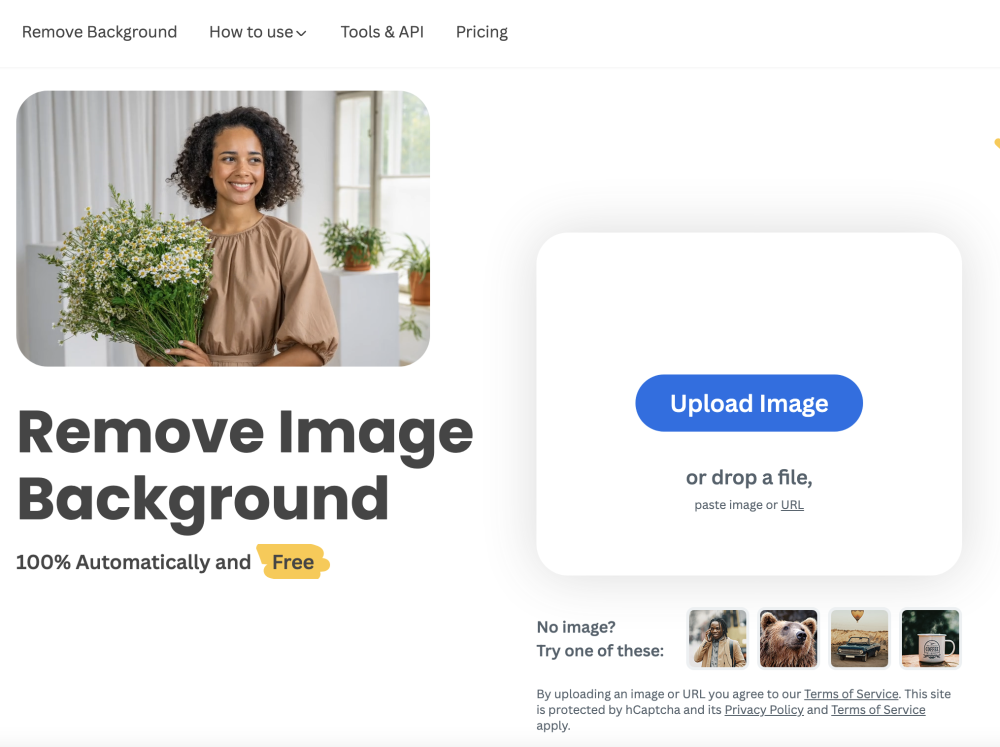
A free tool - remove.bg - can automatically remove image backgrounds with one click.
Use Cases
- Students can use TinyWow's AI writing tools to generate essays, rewrite sentences, and improve their content
- Professionals can utilize the PDF tools to edit, convert, merge, compress, and sign documents
- Graphic designers and photographers can benefit from the image tools to remove backgrounds, enhance images, and add effects
- Social media users can leverage the video tools to compress, trim, and download videos from platforms like Instagram, TikTok, Twitter, and Facebook
- Data analysts and developers can use the file tools to split and convert different file formats for easier data manipulation
- Anyone can make use of the various other tools provided by TinyWow for different purposes
How to Use
To use TinyWow, simply visit the website and navigate to the specific tool you need. Each tool has a user-friendly interface that guides you through the process. You can upload files, input text, or provide necessary inputs for the desired task. After processing, you can download the output file or result.