tl;dv
An AI-powered meeting recorder for Zoom and Google Meet.
Introduction
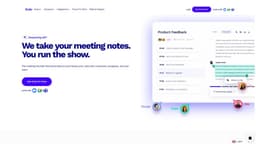
tl;dv is an AI-powered meeting recorder for Zoom and Google Meet. It allows you to video record, transcribe, highlight, and share your online meetings.
What stands out?
Video recording
Transcription
Highlights
Sharing
Frequently Asked Questions
What is tl;dv?
How to use tl;dv?
What languages does tl;dv support for meeting transcription?
Can I create clips from my meeting recordings?
Can I search for keywords in my meeting transcripts?
Does tl;dv integrate with other collaboration platforms and CRMs?
More Information
tl;dv Login
tl;dv Login Link: https://tldv.io/app
tl;dv Sign up
tl;dv Sign up Link: https://tldv.io/app
tl;dv Pricing
tl;dv Pricing Link: https://tldv.io/app/pricing/
tl;dv Youtube
tl;dv Youtube Link: https://www.youtube.com/@get_tldv
tl;dv Tiktok
tl;dv Tiktok Link: https://www.tiktok.com/@tldv.io
tl;dv Linkedin
tl;dv Linkedin Link: https://www.linkedin.com/company/tl-dv/
tl;dv Twitter
tl;dv Twitter Link: https://twitter.com/tldview
tl;dv Instagram
tl;dv Instagram Link: https://www.instagram.com/tldv.io/
Reviews & Feedback
Share your experience with the community
0.0
Based on 0 reviews
User Comments (0)
Sort Criteria
Order
No reviews yet. Be the first to share your thoughts!
Statistics
Monthly visits
NaN
Saved by users
0
Rating
0.0/ 5.0
Added on
—
Similar Tools

Clipto
Elevate your transcription game with our cutting-edge AI service for converting audio, video, and YouTube files into text. Try it now!
Prolific
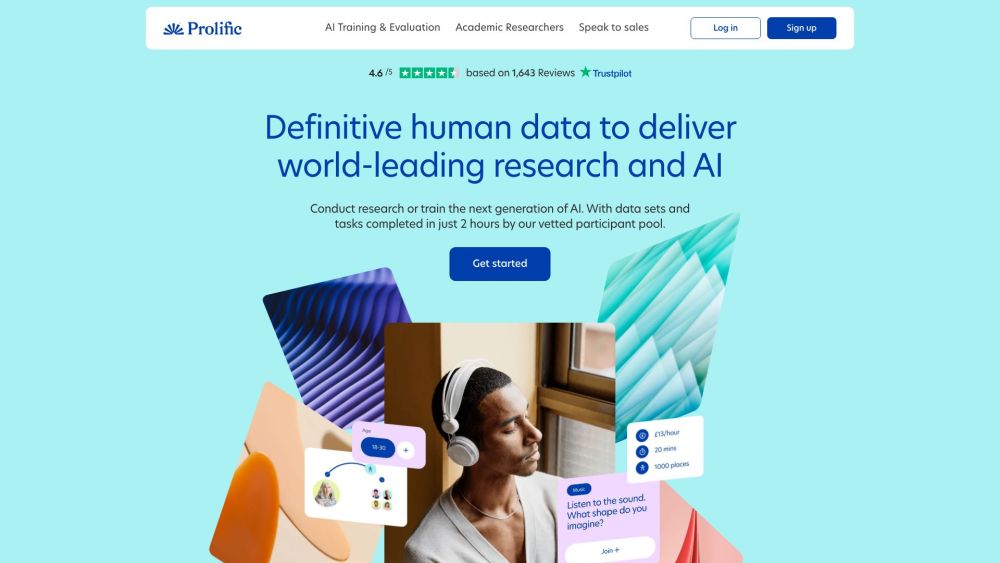
Find reliable research participants quickly with Trustworthy research participants in minutes app. Get trustworthy participants for your study fast.
hCaptcha
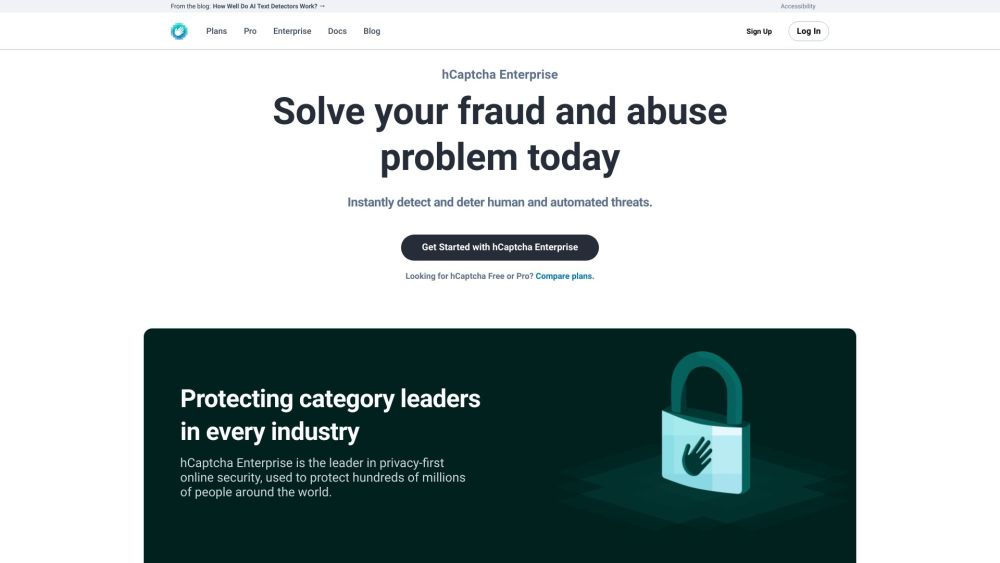
Enterprise-grade AI security platform protecting against bots and human abuse.
Branded
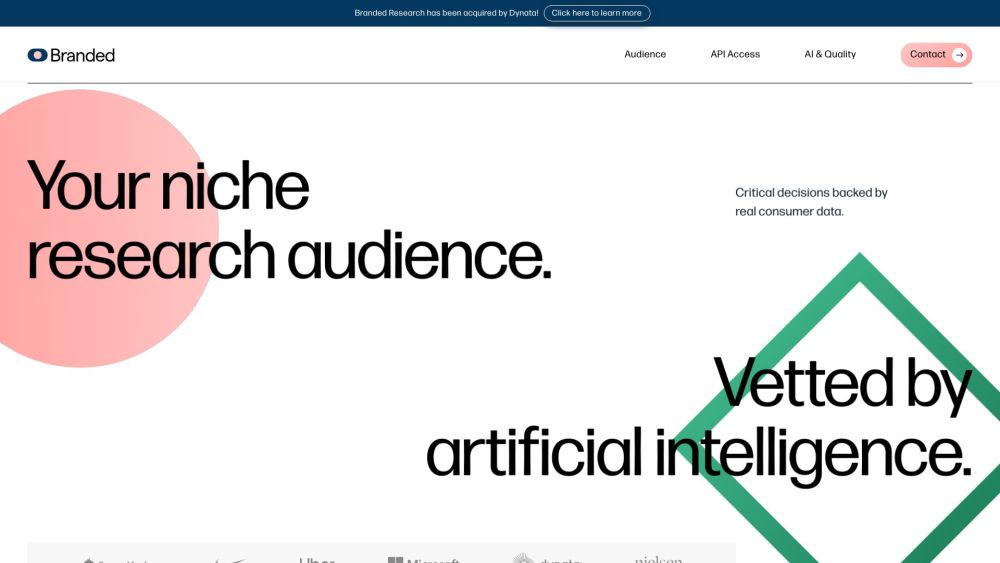
Discover a platform providing genuine consumer data and insights for your business needs.
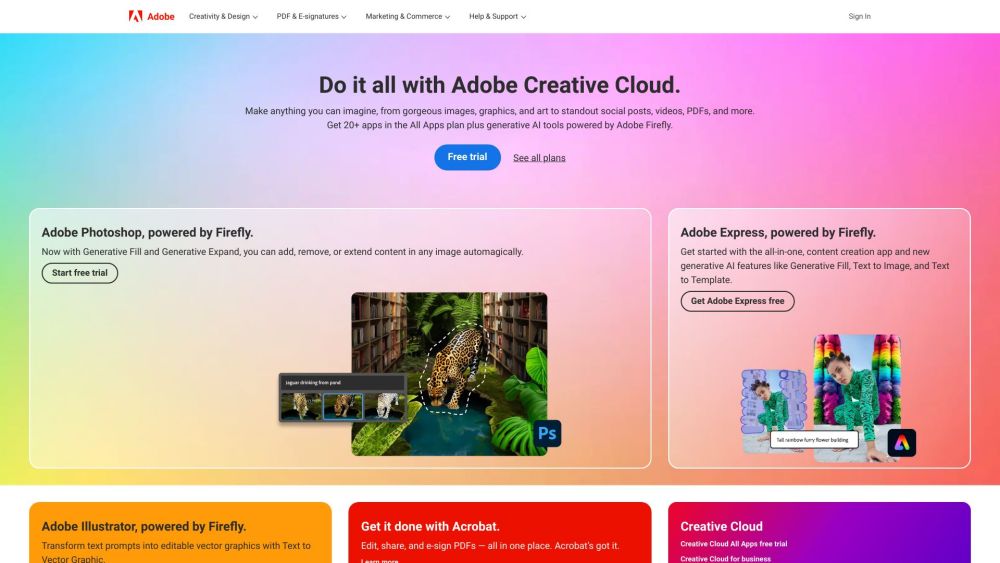
Adobe
Leading company providing creative, marketing, and document management solutions.
Use Cases
- Boosting reports with AI notes, clips, and cross-meeting AI insights
- Scaling candidates screening with recording, AI notes, and integrations
- Promoting team cohesion through automated meeting summaries and recordings
- Automating data from deals, getting AI insights, and scaling sales reps training
- Gaining exceptional support insights with AI notes and cross-meeting summaries
- Analyzing meetings using conversation intelligence
- Scaling onboarding with an engaging and effective knowledge base
- Gaining valuable insights and a deeper understanding of customer needs
- Easily drafting reports with automated notes, clips, and cross-meeting prompts
- Promoting upskilling and knowledge-sharing across the organization
How to Use
To use tl;dv, simply install the app or Chrome extension for Zoom or Google Meet. Once installed, you can start recording your meetings and accessing the recorded video and transcriptions in your meetings library.