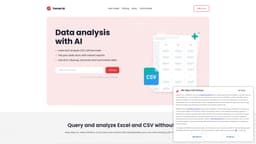
Tomat
A no-code tool for data querying and analytics. Leverage generative AI to work with your unstructured data.
Data AutomationData TransformContent Generation
Introduction
Tomat is a data preparation and analytics no-code tool that works perfectly with datasets of any size. Load CSV and Excel files or connect to PostgreSQL or Snowflake databases with one click. The intuitive step-by-step interface lets you clean up, merge, and transform your data. Use AI for complex analysis, such as sentiment analysis, data extraction, or summarization.
Key Features
Load files of any size (CSV, Excel) or connect your database
Query and analyze datasets without code
Use 20+ visual transforms and 150+ functions
Build reports with powerful charts and custom text
Run data transformation at scale
Ask AI to make complex analyses, from summarizing to sentiment analytics
Create visual workflows for multi-step chain prompts
Automate data workflows
Generate or enrich data in bulk
Frequently Asked Questions
What is Tomat?
How to use Tomat?
What are the use cases of using AI in Tomat?
What skills are needed to start working with Tomat?
Is Tomat safe and secure to use?
Security and AI
How to use AI?
How to buy AI credits?
What platforms does you support?
Similar Tools

Gallabox
Elevate your business communication with our No-code WhatsApp automation tool. Streamline processes and engage customers effortlessly.
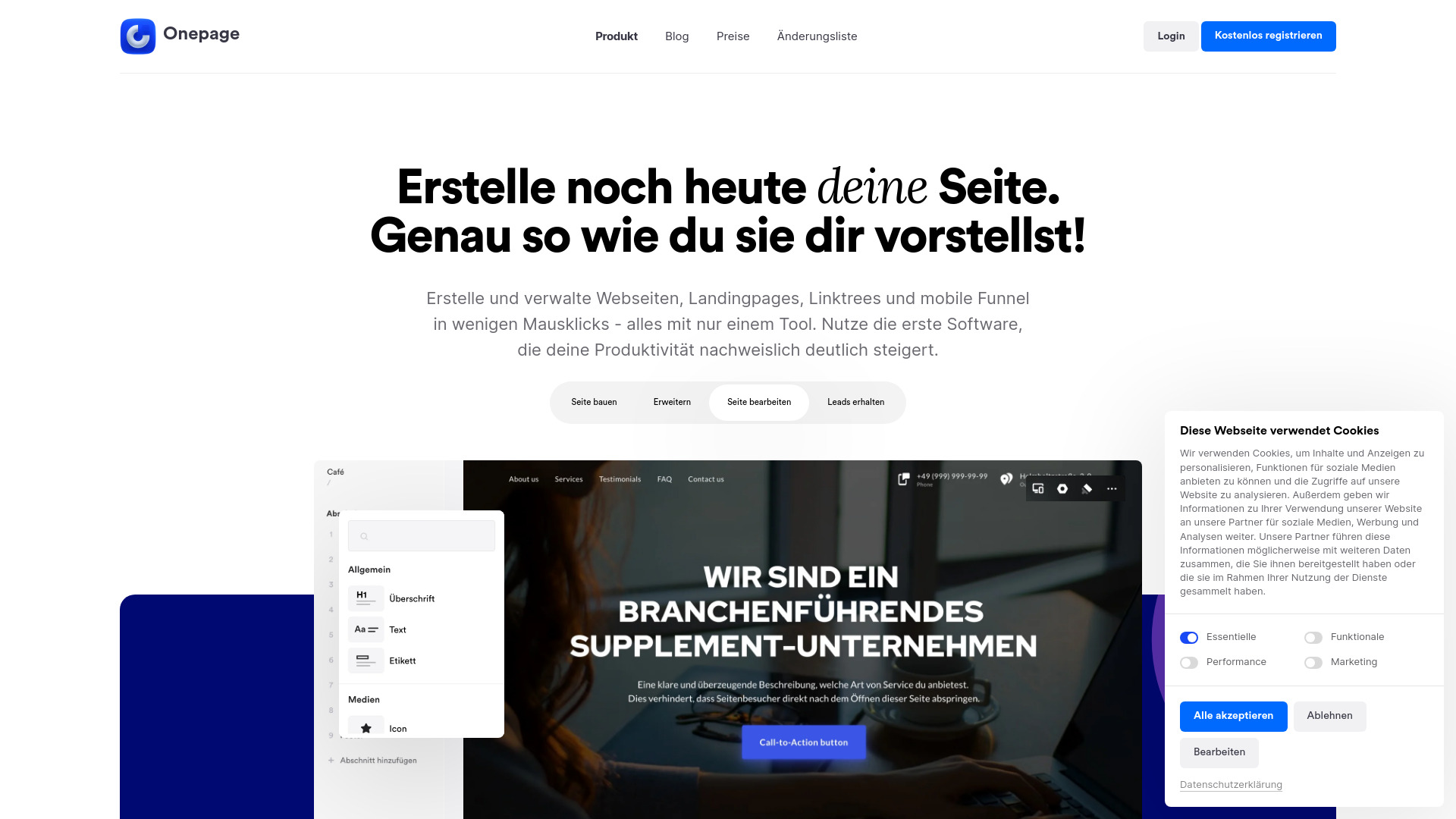
Onepage
Create websites, landing pages, and quizzes with our versatile all-in-one tool. Simplify your online presence in one convenient platform.
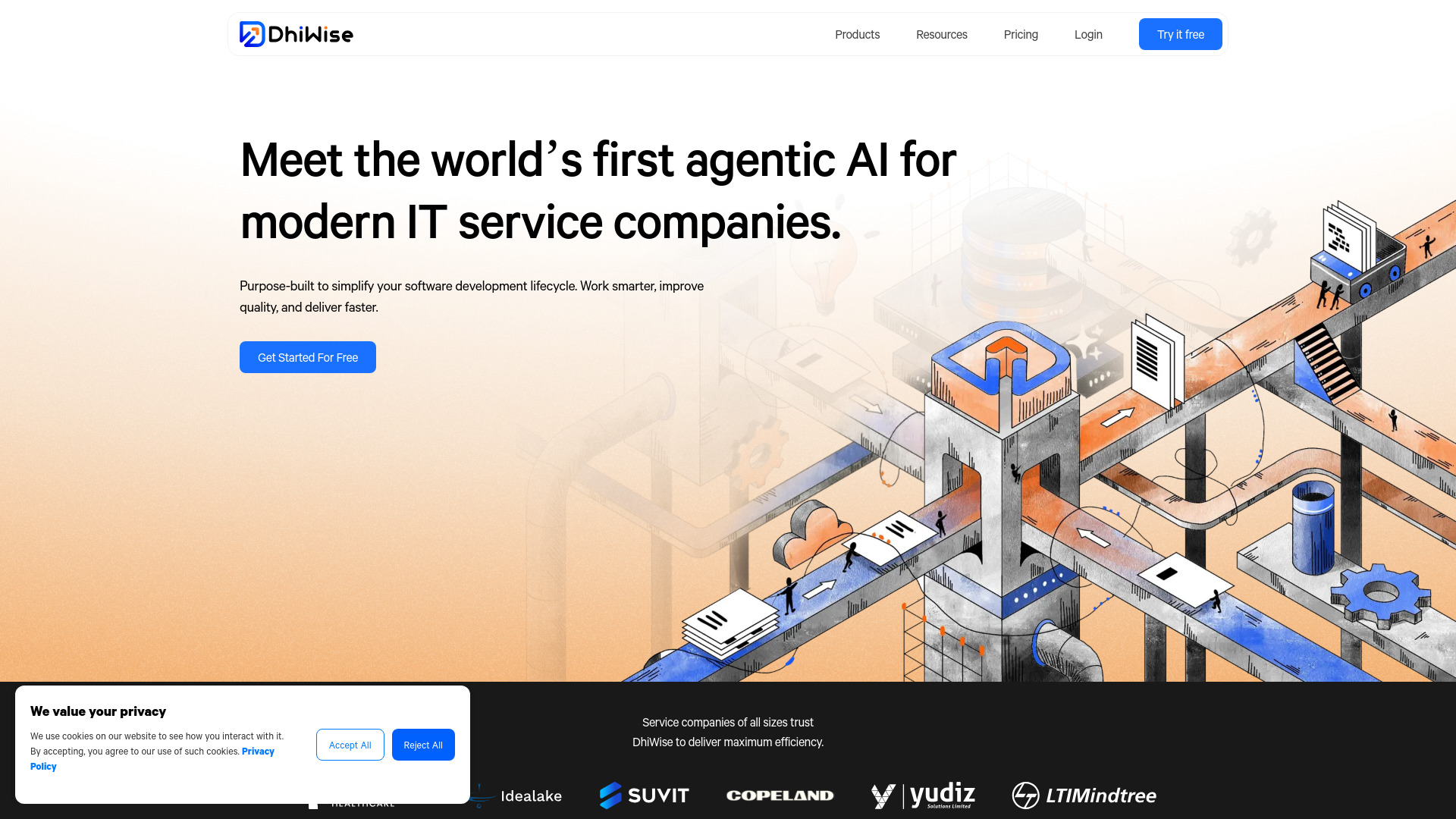
DhiWise
Revolutionize your software development process with the Agentic AI platform - the ultimate tool for automating the software development lifecycle.
Use Cases
- Data cleanup and transform
- Data analysis
- Data automation
- Data reporting
- Sentiment analysis
- Text summarization
- Data standartization
- Data formatting
- Personalizing emails
- Generating product descriptions
- Generating content in bulk
- Marketing reporting
How to Use
Open files of any size and add visual transformation steps to filter, group, or merge data — access over 20 visual transforms and 150+ functions. Add new columns with AI to extract, summarize, or clean up data. Automate your workflow — every step you create is saved and can be reapplied to new data with a single click. Export cleaned data to Excel or CSV, or create dynamic reports with powerful charts and custom text.