
Toolbar
Simplifies website feedback with direct collaboration and task management.
Introduction
Toolbar is a fast feedback tool designed for agencies that allows users to leave comments, track issues, and manage tasks directly on their websites. It simplifies the feedback process by enabling direct collaboration among developers, clients, and stakeholders, eliminating the need for emails and screenshots.
What stands out?
Instant issue reporting
Precise bug tracking with device details
Effortless task management
Collaboration without barriers
AI-powered task enhancement
Frequently Asked Questions
What is Toolbar?
How to use Toolbar?
How does Toolbar improve the feedback process?
Can I try Toolbar for free?
More Information
Toolbar Company
Toolbar Company name: Brainoza OU .
Toolbar Pricing
Toolbar Pricing Link: https://app.usetool.bar
Reviews & Feedback
Share your experience with the community
0.0
Based on 0 reviews
User Comments (0)
Sort Criteria
Order
No reviews yet. Be the first to share your thoughts!
Statistics
Monthly visits
NaN
Saved by users
0
Rating
0.0/ 5.0
Added on
—
Similar Tools
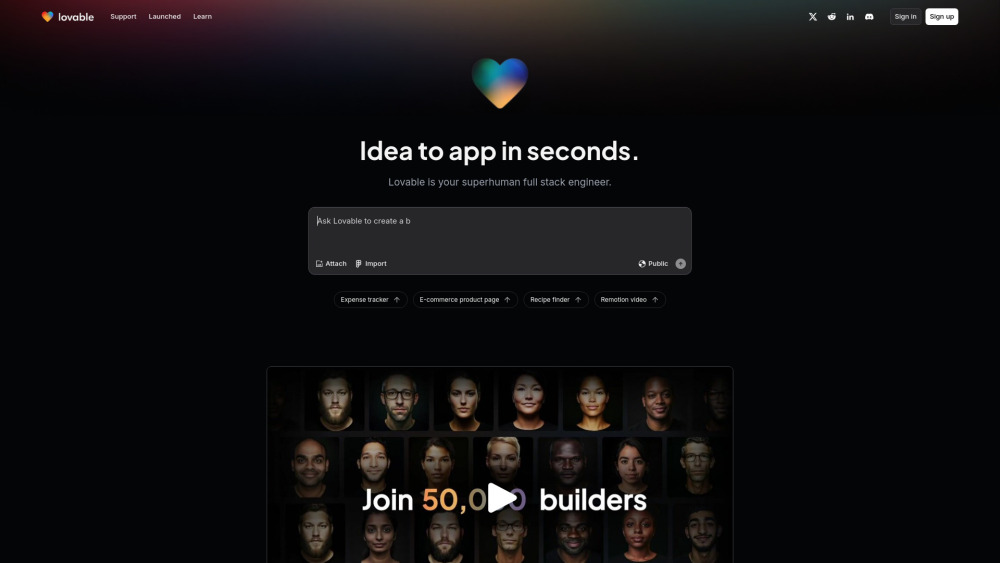
Lovable
AI-powered platform for software development via chat interface.

HubSpot
Accelerate your business growth with HubSpot's customer platform. Drive faster results and expand your business efficiently.

MailerLite
MailerLite is a powerful tool for businesses looking to expand their reach and increase profits through audience growth and revenue generation.
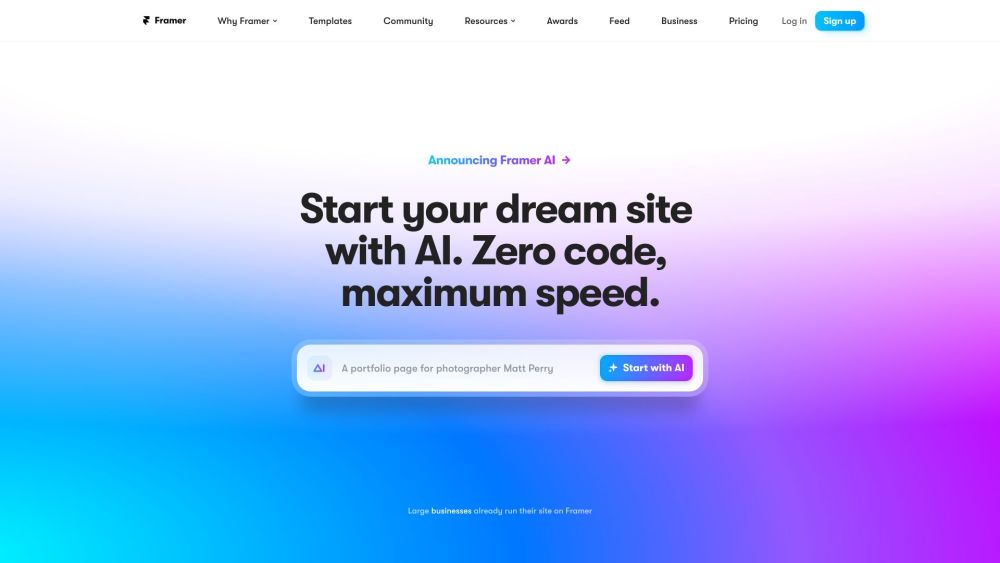
Framer
Framer app enables users to easily build and launch sleek websites without the need for coding skills. Start designing your site today!
Use Cases
- Report website bugs directly from the page
- Collaborate with clients and developers in real-time
- Track project issues efficiently
How to Use
To use Toolbar, simply install it on your website, then start leaving comments and tracking issues directly on your pages with a user-friendly interface. This allows for instant collaboration without the hassle of traditional communication methods.