
Topaz Labs
Topaz Labs offers AI-powered software for professionals to enhance photos and videos.
Introduction
Topaz Labs is a company that provides AI-powered photo and video enhancement software designed for professionals. Their software uses deep learning to improve image quality, including noise reduction, sharpening, upscaling, and more.
What stands out?
The core features of Topaz Labs software include:- Noise reduction: Reduce noise and improve image clarity.- Sharpening: Enhance image sharpness and details.- Upscaling: Increase the resolution of images and videos.- Face recovery: Use artificial intelligence to recover details in faces.- Video enhancement: Improve video quality through upscaling, deinterlacing, and frame interpolation.
Frequently Asked Questions
What is Topaz Labs?
How to use Topaz Labs?
What is the purpose of Topaz Labs software?
How can I use Topaz Labs software?
What are the core features of Topaz Labs software?
What are some common use cases for Topaz Labs software?
What are some related tags for Topaz Labs software?
More Information
Topaz Labs Support Email & Customer service contact & Refund contact etc.
More Contact, visit the contact us page(https://docs.topazlabs.com/#contact-us)
Topaz Labs Company
Topaz Labs Company name: Topaz Labs . Topaz Labs Company address: 14555 Dallas Pkwy Ste 350 Dallas, TX 75254.
Topaz Labs Pricing
Topaz Labs Pricing Link: https://topazlabs.com/pricing
Topaz Labs Youtube
Topaz Labs Youtube Link: https://www.youtube.com/topazlabs
Reviews & Feedback
Share your experience with the community
0.0
Based on 0 reviews
User Comments (0)
Sort Criteria
Order
No reviews yet. Be the first to share your thoughts!
Statistics
Monthly visits
NaN
Saved by users
0
Rating
0.0/ 5.0
Added on
—
Similar Tools

Pixelcut
Easily create stunning product photos and ads with our free online design tool. Remove backgrounds and erase objects effortlessly.

Wondershare
Discover innovative tools for enhancing creativity, productivity, and efficiency with our app. Unleash your potential today!

TurboScribe
Unlimited AI transcription with 99.8% accuracy in 98+ languages.

Intercom
Get quicker solutions with Automation and human assistance. Enhance support efficiency for faster issue resolutions.
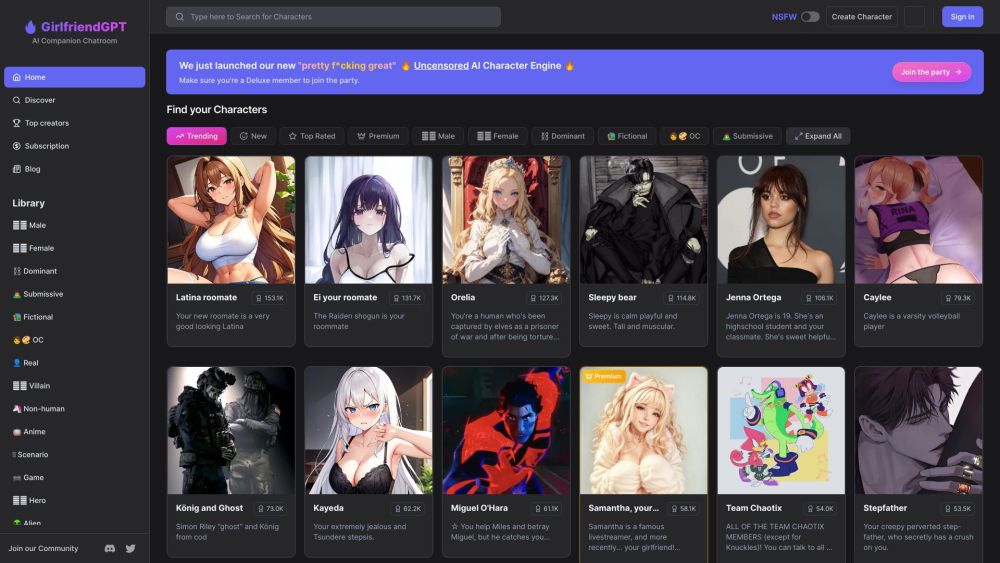
GirlfriendGPT - The AI Companion Chatroom
An uncensored AI companion chatroom for SFW and NSFW conversations.
Use Cases
- Topaz Labs software is ideal for various professional use cases, including:- Photographers: Enhance the quality and clarity of photos, remove noise, and upscale images for print or digital media.- Videographers: Improve video quality, stabilize footage, and enhance details in videos.- Graphic designers: Enhance the visual quality of images for various design projects.- Restoration specialists: Restore old or damaged photos and videos by reducing noise and improving overall quality.
How to Use
To use Topaz Labs software, you can start by downloading and installing the desired product from their website. Once installed, you can open the software and import your photos or videos. From there, you can apply various enhancement features like noise reduction, sharpening, or upscaling. Simply adjust the settings to your liking and apply the enhancements. Finally, you can save the enhanced media files to your desired location.