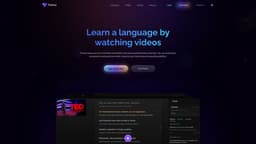
Trancy for Chrome
Learn languages through watching YouTube and Netflix with Trancy, improving skills realistically.
Introduction
Trancy for Chrome is a popular browser extension plugin that allows users to learn a new language in an enjoyable way by watching YouTube and Netflix. It integrates features from ChatGPT and Open AI to help users understand the meaning of words and analyze sentence grammar more deeply. With Trancy, users can turn their favorite content into personalized language learning materials, improving their speaking and listening skills in a realistic scenario.
Key Features
Bilingual subtitles for YouTube and Netflix
AI-powered translation for selected webpage content
AI word lookup with OpenAI
AI grammar analysis for complex sentences
Intelligent sentence segmentation
Listening and speaking practice with videos
Webpage text selection translation
Full-text immersive translation
Bilingual webpage reading
Quick paragraph translation
Customizable translation engine
Compatibility with various websites
Creating personalized learning decks
Organizing favorite videos
Saving favorite sentences
Customizing learning experience
Web-based learning center
Speed playback adjustment
Word highlighting and saving
Fonts adjustment for subtitles
Lifelike text to speech voices
Access to external web dictionaries
Keyboard shortcuts
OpenAI syntactic analysis
Speech recognition
Frequently Asked Questions
What is Trancy for Chrome?
How to use Trancy for Chrome?
Can I use Trancy for languages other than English?
Does Trancy work on other browsers?
Can I customize the font and size of the subtitles?
Are there keyboard shortcuts available for Trancy?
Can Trancy help improve my pronunciation and listening skills?
Similar Tools
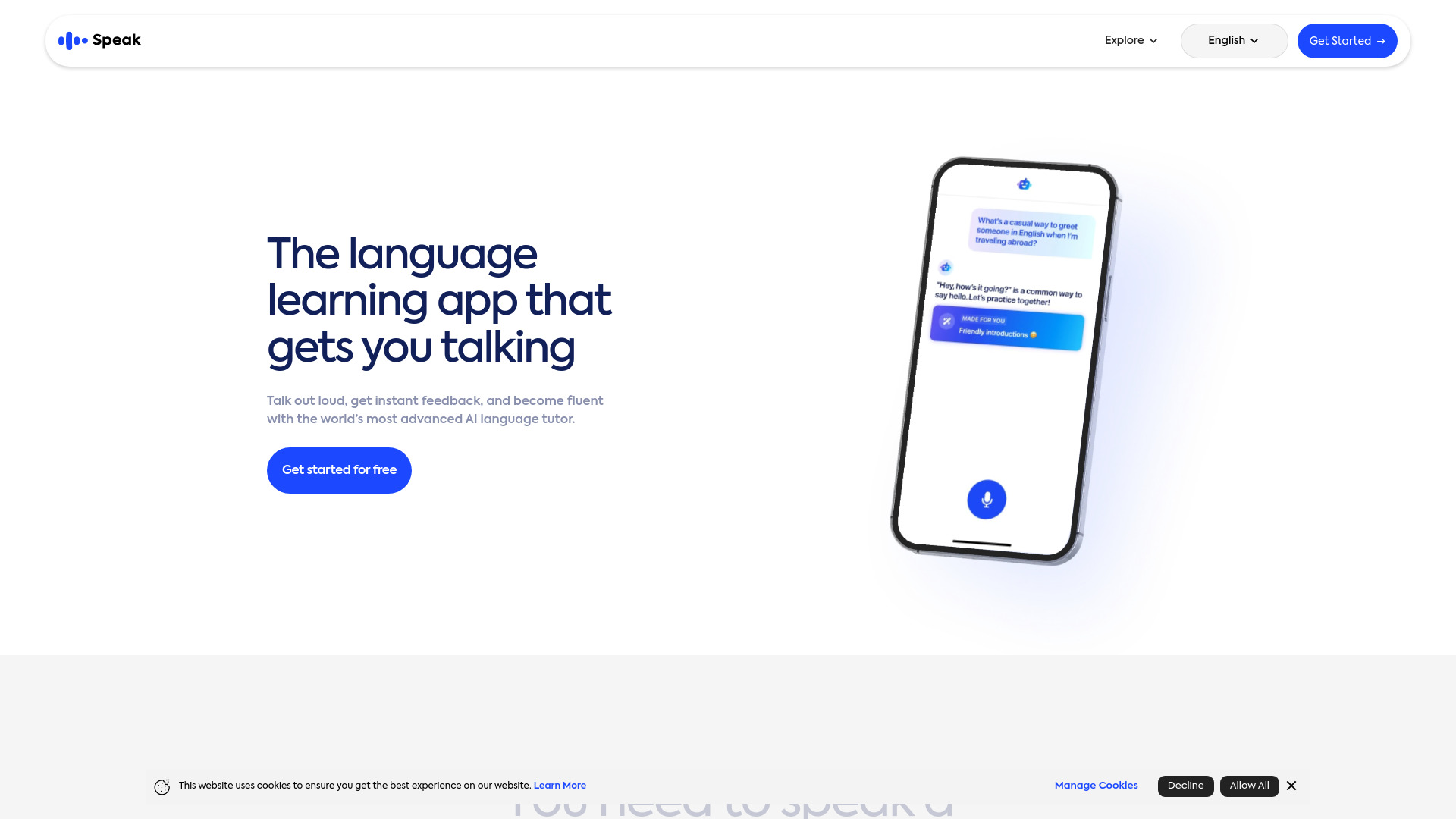
Speak
Enhance your language skills with an innovative app using AI technology for practicing real conversations.
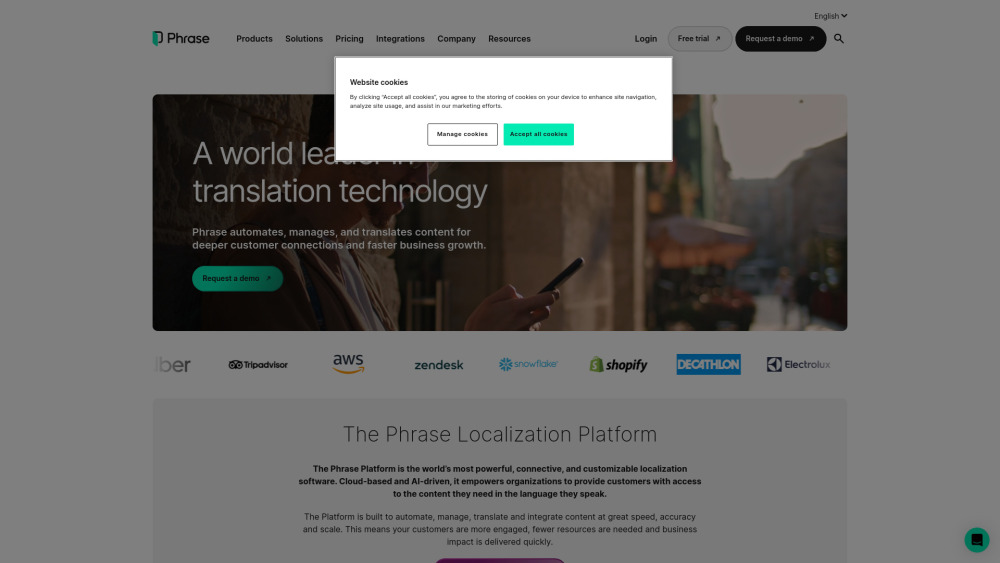
Phrase (Frm. Memsource)
Empowering localization with a robust platform for managing and automating translations efficiently. A powerful solution for translation management.
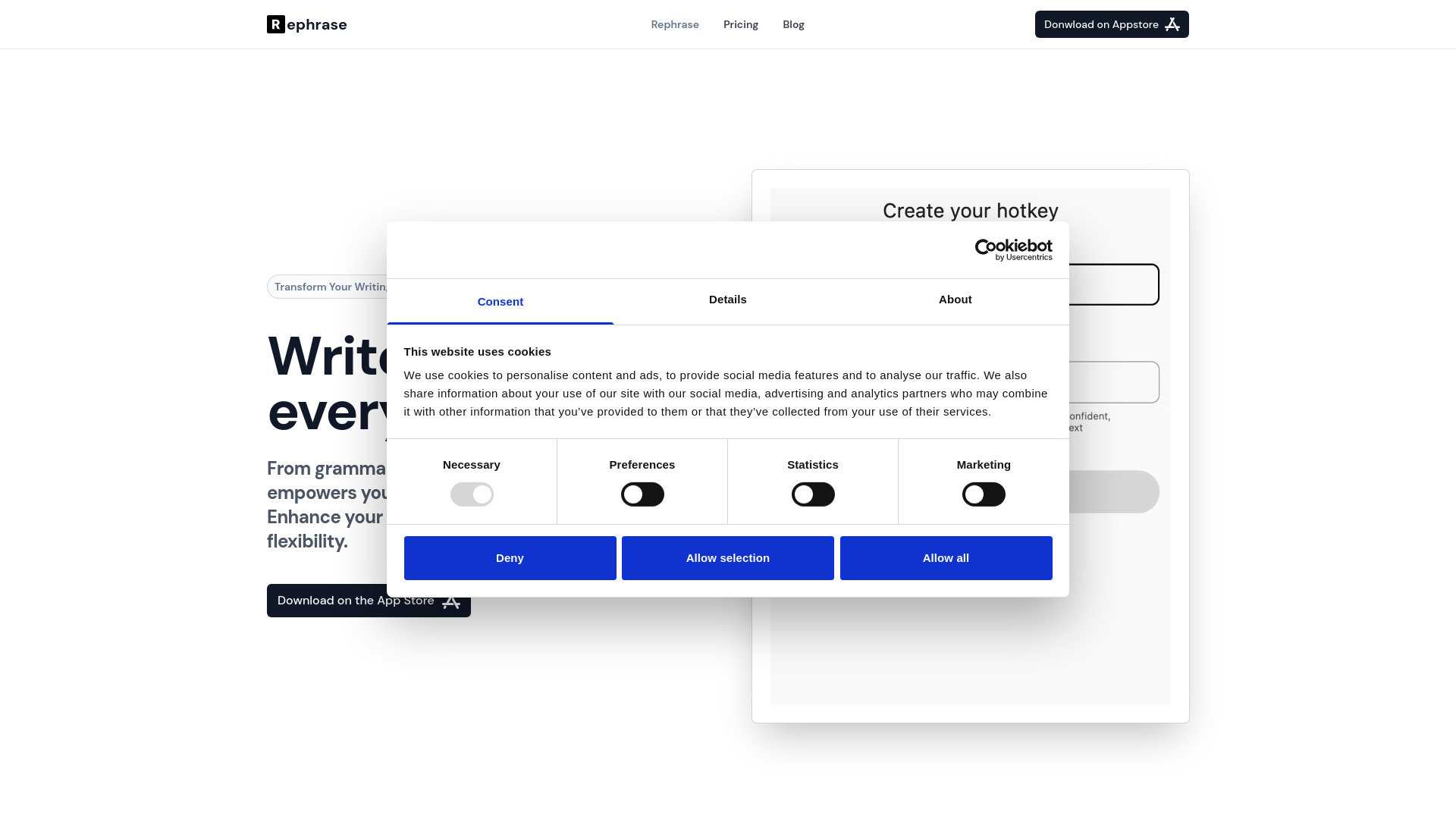
Rephrase
Boost text quality with our macOS AI writing assistant for improved content creation. Ideal for enhancing writing productivity on your computer.
Use Cases
- Learning a new language while watching YouTube and Netflix videos
- Improving speaking and listening skills in a realistic scenario
- Translating selected webpage content for language learning
- Analyzing sentence grammar and understanding word meanings
- Practicing listening and oral reading with videos
- Reading foreign articles and understanding sentences
- Translating unfamiliar words and paragraphs
- Customizing language learning experience based on interests and needs
How to Use
1. Install the Trancy for Chrome extension from the Chrome Web Store. 2. Once installed, open YouTube or Netflix and select a video. 3. Activate Trancy by clicking on the Trancy icon in the browser toolbar. 4. Choose between theater mode or reading mode for bilingual subtitles. 5. Watch the video with bilingual subtitles and practice listening and speaking based on comprehension. 6. Utilize the AI features like word lookup, grammar analysis, and sentence translation to deepen understanding. 7. Use Trancy's immersive translation feature to translate selected webpage content. 8. Customize your learning experience by creating learning decks, saving favorite videos, and reviewing real-life sentences. 9. Access additional features like speed playback, word highlight, font adjustment, text to speech, and external dictionary for enhanced language learning.