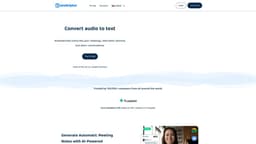
Transkriptor
Convert audio and video to text with Transkriptor's powerful AI.
Introduction
Transkriptor is an online transcription software that converts audio and video to text using state-of-the-art AI technology. With Transkriptor, you can transcribe meetings, interviews, lectures, and other conversations quickly and automatically.
What stands out?
Fast transcription with powerful AI
Accurate transcriptions with up to 99% accuracy
Affordable pricing
Support for 100+ languages
Collaboration features for remote work
Support for all audio and video file formats
Rich export options
Transcription from link
Edit transcriptions with slow motion
Share and collaborate on transcriptions
Multiple speakers recognition
Frequently Asked Questions
What is Transkriptor?
How to use Transkriptor?
What is Transkriptor?
Do I need to download anything to use Transkriptor?
How long does it take Transkriptor to transcribe audio?
How accurate is Transkriptor's transcription?
What export formats are available in Transkriptor?
Can I edit the transcriptions in Transkriptor?
Is there a free trial for Transkriptor?
Who uses Transkriptor?
How do people use Transkriptor?
More Information
Transkriptor Support Email & Customer service contact & Refund contact etc.
Here is the Transkriptor support email for customer service: [email protected] .
Transkriptor Company
Transkriptor Company address: Middletown, Delaware, USA.
Transkriptor Pricing
Transkriptor Pricing Link: https://transkriptor.com/pricing/
Transkriptor Youtube
Transkriptor Youtube Link: https://www.youtube.com/@transkriptor/
Transkriptor Linkedin
Transkriptor Linkedin Link: https://www.linkedin.com/company/transkriptor/
Transkriptor Instagram
Transkriptor Instagram Link: https://www.instagram.com/transkriptor.app/
Reviews & Feedback
Share your experience with the community
0.0
Based on 0 reviews
User Comments (0)
Sort Criteria
Order
No reviews yet. Be the first to share your thoughts!
Statistics
Monthly visits
NaN
Saved by users
0
Rating
0.0/ 5.0
Added on
—
Similar Tools

TurboScribe
Unlimited AI transcription with 99.8% accuracy in 98+ languages.

Clipto
Elevate your transcription game with our cutting-edge AI service for converting audio, video, and YouTube files into text. Try it now!
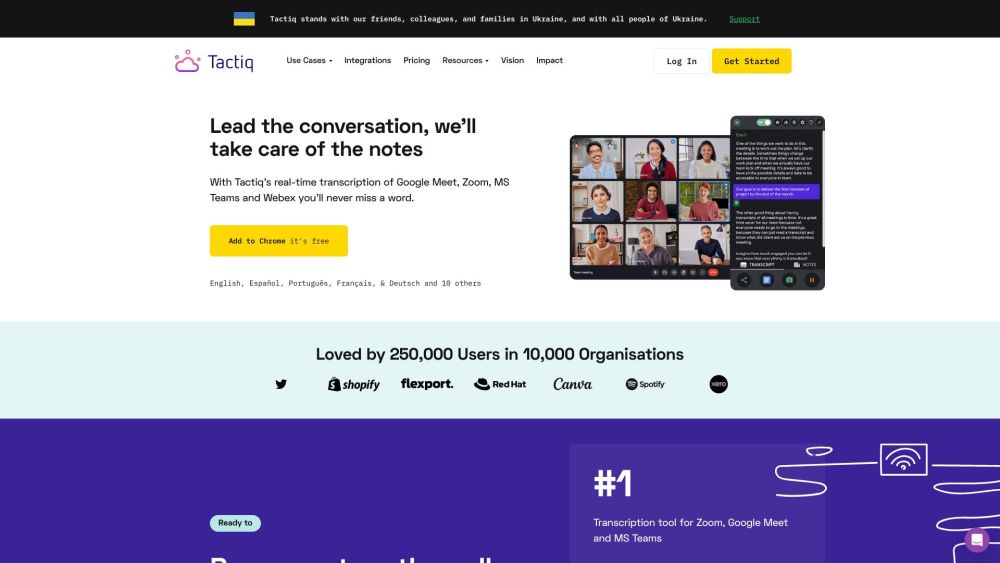
Tactiq
Tactiq is a top transcription tool for online meetings, offering real-time transcription and meeting summaries.
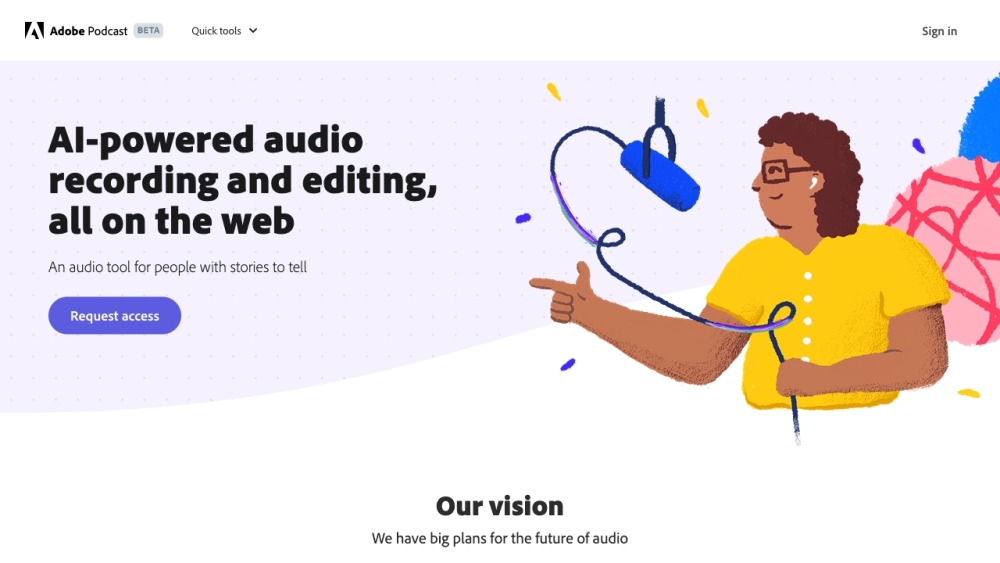
Adobe Podcast
Adobe Podcast is a web platform with AI audio features for recording, transcribing, editing, and sharing audio content.
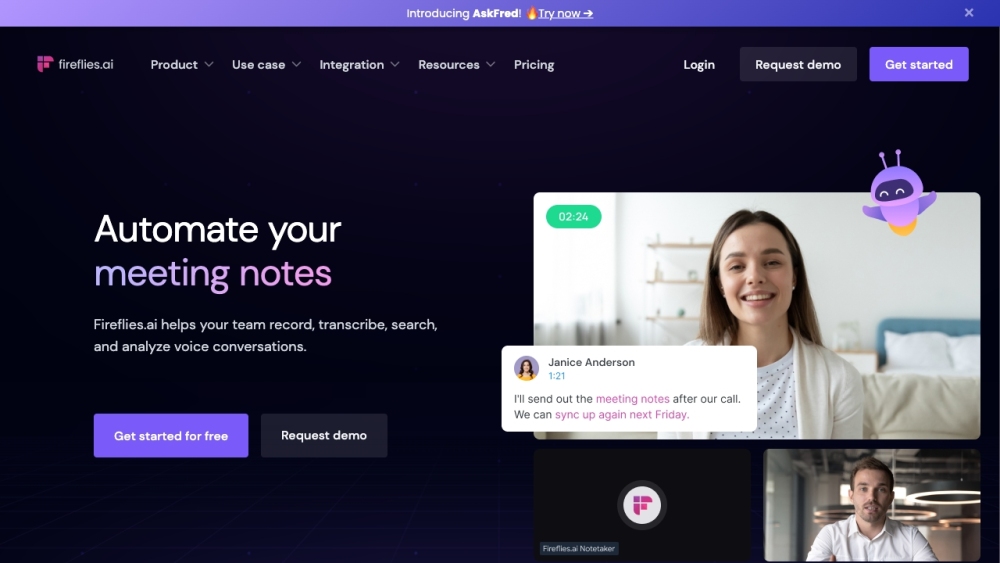
Fireflies.ai
Fireflies.ai is an innovative tool that uses artificial intelligence to transcribe, summarize, and analyze voice conversations effectively.
Use Cases
- Transcribing meetings for easy reference
- Automatic generation of meeting notes
- Quickly finding information in conversations
- Translating transcripts to other languages
- Collaborating on transcriptions remotely
How to Use
To use Transkriptor, follow these simple steps: 1. Sign up by clicking on the 'Login' or 'Try It Free' buttons. 2. Upload your audio or video file to the Transkriptor dashboard. 3. Wait for Transkriptor's powerful AI to generate the transcription. 4. Edit, download, or share the transcribed text as needed.