
Translate.email
Translate your emails effortlessly
email translationlocalized apptime-saving
Introduction
A service that translates emails for you
Key Features
Effortlessly translate emails
Forward translated emails
Translate email replies
Frequently Asked Questions
What is Translate.email?
How to use Translate.email?
How does Translate.email work?
Similar Tools

Speak
Enhance your language skills with an innovative app using AI technology for practicing real conversations.
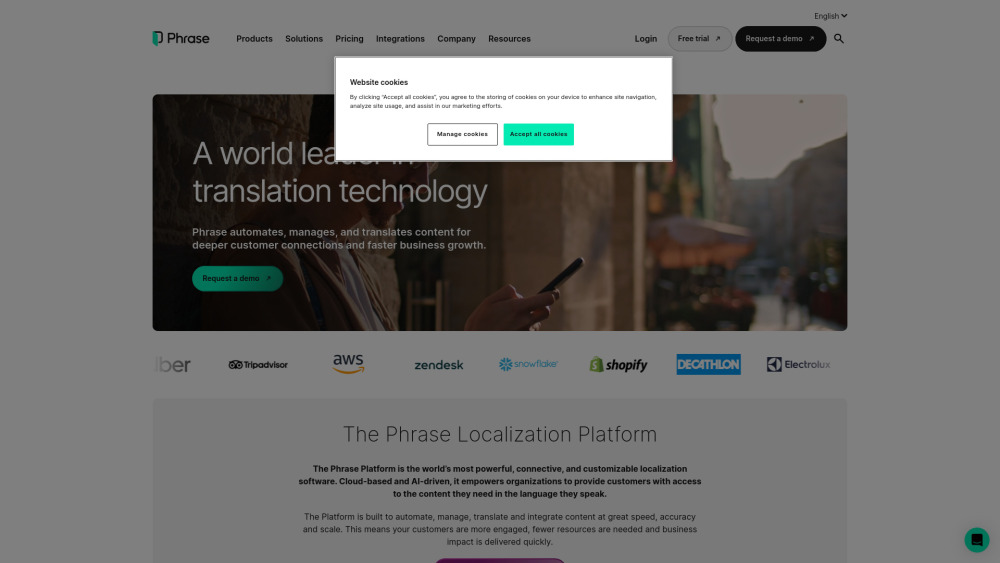
Phrase (Frm. Memsource)
Empowering localization with a robust platform for managing and automating translations efficiently. A powerful solution for translation management.
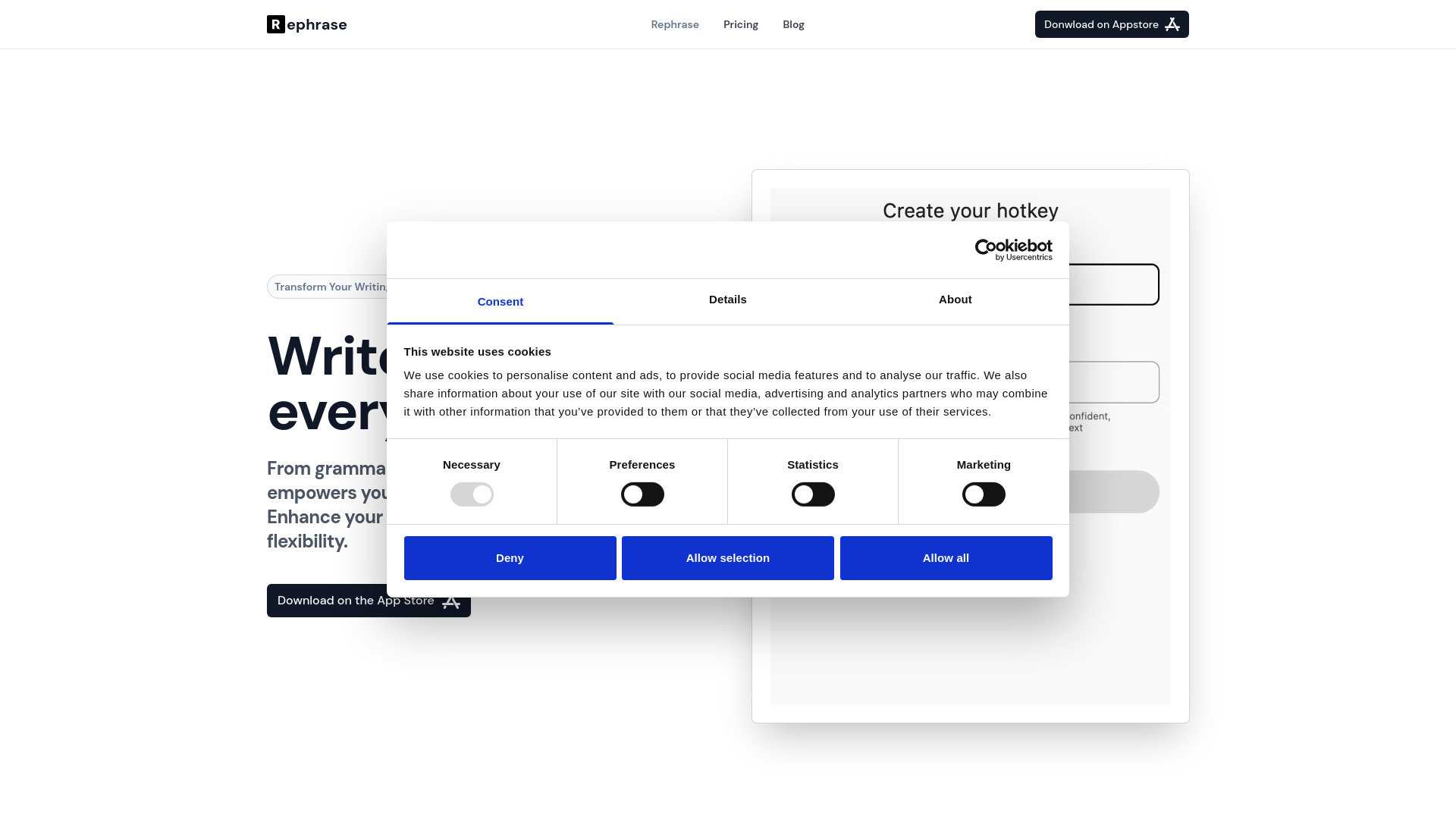
Rephrase
Boost text quality with our macOS AI writing assistant for improved content creation. Ideal for enhancing writing productivity on your computer.
Use Cases
- Managing email support for a localized app
- Switching between multiple tabs to translate replies
How to Use
1. Create an alias email address @translate.email 2. Tell us where to forward emails to 3. All emails received on the alias email address are translated and forwarded to you 4. All responses are translated back to the original language and forwarded on 5. Manage your alias and forwarding addresses from our portal