Trickle
Build stunning websites, AI apps, and forms effortlessly using natural language.
Introduction
Trickle is an innovative AI tool designed to revolutionize web app development by allowing users to build stunning, AI-powered apps, websites, and forms with unmatched speed and simplicity.What sets Trickle apart is its ready-to-use experience - with built-in lightweight database, design templates, custom domains, website hosting, and AI integration, you can focus on your business and task goals without getting overwhelmed by technical choices.
What stands out?
AI-Powered Web Creation: Trickle offers an all-in-one solution for building AI-powered websites with built-in capabilities, eliminating the need for additional integrations.
Design Flexibility: Users can easily switch between various UI and UX themes, elevating the aesthetic quality of their projects with minimal effort.
Simplified Hosting Management: Trickle allows for easy management of website hosting and custom domains from a single platform, negating the need for third-party services.
Seamless Data Management: It includes a built-in database for effortless storage and management of data collected from websites, streamlining client acquisition processes.
Frequently Asked Questions
What is Trickle?
How to use Trickle?
What can I build with Trickle?
How can I start my project?
How to enable a database to store data?
What should I add to the Knowledge?
How to improve the mobile experience?
More Information
Trickle Support Email & Customer service contact & Refund contact etc.
Here is the Trickle support email for customer service: [email protected] . More Contact, visit the contact us page()
Trickle Company
Trickle Company name: Trickle . Trickle Company address: . More about Trickle, Please visit the about us page().
Trickle Login
Trickle Login Link: https://app.trickle.so/
Trickle Sign up
Trickle Sign up Link: https://app.trickle.so/
Trickle Pricing
Trickle Pricing Link: https://www.trickle.so/pricing
Trickle Youtube
Trickle Youtube Link: https://www.youtube.com/@trickleai
Trickle Linkedin
Trickle Linkedin Link: https://www.linkedin.com/company/trickleai/
Trickle Twitter
Trickle Twitter Link: https://twitter.com/Trickle_HQ
Reviews & Feedback
Share your experience with the community
0.0
Based on 0 reviews
User Comments (0)
Sort Criteria
Order
No reviews yet. Be the first to share your thoughts!
Statistics
Monthly visits
NaN
Saved by users
0
Rating
0.0/ 5.0
Added on
—
Similar Tools
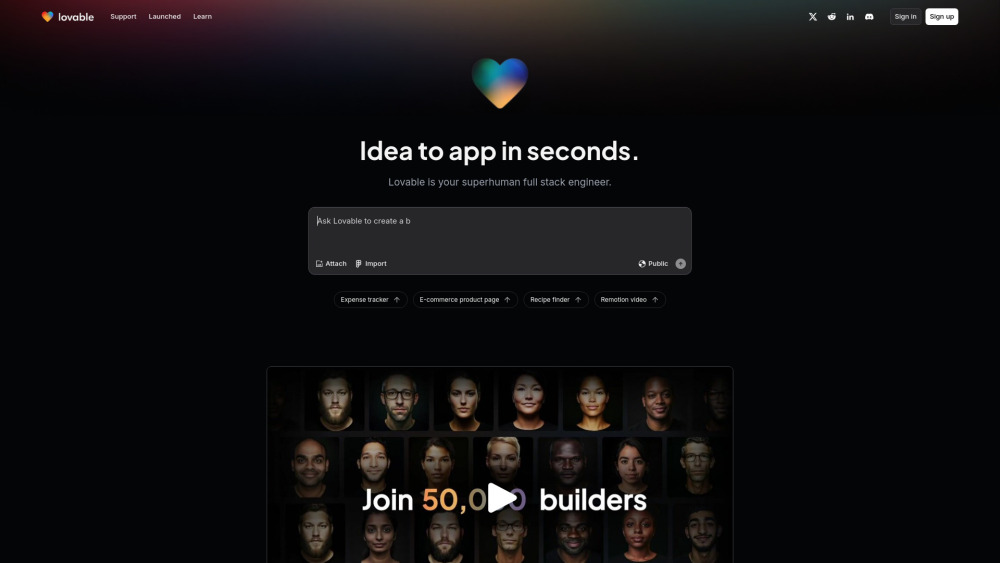
Lovable
AI-powered platform for software development via chat interface.

HubSpot
Accelerate your business growth with HubSpot's customer platform. Drive faster results and expand your business efficiently.
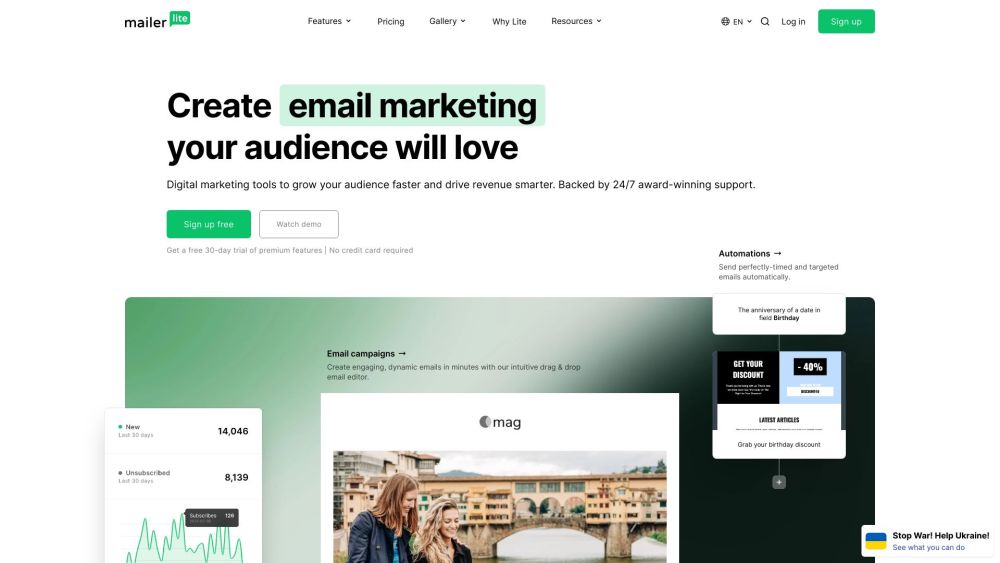
MailerLite
MailerLite is a powerful tool for businesses looking to expand their reach and increase profits through audience growth and revenue generation.
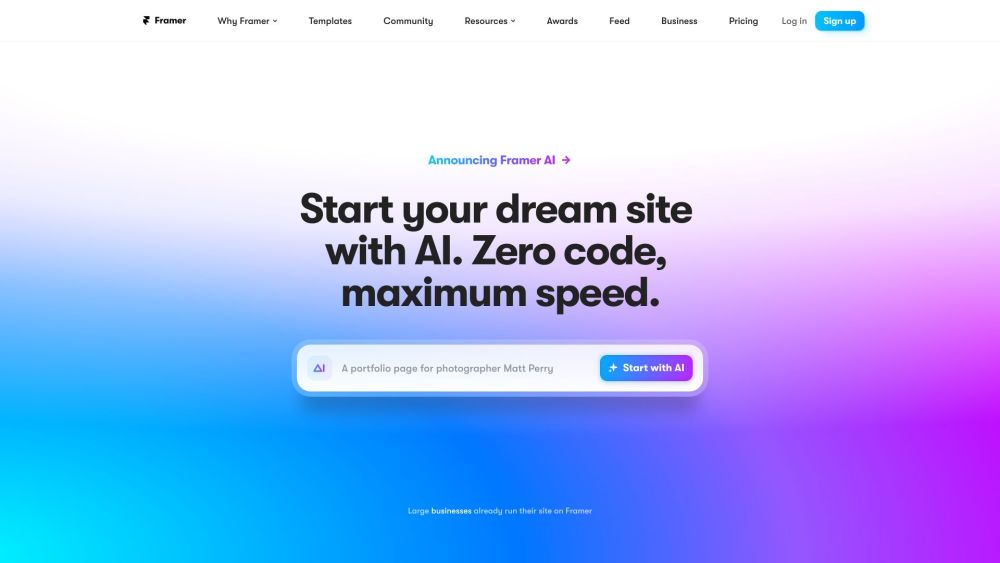
Framer
Framer app enables users to easily build and launch sleek websites without the need for coding skills. Start designing your site today!
Use Cases
- Freelance Developers: Leveraging Trickle to quickly create and deploy client websites and applications.
- Small Business Owners: Utilizing the platform to establish a professional online presence without extensive technical knowledge.
- Digital Agencies: Employing Trickle for efficient project turnaround and reduced overhead costs.
- Educational Institutions: Using the tool to teach students web development and AI integration in a practical setting.
- Uncommon Use Cases: Adopted by artists for creating interactive portfolios; Used by non-profit organizations for building informative, AI-driven survey platforms.
How to Use
Getting started with Trickle is simple and flexible. Choose the approach that best suits your preferences and resources: 1. Prompting: Trickle’s prompt-based system makes app creation intuitive. Just describe what you want to build in the prompt box. The more specific your description, the better the results. Example:“Create a fancy landing page for a SaaS startup. The design should feature a dark purple gradient background with glowing, futuristic effects.” Start with clear and detailed prompts, and refine or adjust your project as needed. 2. Duplicating: You can duplicate an existing public project from the community. Duplicating lets you reuse the current state of a project as a starting point and build upon it. It’s an excellent way to explore new ideas, make adjustments, or iterate with different variations. 3. Using Figma: If you have a design in Figma, take a screenshot of any part of it. You can paste the screenshot directly into Trickle or drag-and-drop the image file. Once you press Enter, Trickle will convert your design into interactive pages or apps. 4. Sketching with Excalidraw: Love using Excalidraw or similar tools to sketch your UI? Take a screenshot of your drawing, then paste or drag-and-drop it into Trickle. The platform will transform your sketch into a functional app. 5. Cloning a Website or Application: Want to replicate an existing webpage? Take a screenshot using shortcuts like Cmd+Shift+4 on Mac or tools like the GoFullPage Chrome Extension. Paste or drag the screenshot into Trickle, and it will recreate the webpage’s structure in your project.