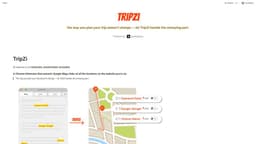
TripZi
Effortlessly extract and save locations from webpages with TripZi.
TravelChrome ExtensionWeb Browsing
Introduction
TripZi is a Chrome Extension that allows users to browse webpages, extract locations, link them to maps, and save them to their profile.
Key Features
Browse webpages and extract locations
Link locations to Google Maps
Save locations to your profile
Frequently Asked Questions
What is TripZi?
How to use TripZi?
How does TripZi extract locations from webpages?
Can I view the locations on Google Maps?
Can I save the locations to my profile?
Similar Tools
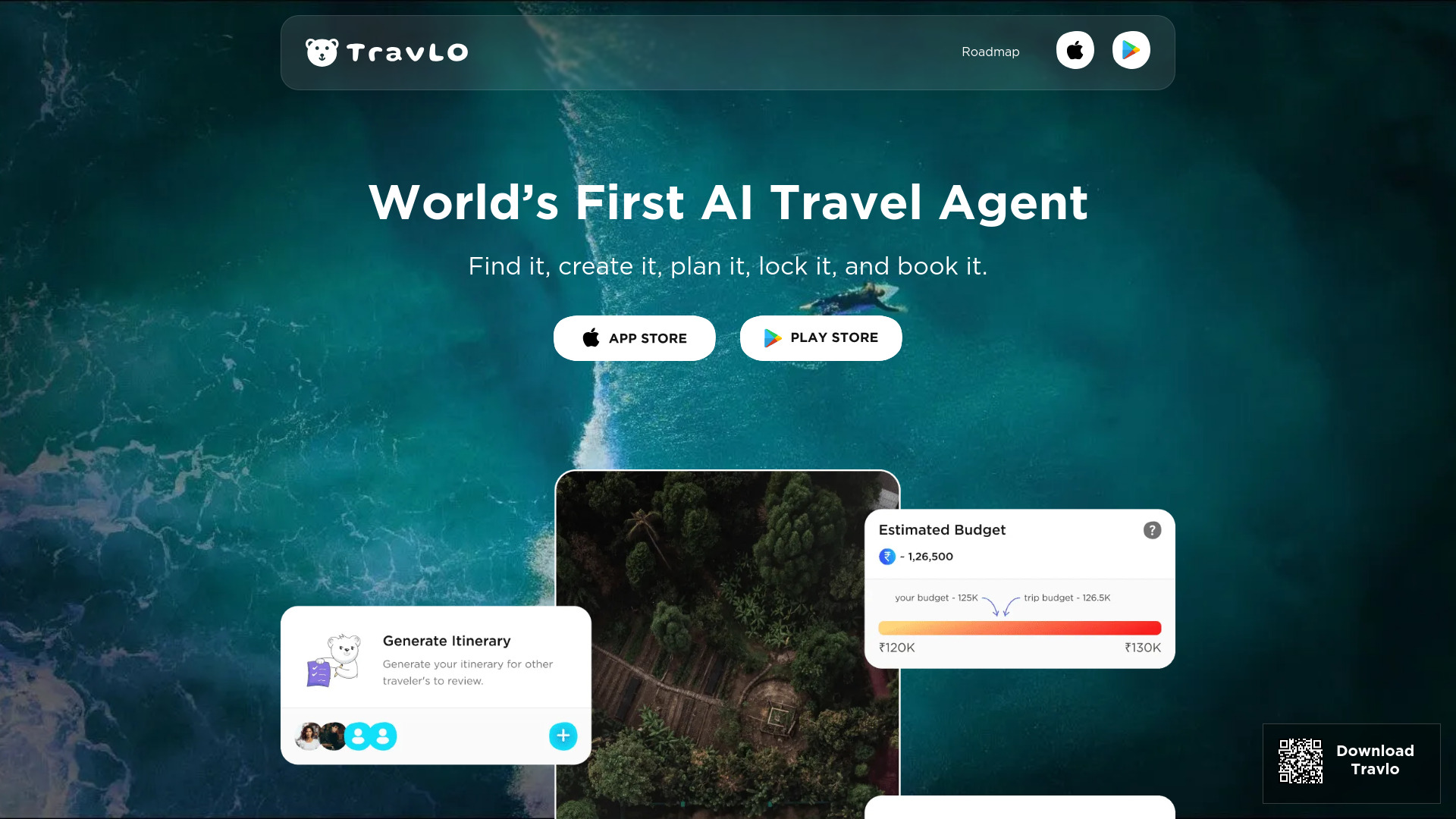
Travlo
Revolutionize your travel planning with our AI-powered platform that helps you book trips seamlessly and effortlessly.
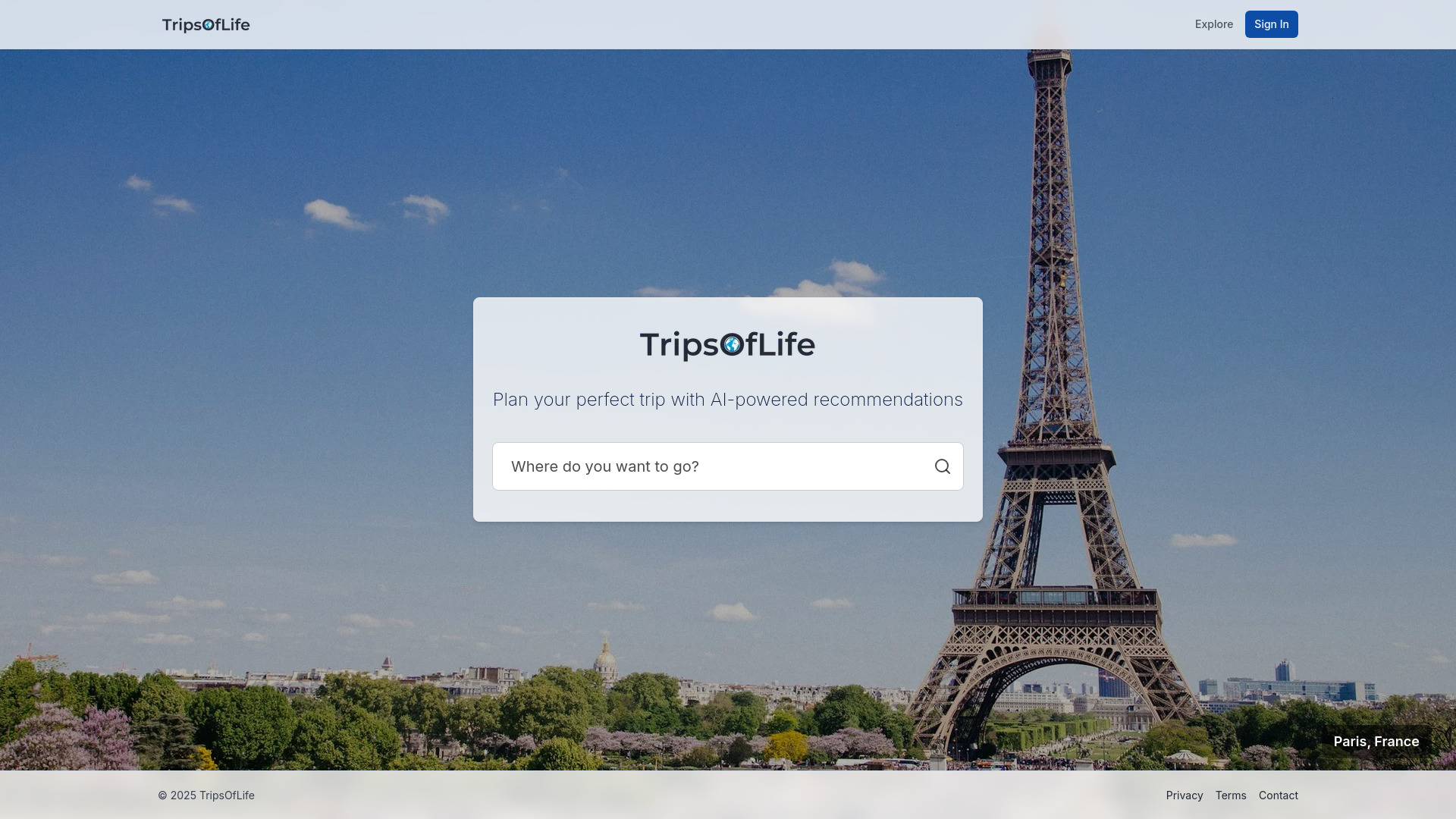
TripsOfLife
Plan your personalized travel itineraries with our AI travel planner application. Get tailored recommendations for your next unforgettable trip.

Search AI Hub - Chrome Extension
Aggregator for AI and traditional search results
Use Cases
- Ideal for travel enthusiasts
- Great for bloggers who write about travel
- Perfect for adventurers planning trips
How to Use
To use TripZi, simply install the Chrome Extension. Once installed, browse webpages and TripZi will automatically extract the locations. Click on the locations to view them on Google Maps and save them to your profile.