
TurboDoc
AI tool for automating and optimizing invoice processing.
Invoice processingAI automationOptical character recognition
Introduction
TurboDoc is an AI-powered tool designed to automate invoice processing using optical character recognition (OCR) technology. It extracts, classifies, and organizes invoice data, minimizing manual data entry errors and enhancing workflow efficiency.
Key Features
AI-powered OCR for accurate invoice data extraction
Automatic processing from Gmail
User-friendly interface for data organization
Frequently Asked Questions
What is TurboDoc?
How to use TurboDoc?
How can I try out the invoice data extraction feature?
In what ways does automating invoice processing lead to cost savings?
Can the system process invoices with poor image quality?
What languages does the web service support for invoice processing?
Similar Tools
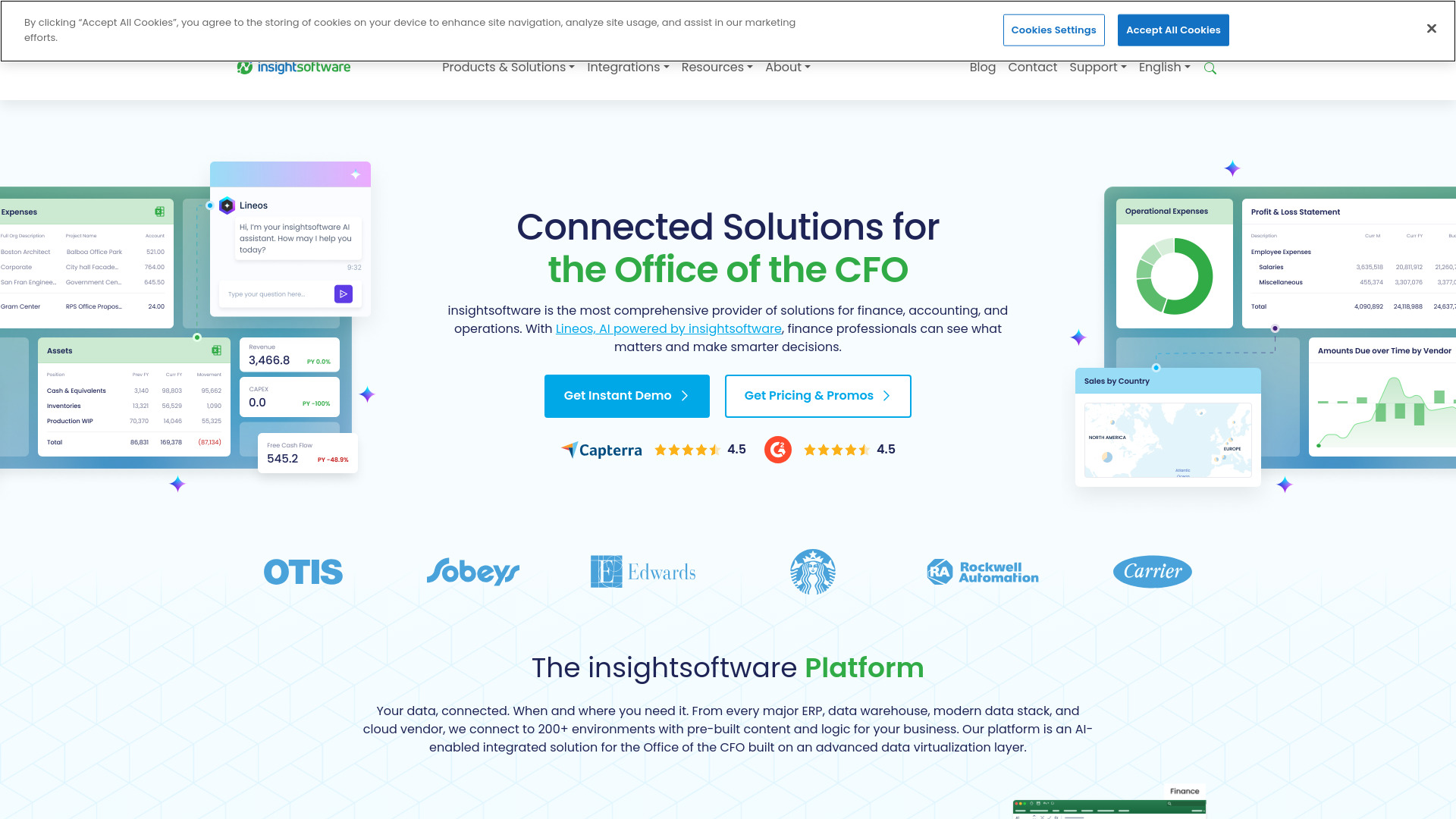
insightsoftware
Powerful finance software for detailed reporting, budget planning, and in-depth analytics to help you manage your finances effectively.

AI Bookkeeping
Revolutionize your bookkeeping with AI Bookkeeping, the ultimate app for managing your finances efficiently and accurately. Say goodbye to manual data entry!

Jupid - AI Accountant
Effortlessly form your LLC, manage bookkeeping, and file taxes stress-free with our AI accountant app. Simplify your financial tasks today.
Use Cases
- Streamlining accounts payable by automating invoice tracking and processing
- Reducing time spent on manual data entry in invoicing
How to Use
To use TurboDoc, simply upload your invoices in supported formats or connect your Gmail for automatic processing, and the tool will extract and structure the data for you.