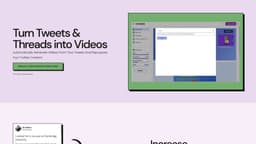
Vidds
Turn tweets into videos to expand audience with Vidds platform.
Introduction
Vidds is a platform that allows users to turn any Tweet or Twitter thread into a dynamic video. By repurposing Twitter content into videos, users can effectively grow and expand their audience.
What stands out?
Automatically generate engaging videos from Tweets or Twitter threads
Repurpose Twitter content for other social media platforms like LinkedIn, Instagram, and TikTok
Give old Tweets and threads new life by recycling them into video format
Exploit the Twitter algorithm for increased engagement and growth
Customize videos with background music, voiceovers, and fun elements
Preview and download videos in different sizes and orientations
Frequently Asked Questions
What is Vidds?
How to use Vidds?
What types of designs are available for Tweet Vidds?
Why should I turn a Tweet into a video?
Can I customize my Tweet Vidd by adding background music?
Can I use the same video for other social media platforms?
More Information
Vidds Company
Vidds Company name: VIDDS .
Vidds Twitter
Vidds Twitter Link: https://twitter.com/
Reviews & Feedback
Share your experience with the community
0.0
Based on 0 reviews
User Comments (0)
Sort Criteria
Order
No reviews yet. Be the first to share your thoughts!
Statistics
Monthly visits
NaN
Saved by users
0
Rating
0.0/ 5.0
Added on
—
Similar Tools

DeeVid AI
Easily transform text, images, or prompts into videos with this AI tool. Create engaging content in minutes!
Media.io AI Video Generator
Generate beautiful videos easily with our free AI video generator. Create stunning visuals without any hassle. Try it now!
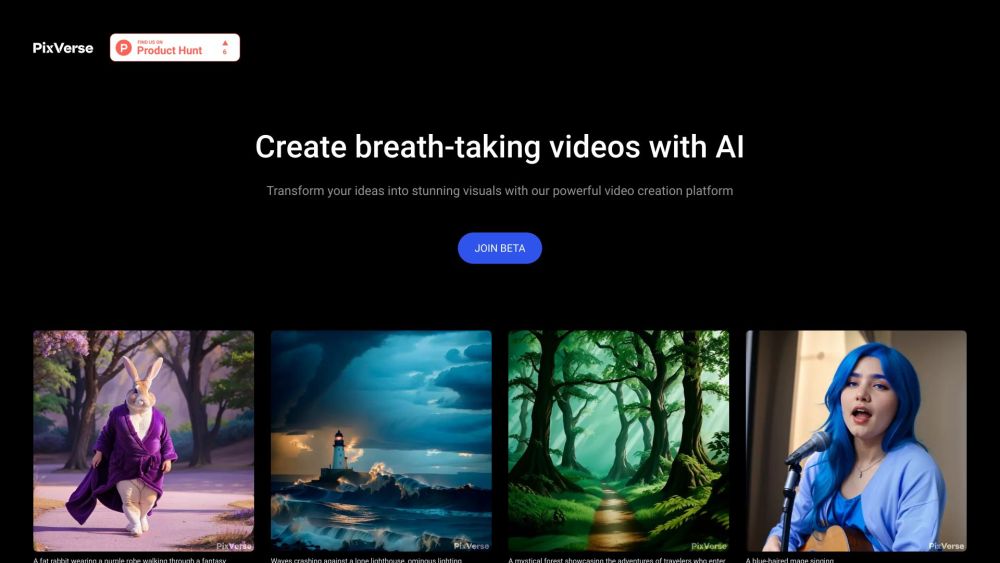
PixVerse
Revolutionary AI technology transforms various inputs into captivating videos. Experience the power of multi-modal creativity in action.
InVideo
InVideo is an online video editor with premium templates, images, and music.
Use Cases
- Social media managers can create thumb-stopping, engaging videos for their clients' social media accounts
- Content creators and marketers can repurpose their best performing Twitter content to reach new audiences and drive growth
- Individuals can give their old Tweets and threads a fresh twist by turning them into videos, increasing engagement and potentially going viral
How to Use
To use Vidds, simply copy the public URL of a Tweet or the first Tweet in a thread and paste it into Vidds. Next, select a design template for the video. Users can customize the video by adding background music, voiceovers, progress bars, and more. After previewing and adjusting as needed, the final video can be downloaded in different sizes for various devices.