
Tyles
Organize insights from multiple tabs into a single document with Tyles.
knowledge managementinsightshighlights
Introduction
Tyles is a knowledge management tool that helps users build up knowledge faster by organizing insights from hundreds of tabs into one document.
Key Features
Highlight and save important information
Use highlights as building blocks
Generate ideas and discover insights on the canvas
Frequently Asked Questions
What is Tyles?
How to use Tyles?
Is Tyles free to use?
Is my data safe?
Which operating systems is Tyles compatible with?
Does Tyles work offline?
When will I receive my invite?
Is my data portable?
Similar Tools
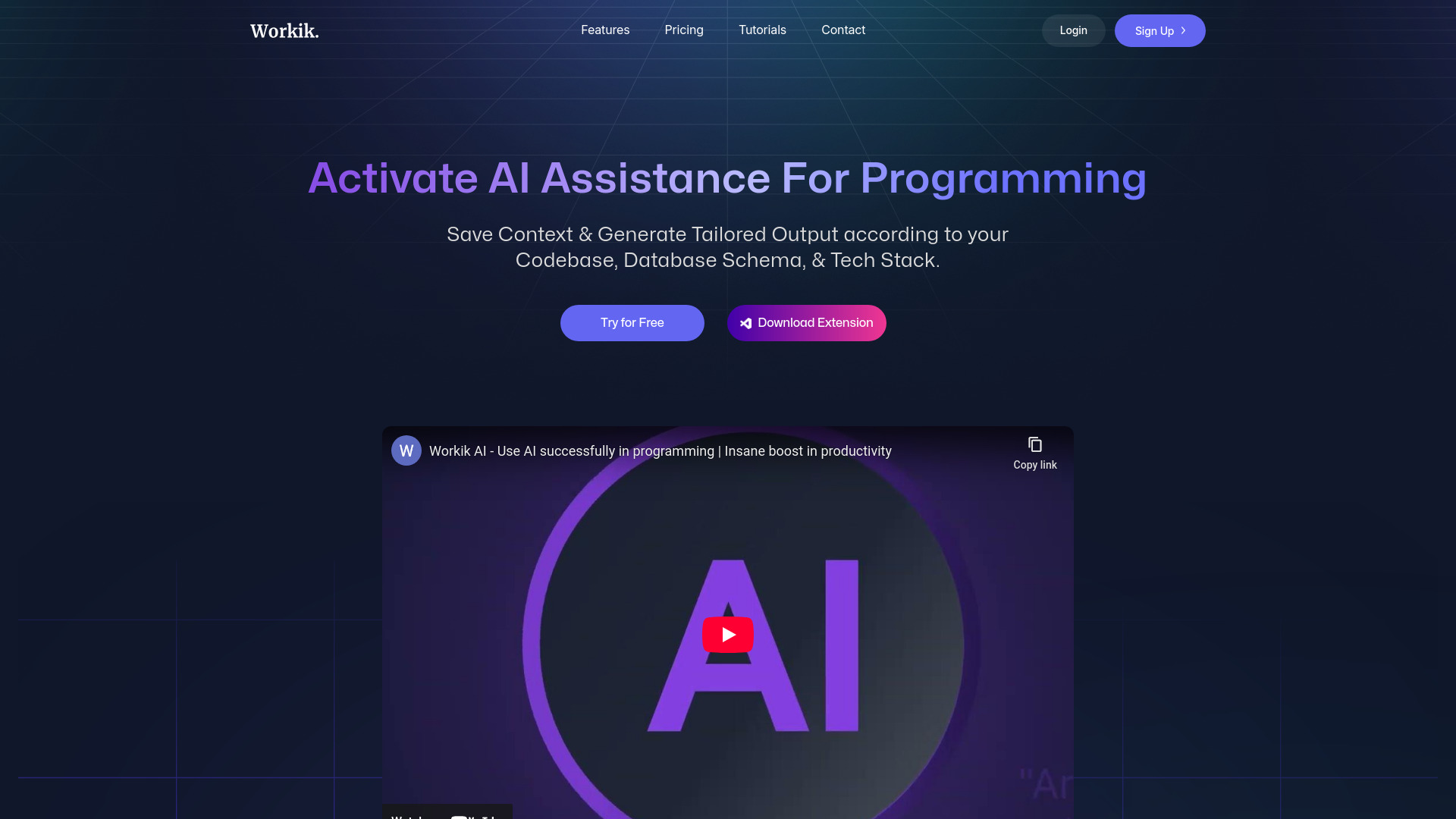
Workik
Boost your productivity with a coding assistant utilizing AI technology to help developers work more efficiently.
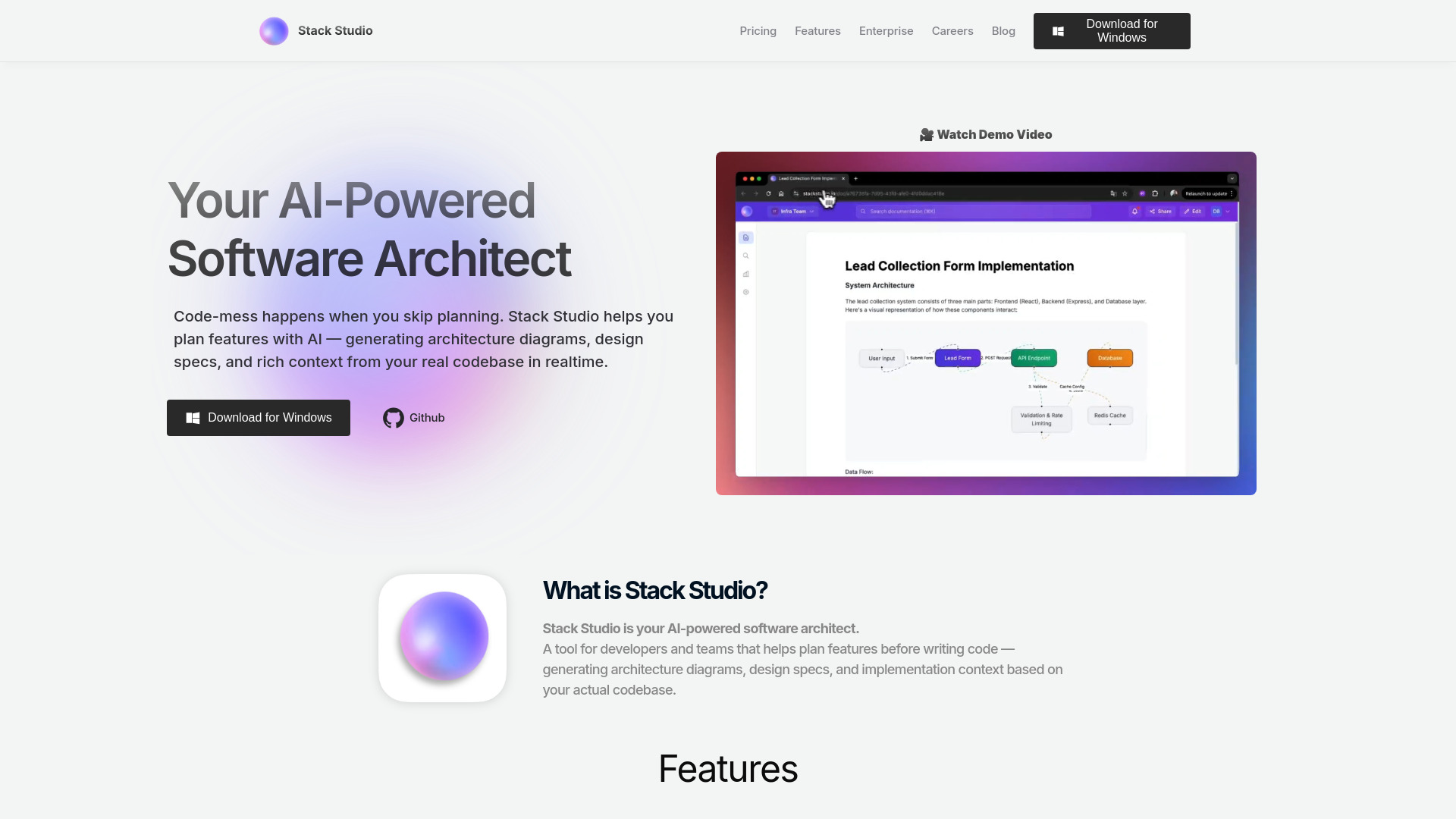
Stack Studio
Create stunning designs with Stack Studio, a powerful app for all your graphic design needs. Let your creativity run wild with our user-friendly tools!
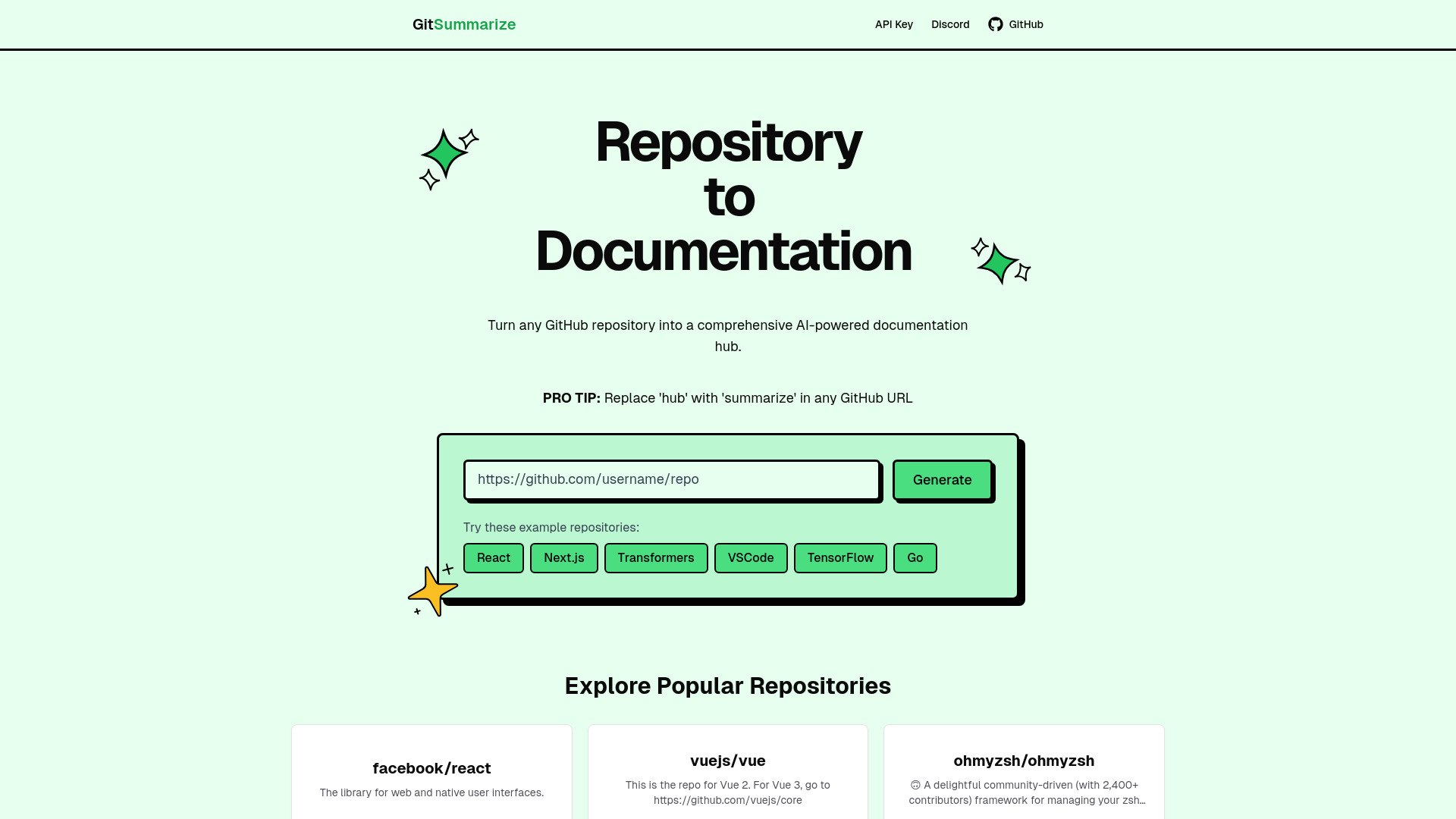
GitSummarize
Effortlessly create top-notch documentation from your GitHub repository with this instant tool. Instantly generate professional documentation for any project.
Use Cases
- Research and gather information
- Take notes and organize knowledge
- Collaborate and share insights
How to Use
To use Tyles, sign up for a free account and access it on Mac, Windows, or Web. Once logged in, users can make highlights to save important information, use these highlights as building blocks in the editor, and generate ideas and discover insights on the canvas.