Typed
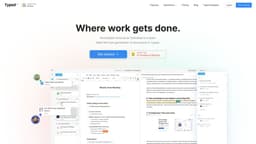
"The collaborative document tool, Typed, connects scattered documents, optimizes teamwork, and enhances research and productivity."
collaborative document toolsecond brainknowledge management
Introduction
Typed is a collaborative document tool designed to optimize teamwork by connecting your team's scattered documents and workflows. It serves as a second brain and knowledge management platform, enhancing research and productivity.
Key Features
The core features of Typed include: 1. Collaboration: Facilitate real-time collaboration and communication among team members. 2. Knowledge Management: Serve as a central repository for storing and accessing information. 3. Research Tool: Provide tools to support focused research and data organization. 4. File Organization: Allow users to categorize and organize files and folders effectively.
Frequently Asked Questions
What is Typed?
How to use Typed?
How do I invite team members to collaborate on Typed?
Can I integrate Typed with Google Docs?
Can I organize my files and folders in Typed?
Can I use Typed for personal knowledge management?
Similar Tools

Workik
Boost your productivity with a coding assistant utilizing AI technology to help developers work more efficiently.
Stack Studio
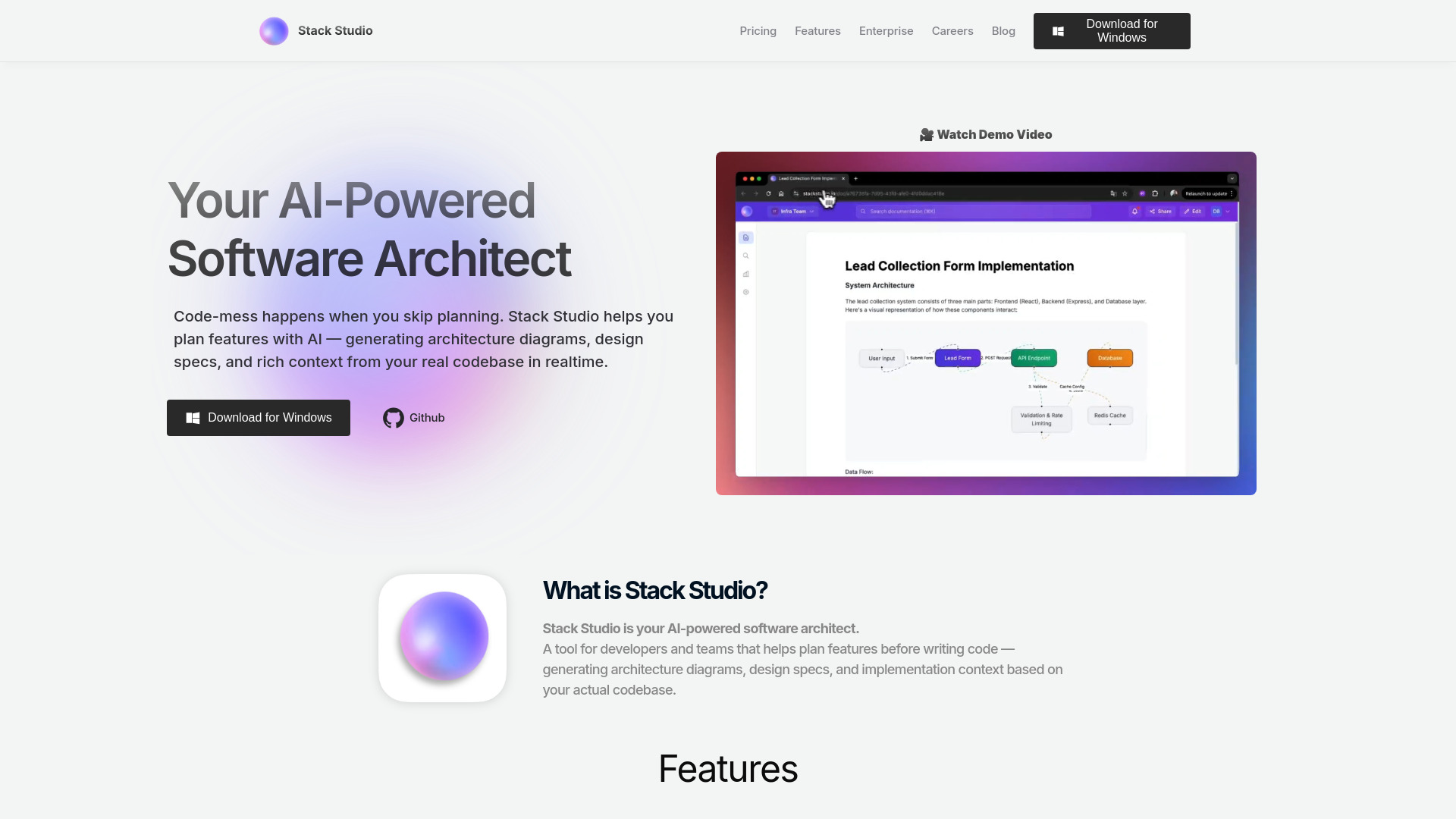
Create stunning designs with Stack Studio, a powerful app for all your graphic design needs. Let your creativity run wild with our user-friendly tools!
GitSummarize
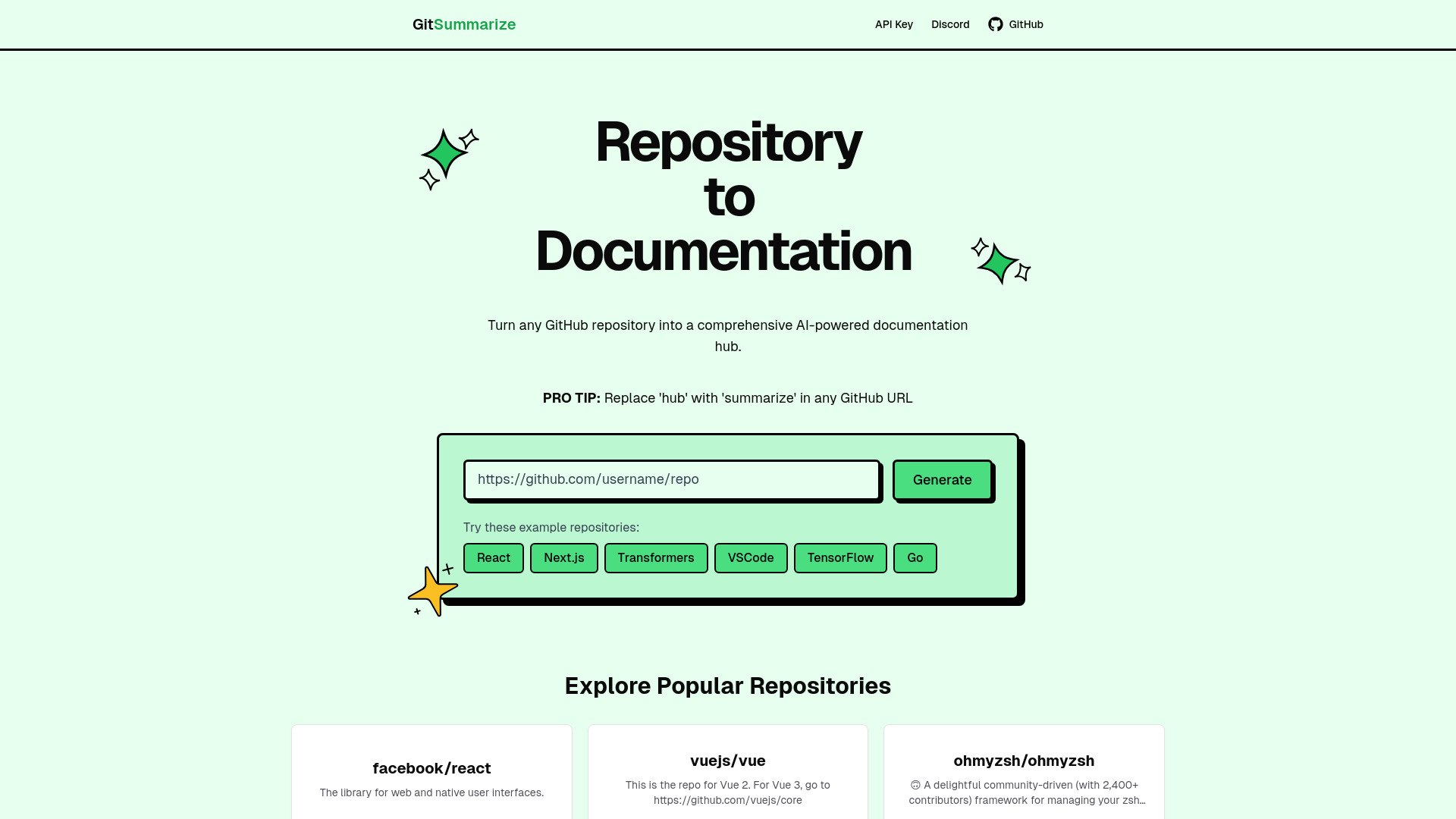
Effortlessly create top-notch documentation from your GitHub repository with this instant tool. Instantly generate professional documentation for any project.
Use Cases
- Typed can be used in various scenarios, including: 1. Teamwork Optimization: Enhance collaboration and streamline team workflows. 2. Research and Data Collection: Efficiently gather, organize, and manage research data. 3. Project Management: Collaborate on projects by organizing files and fostering effective communication. 4. Personal Knowledge Management: Create a centralized repository for personal and professional knowledge.
How to Use
To use Typed, simply create an account and invite your team members. You can then start creating and sharing documents within the platform. Typed allows you to organize files and folders efficiently, making it easy to collaborate on projects and conduct focused research. It seamlessly integrates with Google Docs, perfect for teams already using Google's suite of productivity tools.